Let Me Address The Failed AMD Ryzen 9800X3D Processor Disaster
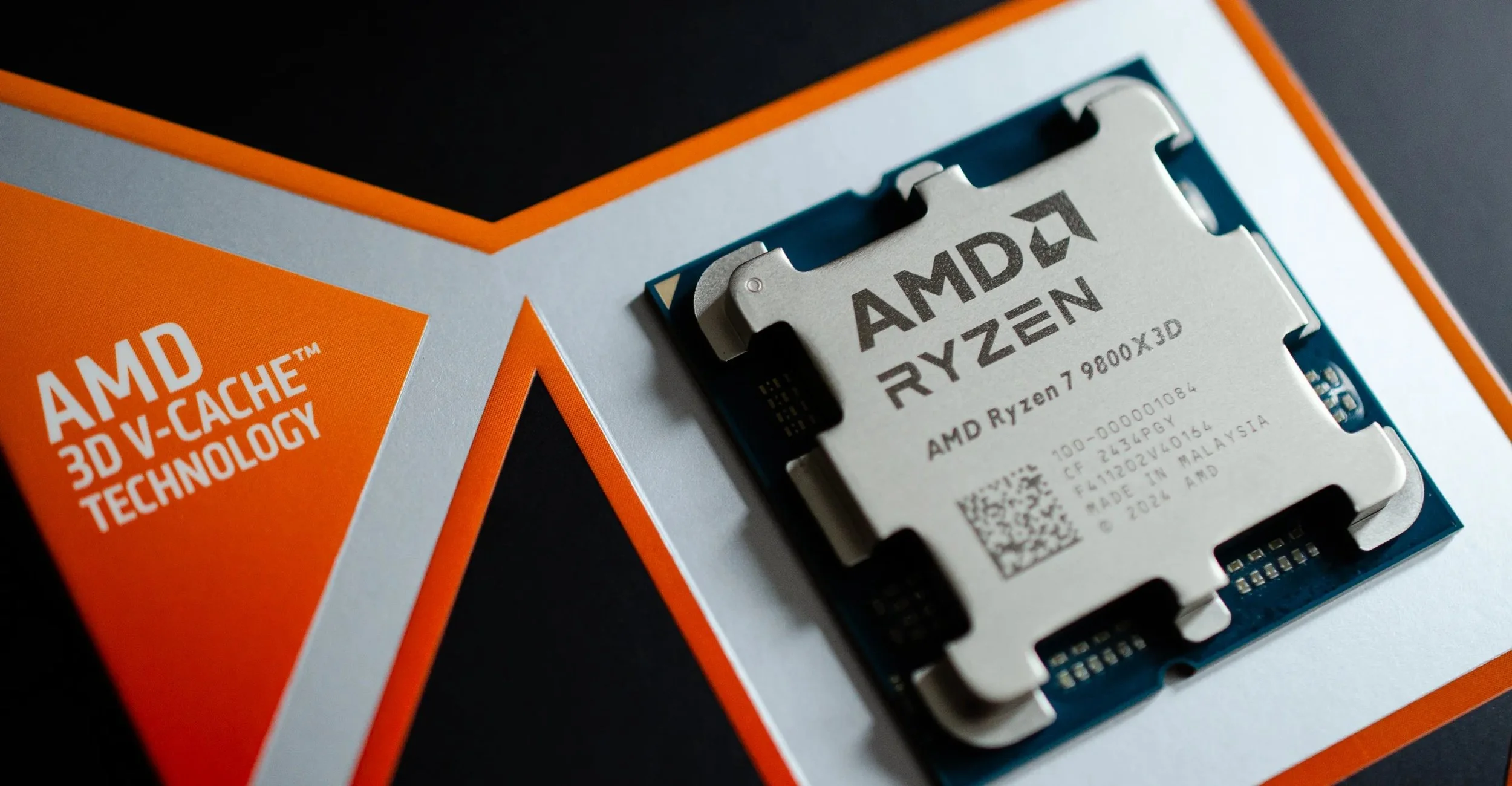
So last week, Asus finally addressed the controversy regarding the AMD Ryzen 9800X3D Processor failing on their new 800-series motherboards. This follows months of similar incidents reported, primarily involving ASRock motherboards, with over 150 documented failures posted online at the end of 2025.
What did Asus have to say?
Asus released a formal statement acknowledging that they have "initiated an immediate internal review" in a written report. Key points from that statement are as follows:
In an active investigation, Asus and AMD are working closely to validate reported cases and perform "preventive checks" on product compatibility. Users are strongly advised to apply the latest BIOS update via EZFlash or BIOS Flashback to ensure system stability. The company (ASUS) is encouraging any affected users to contact their customer service directly for assistance and RMAs.
The Reported Symptoms and Issues
The failures reported are seemingly sudden and catastrophic in most cases. Users are taking to Reddit and are documenting the following issues:
Many systems are failing to boot, displaying a "00" error code, a strong indication that your system is not detecting the CPU.
Several users are reporting issues with Sleep Mode. The PC is failing to wake up from sleep, only to find the CPU is dead upon reboot.
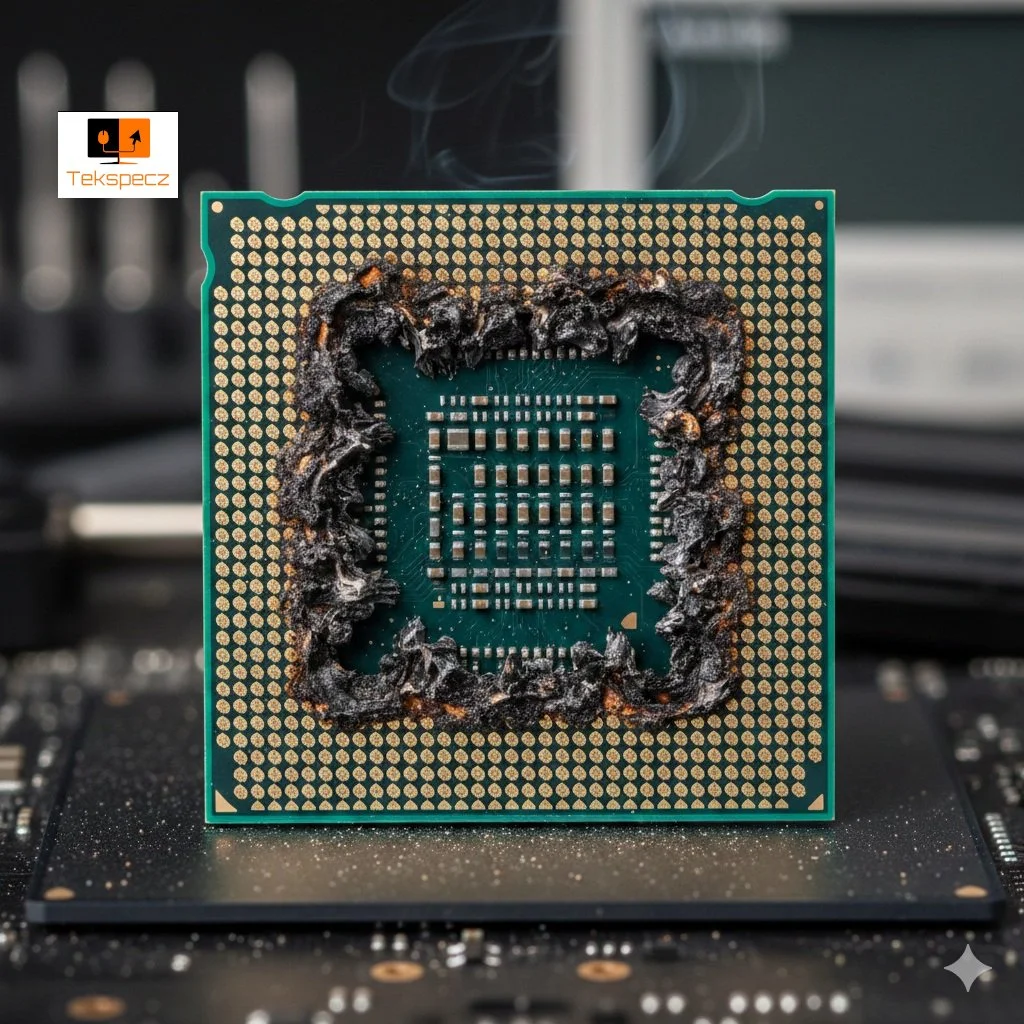
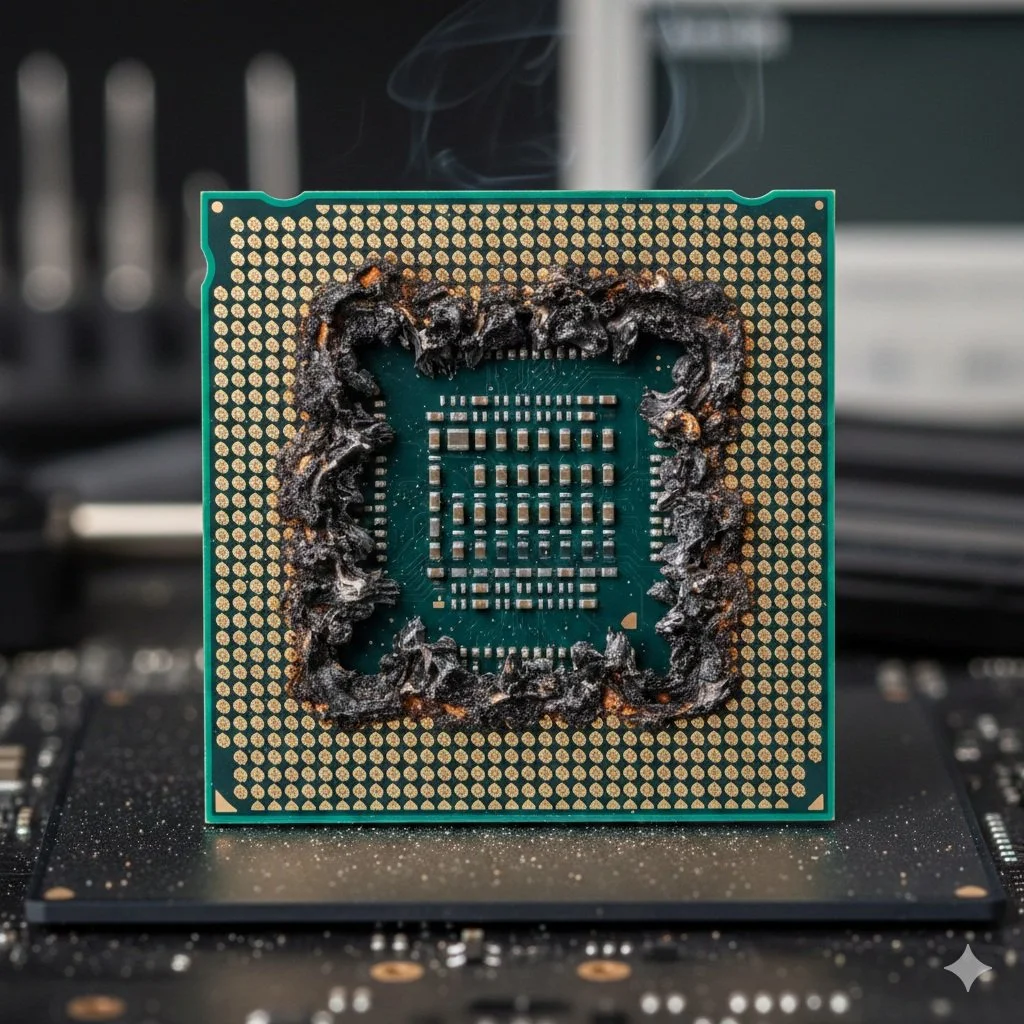
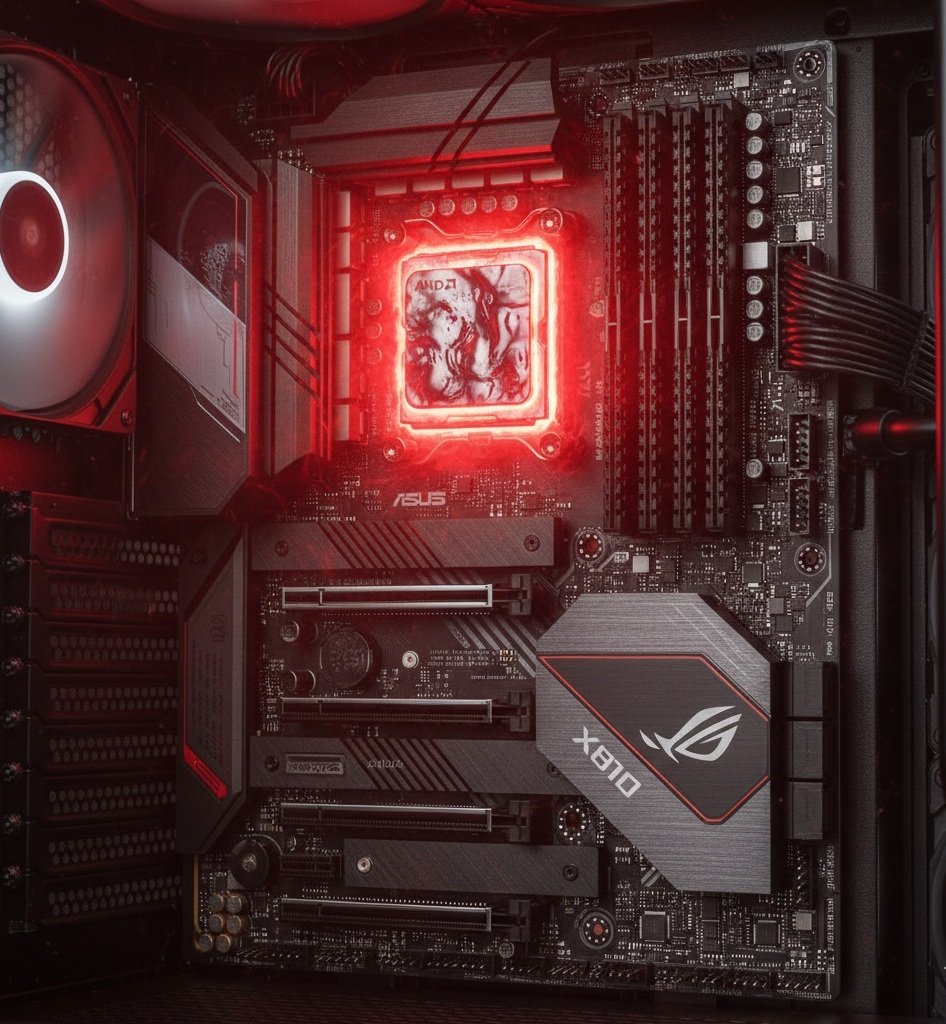
Some users have reported burn marks on the underside of the CPU itself and scorching within the AM5 socket pins.
The Root Causes
While no single issue has been confirmed by Asus and AMD, industry insiders and community forums point to several theories about why these issues are occurring.
Aggressive default SoC voltage settings or spikes occur when users enable EXPO ( memory overclocking).
Similar to ASRocks’ earlier findings, current BIOS versions might have Precision Boost Overdrive limits set too high for sensitive 3D V0Cache silicon.
Some theories suggest manufacturing tolerance issues in AM5 sockets themselves, resulting in poor electrical contact and arcing.
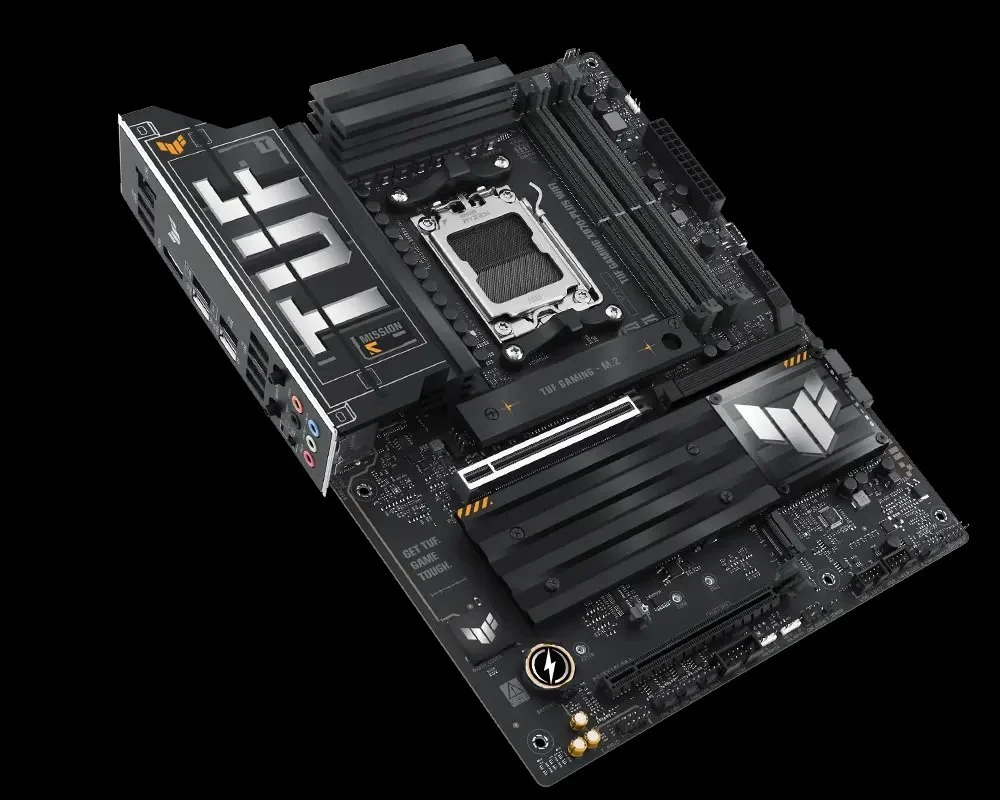
This is a TUF Gaming X870 Plus WiFi Motherboard
What Should Users Do?
If you're currently running a 9800X3D processor on an Asus X870 or B850 motherboard, you need to update your BIOS to the latest non-beta version immediately. In addition, avoid using Sleep Mode until investigations are complete; a full system shut down is recommended. And finally, users should closely monitor SoC Voltages in their BIOS or through software like HWInfo64, ensuring they don't exceed safe limits. For example, 1.3V is ideal for AM5 motherboards. If this post applies to you, drop your comments below and let me know how your update went.