
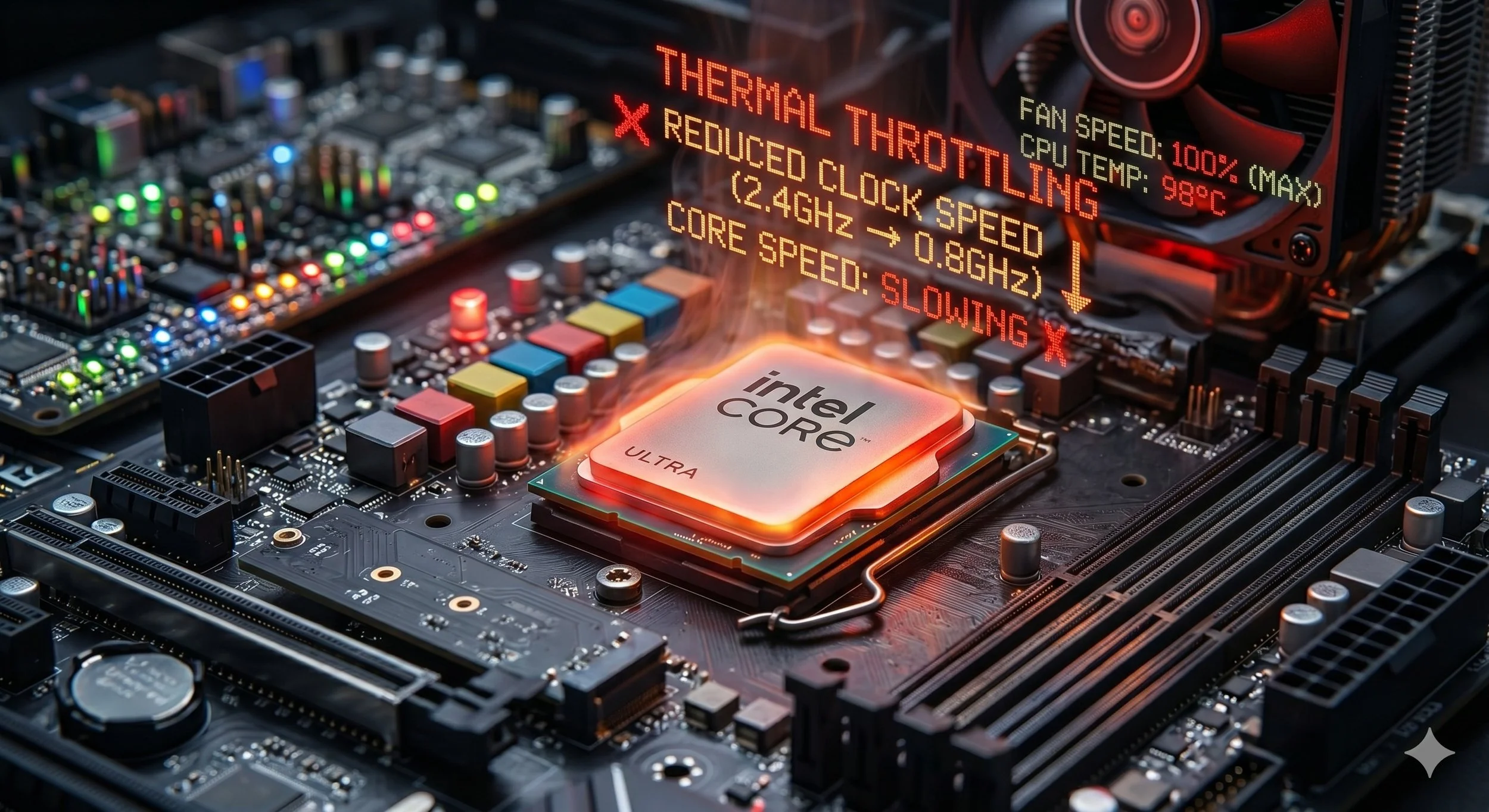
Three Visible Signs That Your Processor Is Overheating
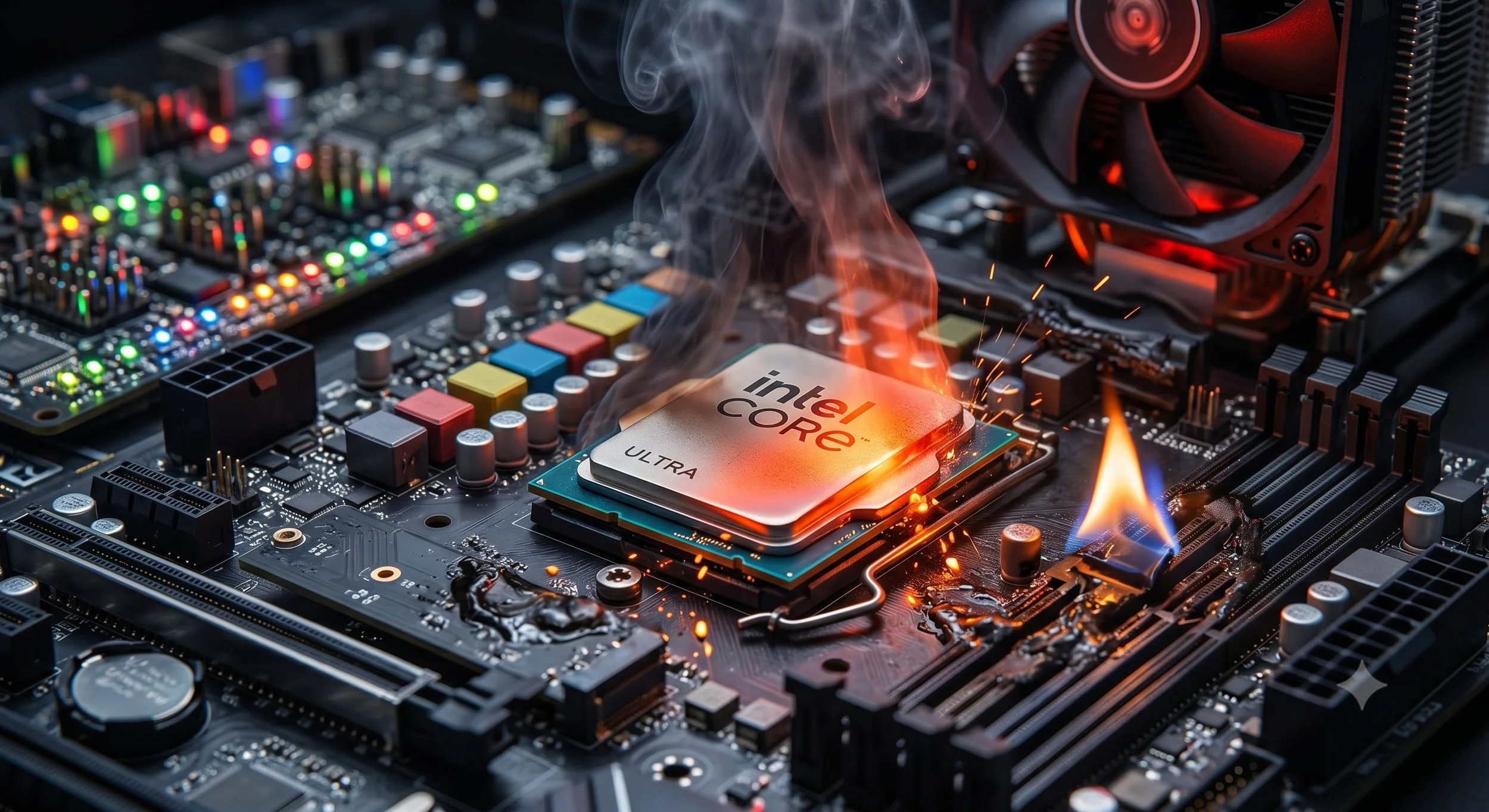
When a processor overheats, your system will give you clear signs that something is drastically wrong. However, modern CPUs have built-in safety mechanisms that will prevent your hardware from being destroyed. The thing is, most visible signs can manifest as either severe performance drops, software instability, or physical cues from your PC case. Diagnosing an overheated processor indeed can be a bit tricky.
With that said, based on my personal experience, here are clear, visible signs that your CPU is running hot.
Visible Sign Number One: Thermal Throttling (Sudden, Massive Performance Drops)
Processors today have a built-in safety feature called thermal throttling. Yes, this is actually a feature. When the CPU reaches its maximum safe operating temperature (usually around 95-100 °C), it will slow down to reduce heat output.
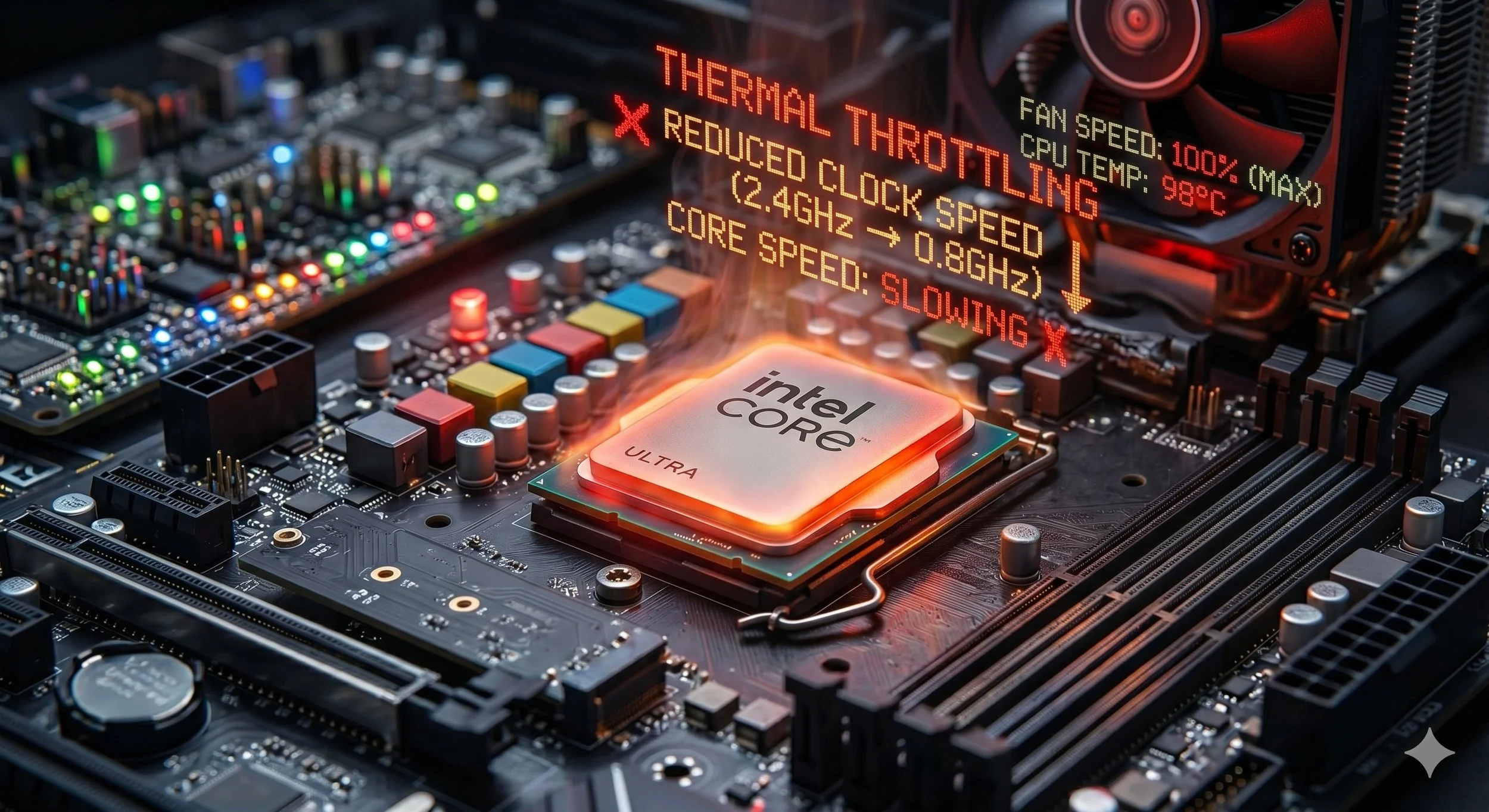
Your system will suddenly become very sluggish. For example, during gaming, frame rates that were once smooth will begin to look choppy.
Visible Sign Number Two: Cooling Will Run at Max Speeds ( The Jet Engine Effect)
When your processor starts overheating, traditional air coolers or an all-in-one (AIO) liquid cooler will automatically instruct the motherboard to crank the fan speeds up to %100 to thwart rising temperatures. If your PC suddenly sounds like a fighter jet engine, even during light PC tasks, and the loud fans don't subside, it's more than likely your processor is toasty hot.
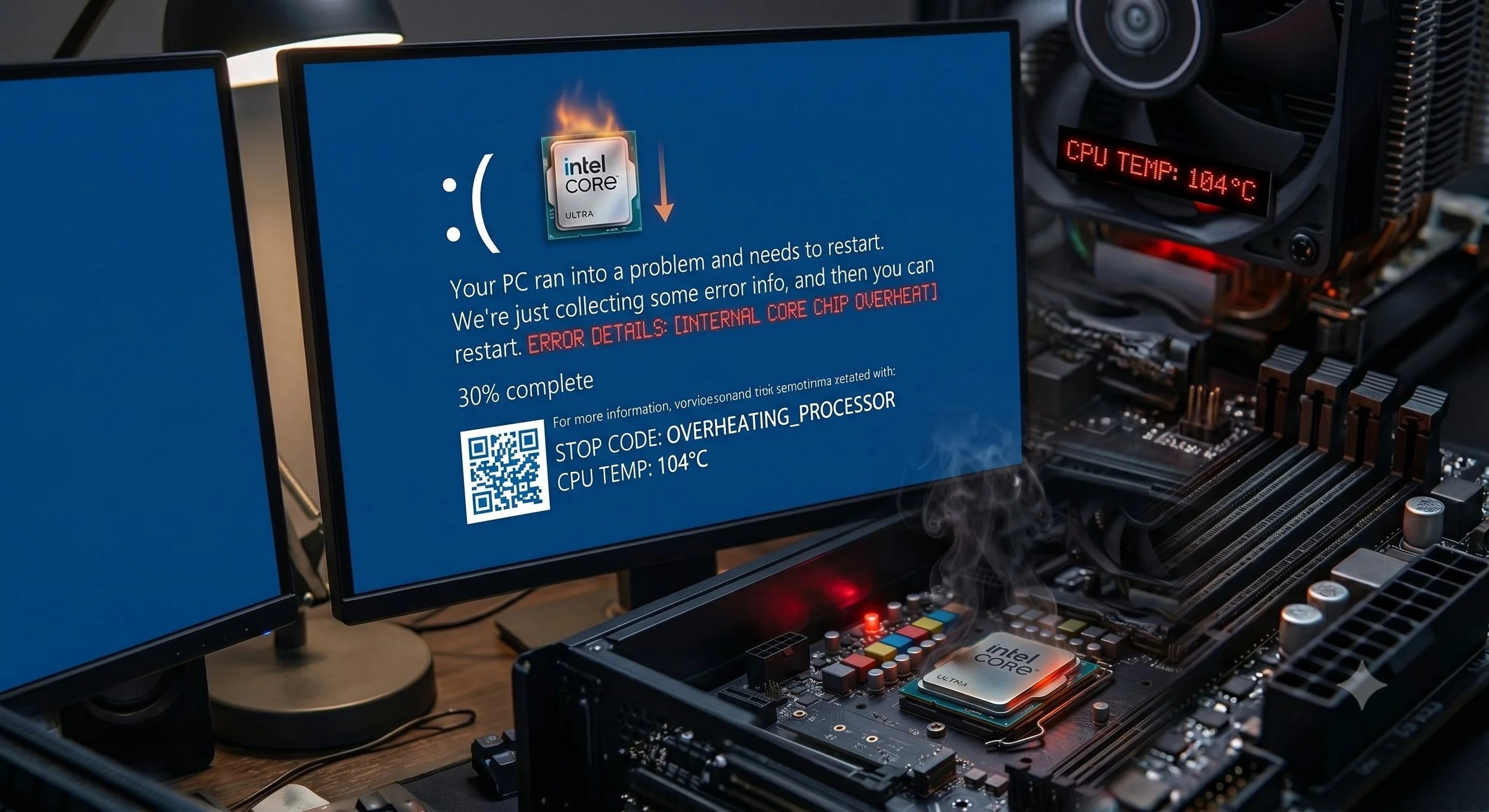
Visible Sign Number Three: The Dreaded Blue Screen of Death and Sudden shutdowns
If the throttling features fail to cool the processor down and its critical thermal limit (TJMAX for short), the system will instantly, without warning, shut off or crash to protect the silicon from permanent damage.
You will likely see a "Windows Blue Screen Error code that reads like this: WHEA_UNCORRECTABLE_ERROR, CLOCK_WATCHDOG_TIMEOUT, or MACHINE_CHECK_ EXCEPTION. Another glaring sign is that the PC will instantly go black and shut down as if someone pulled the power cord. If you power your system back on, it may refuse to boot until it cools down for a few minutes.
Visible Sign Number Four: Frequent Software Freezes and Crashes
Extreme heat is a common cause of calculation errors within the processor, leading to constant real-time corruption of your RAM. Applications, especially resource-intensive ones like gaming and video editing, can crash abruptly without an error message. Even worse, the entire OS might completely freeze, forcing users to hold down the physical power button to restart.
Look Deeply For The Common Culprits ( The Fix)
If you confirmed that your processor is overheating, the solution usually comes down to a few physical hardware checks:
Over time, thermal paste dries out and loses its ability to transfer heat effectively from the CPU lid to the cooler. It typically needs a reapplication refresh every 3 to 5 years.
Dust is the common cause of heat build-up in your system. A thick layer of dust blocking the cooling fins of your heatsink or radiator will impede airflow.
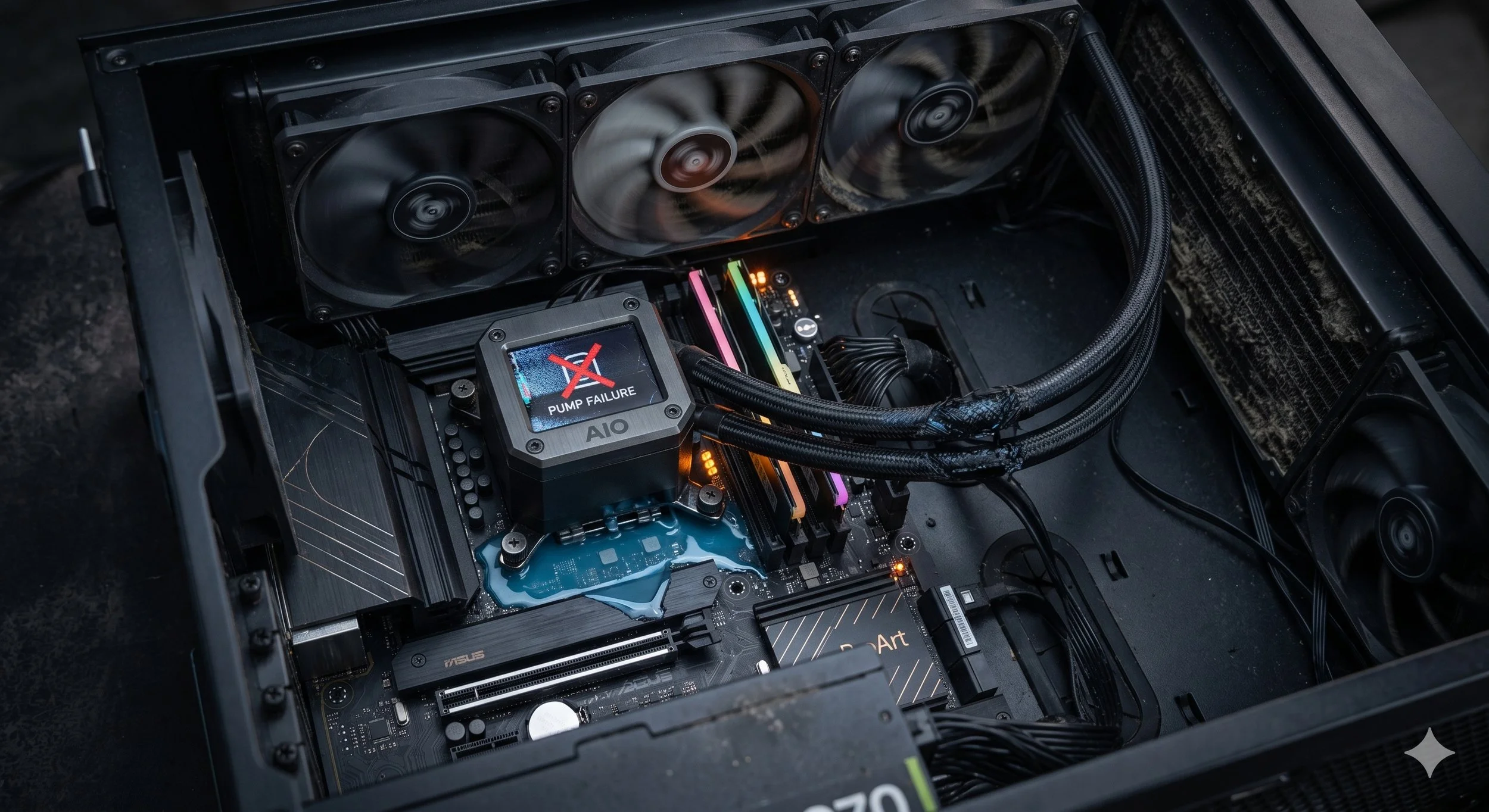
If you use an AIO Pump (liquid cooler) and it suddenly fails, the pump inside the block can fail, meaning the liquid stops flowing even if the radiator fans are still spinning.
Improper Cooler Mounting, meaning a PC that was recently moved, causing the CPU cooler to loosen or lose uniform contact with the processor.
An overheating processor can be recognized by a chain reaction of performance drops and safety triggers: severe thermal throttling is usually the first warning, followed by cooling fans ramping up erratically to maximum speeds as they fight rising temperatures. If the overheating isn’t addressed, the system will step in to protect the CPU from permanent damage. Recognizing these signs will definitely prevent your system from being destroyed.