Should You Buy Gaming Systems From Costco?
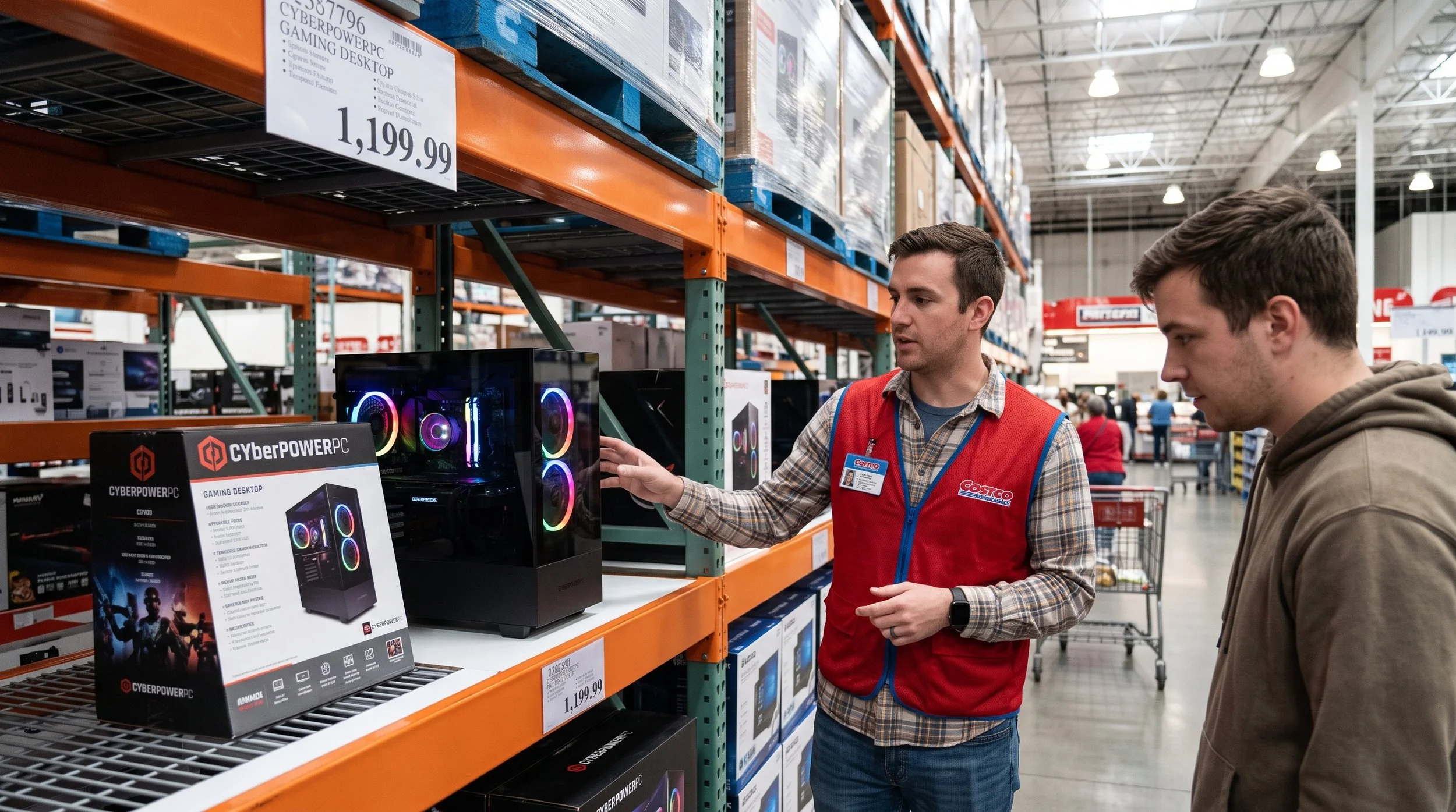
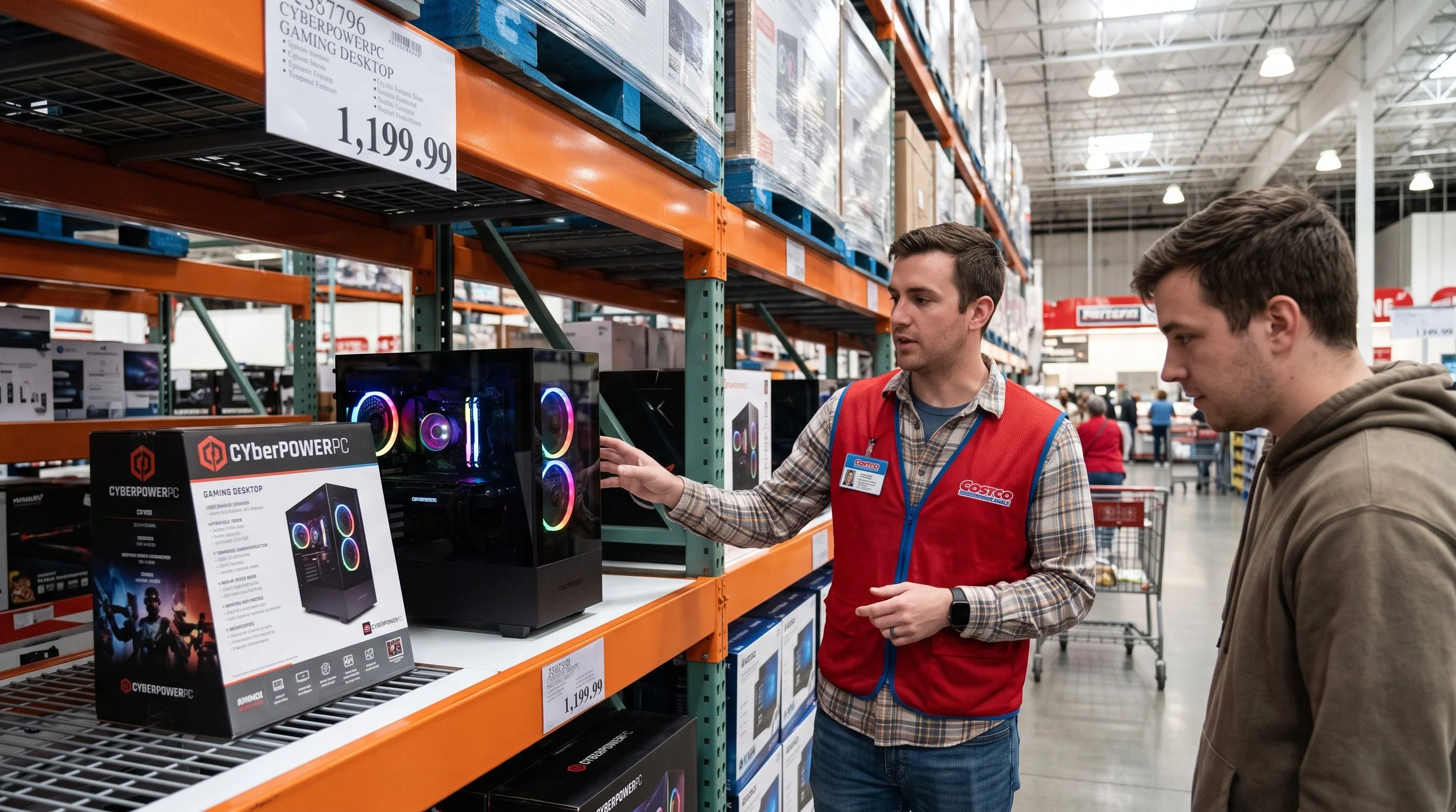
Buying gaming systems from wholesale outlets may sound unusual—until you discover them in the electronics aisle, between bulk toilet paper and rotisserie chicken. Costco, known for selling almost everything, has become a primary vendor for prebuilt systems from mainstream brands such as CyberPowerPC, iBUYPOWER, Dell, and HP. For the indecisive consumer, the choice between a wholesale purchase, a custom-built DIY system, and an ultra-premium builder comes down to clear trade-offs in post-purchase protection, hardware quality, and price-to-performance. Should you buy a prebuilt system from Costco? Is that the question? Read on.
Warranty and return policies are the selling points
Costco's primary competitive edge over rival PC sellers is its post-purchase security. While most major vendors (Best Buy, Newegg) offer a 14- to 21-day return window and charge stringent restocking fees on their electronic devices, Costco provides a 90-day return window with no added fees. This gives consumers enough time to test the PC's performance, monitor thermals, and uncover possible hardware failures.
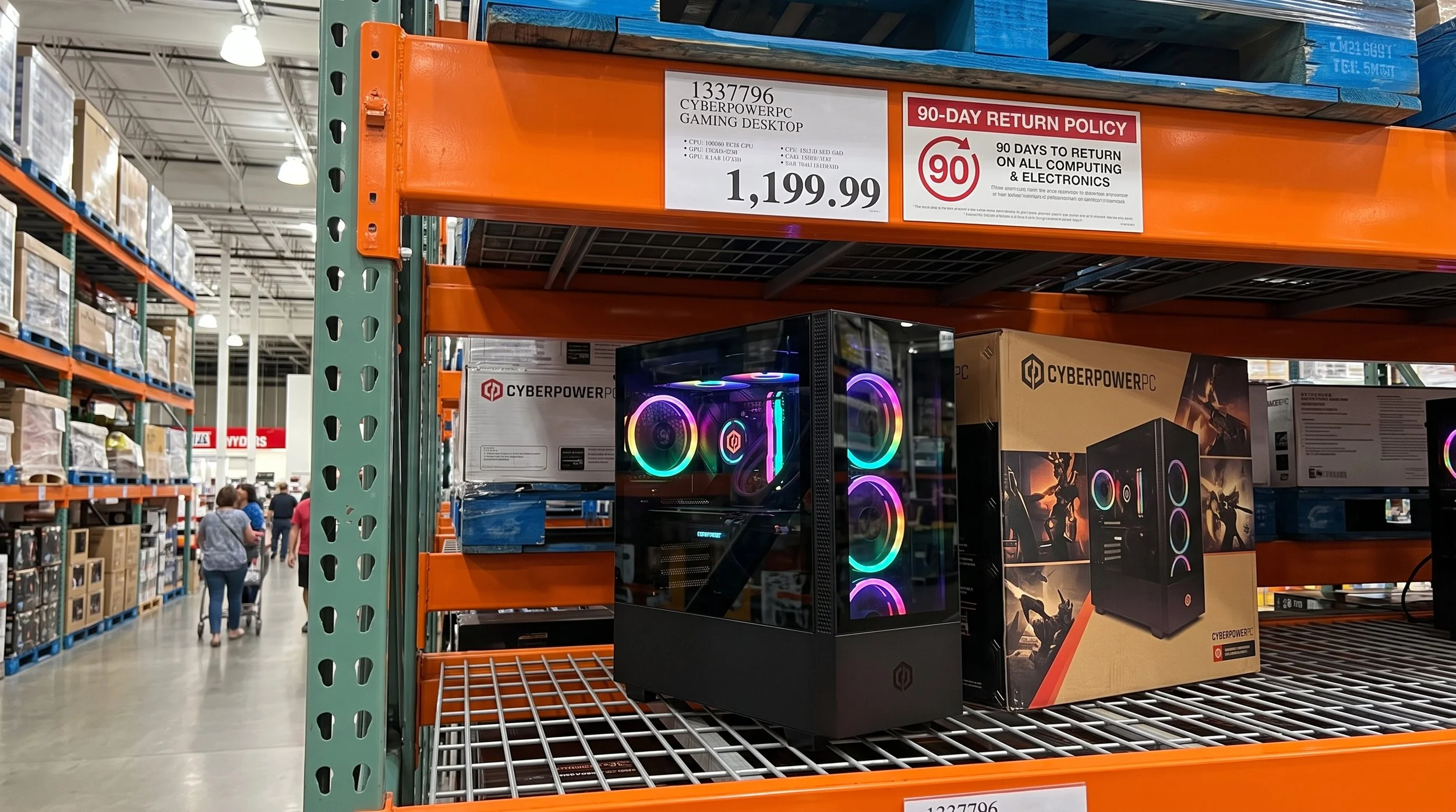
Costco also doubles the manufacturer's limited warranty on computers to two years and includes free tech support through Costco Concierge Services.
The Compromise Caveat
Manufacturers of prebuilt PCs tend to configure models to hit specific price points ($899, $1299, $1799). While the hardware specs may include marquee parts, you can expect some components to be trimmed back. One example is the power supply unit. System integrators frequently use bare-minimum-wattage, nonmodular units with a lower efficiency rating, around 80 Plus Bronze. This limits future GPU upgrades unless you replace the entire PSU.
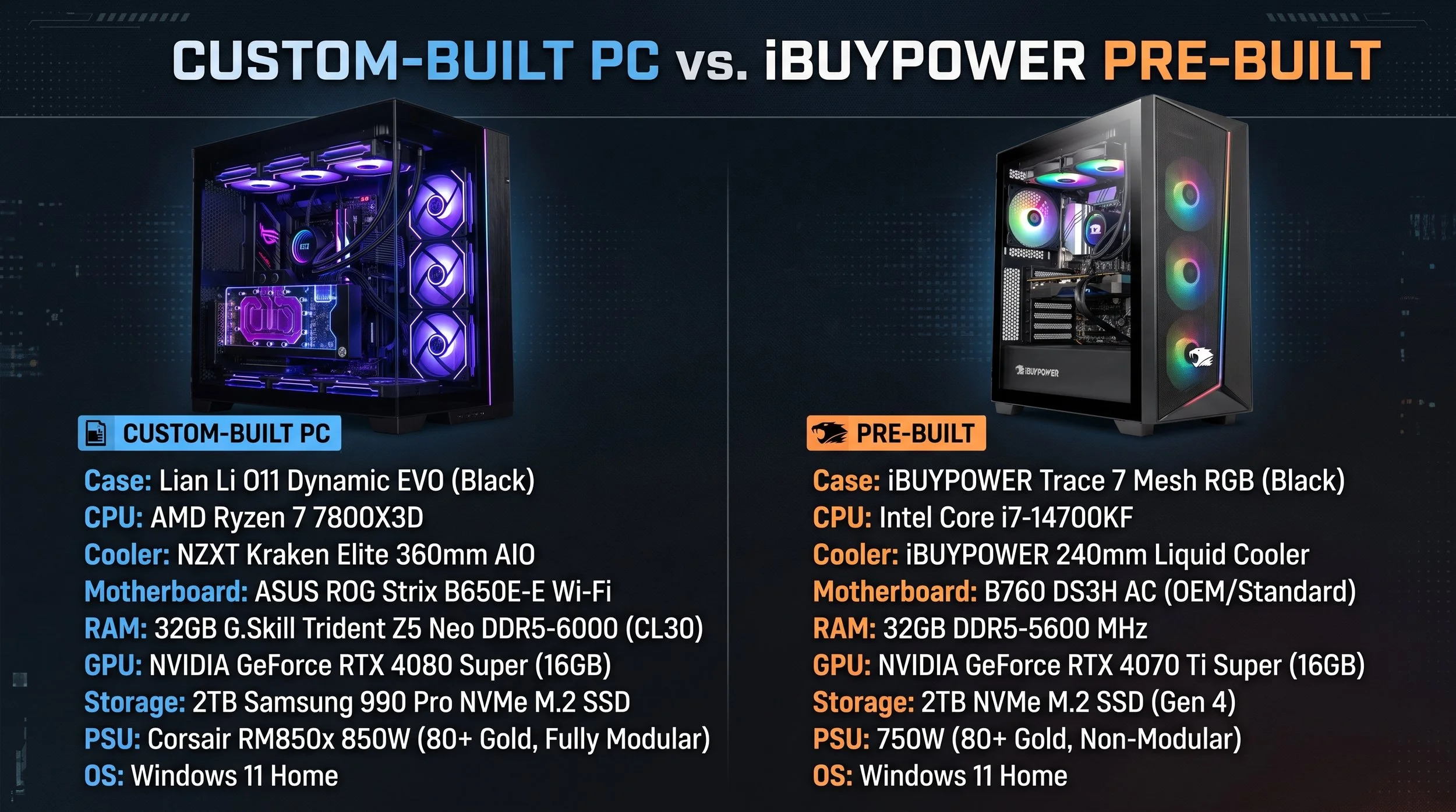
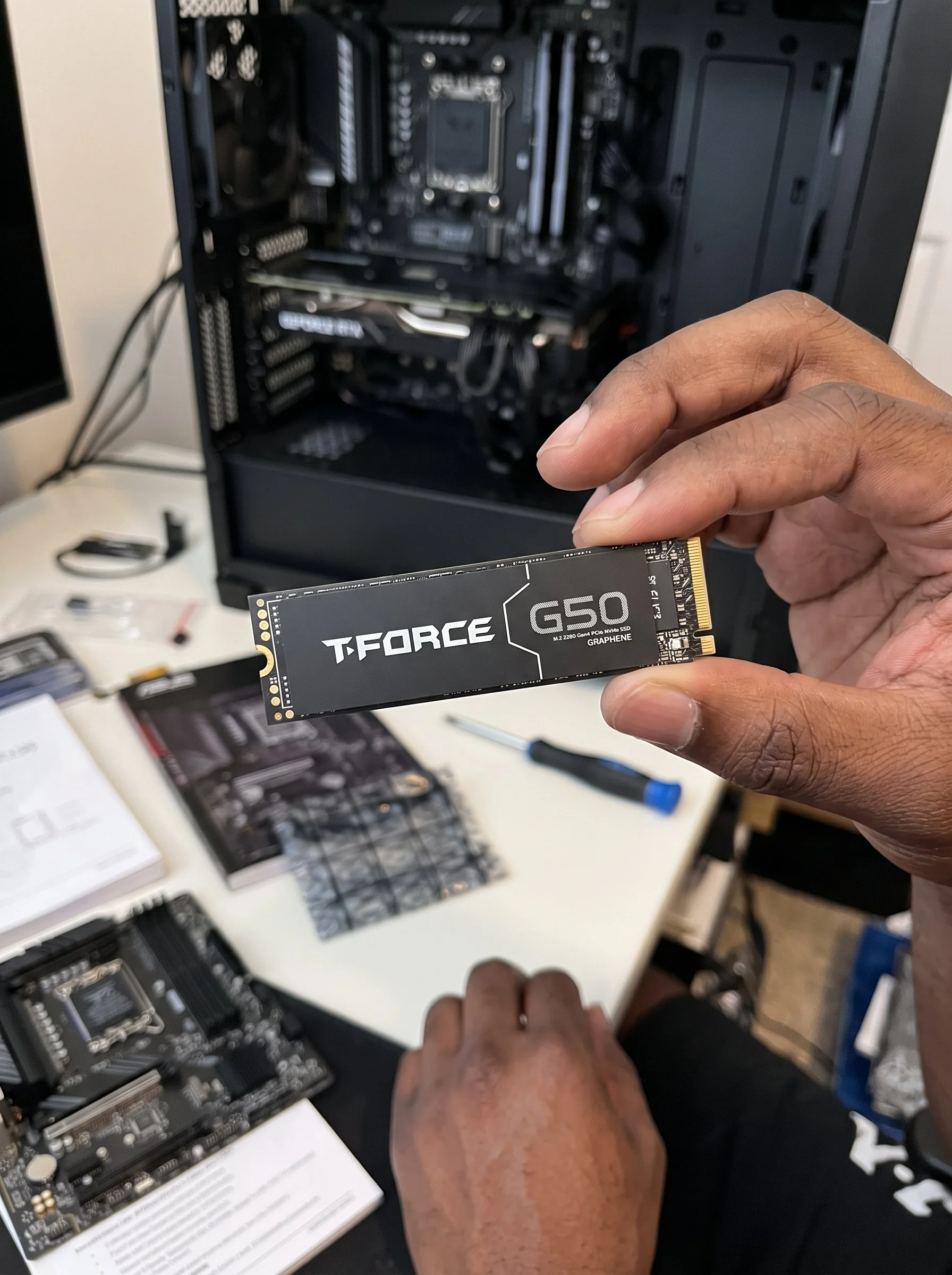
Because of motherboard restrictions, expect entry-tier chipsets, such as Intel B-series or AMD A/B-series, with stripped-down VRM cooling and limited PCIe or M.2 expansion. Proprietary OEM systems (HP Omen) may lock down the BIOS interface, limiting your ability to tweak memory with XMP/EXPO tools or set aggressive fan curves.
Thermal solutions are also restricted. Many pre-built PC's often prioritize front-panel aesthetics or RGB lighting over high-airflow mesh panels. CPU cooling often relies on basic 120mm AIO liquid coolers or stock down-draft air coolers. However, these systems may run hotter and produce more acoustic noise during sustained gaming sessions and rendering.
Inspect Costco Gaming PCs Before Purchase
To determine whether a specific Costco rig is worth purchasing, you should inspect the following hardware parameters:
Prioritize branded models that use off-the-shelf standard ATX or Micro ATX hardware over proprietary form factors. Standardized components make It is easy to replace fans, coolers, and power supplies if needed.
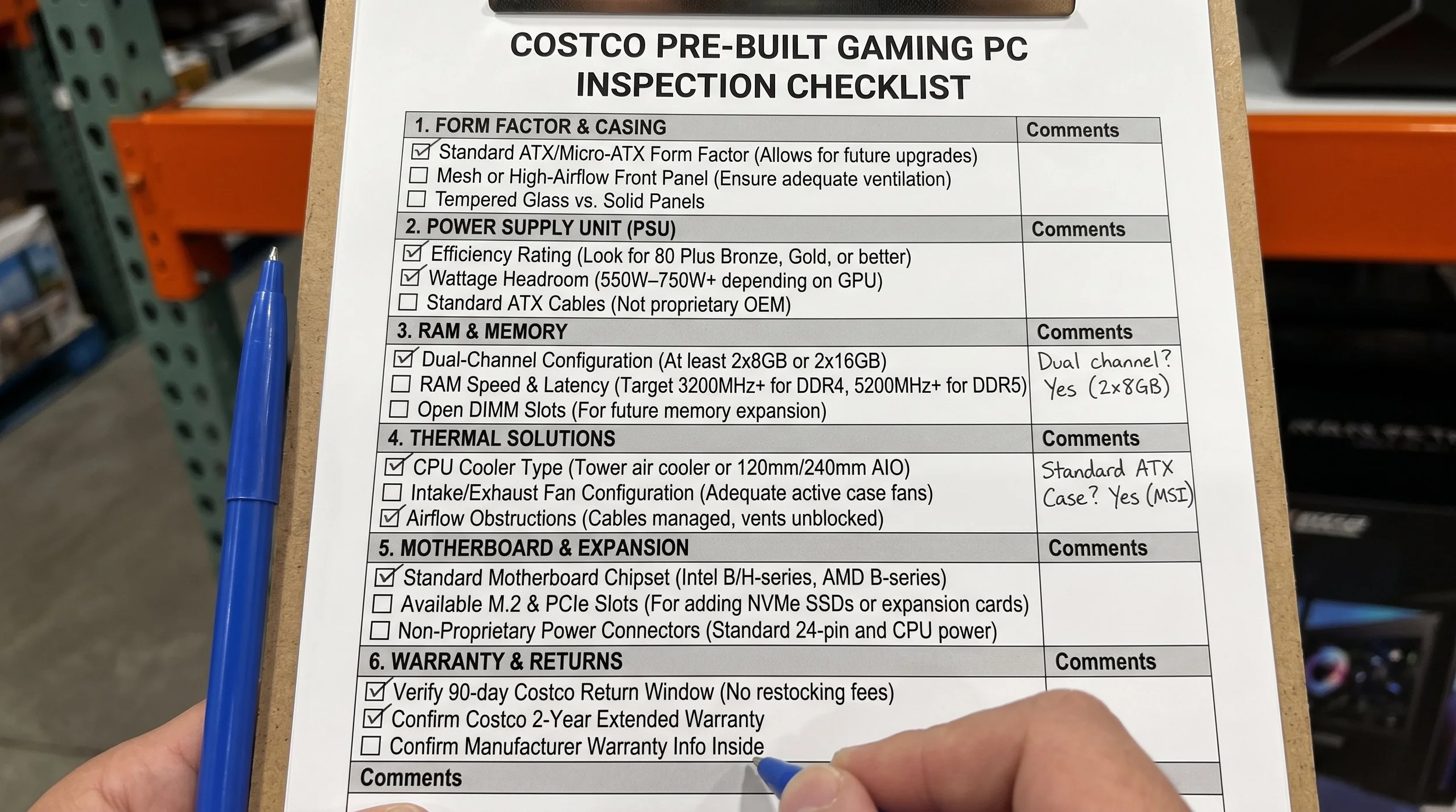
Confirm that the Dual-Memory channel listings read 2 x 16 GB or 2 x 8 GB, not a single module, to ensure you get full memory bus bandwidth out of the box.
Make sure you inspect the chassis airflow design, particularly the front intake. Ensure that the PC intake fans can breathe through the mesh, or that there are substantial side cutouts, rather than a solid glass or plastic enclosure.
Calculate the component value by adding up the current retail price of the included CPU, GPU, motherboard, RAM, storage drive, and Windows license. If the assembled system costs close to or less than the sum of its standalone parts, it offers solid value.
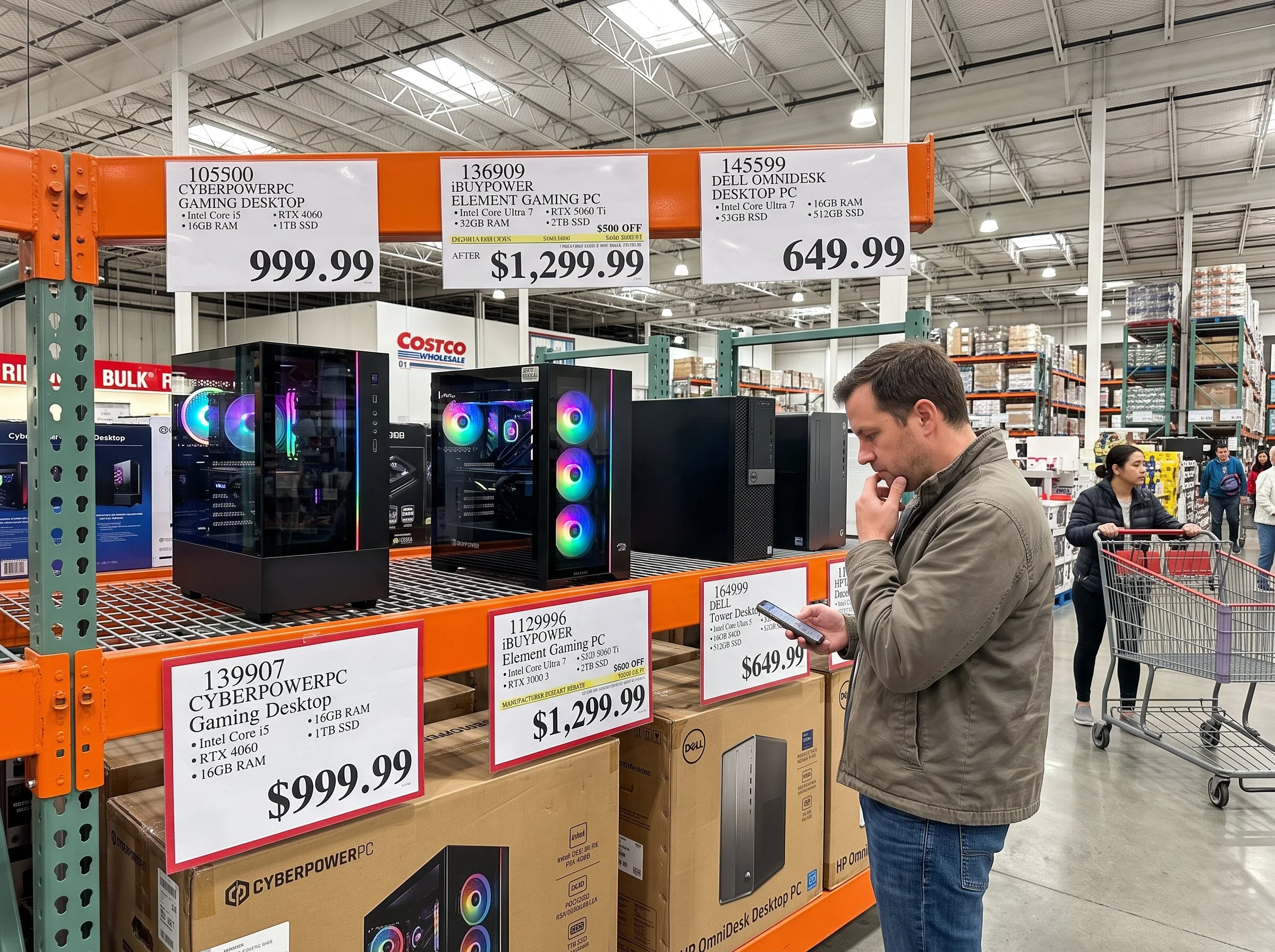
Purchasing a gaming PC from Costco is a solid option, especially for users who don't want the hassle of building their own system and value industry-leading return policy and warranty protection. Check these boxes before you buy: make sure the pre-built option uses standard ATX components, supports dual-RAM channels, and has adequate chassis ventilation. One thing is for sure: Costco gaming desktops do offer reliable, turn-key performance with minimal buyer risk.