Why Do Modern PCs Last So Long?
You might have noticed that modern PCs—the ones you have on your desktop—last longer than ever. Buy a PC today, and you might not need to buy another one for the next 5-10 years. Your computer will remain functional and reliable during that time span. The longevity comes down to two main factors: a major shift in hardware engineering and less demanding everyday hardware.
Moving Parts Are No Longer Needed (SSDs vs. HDDs)
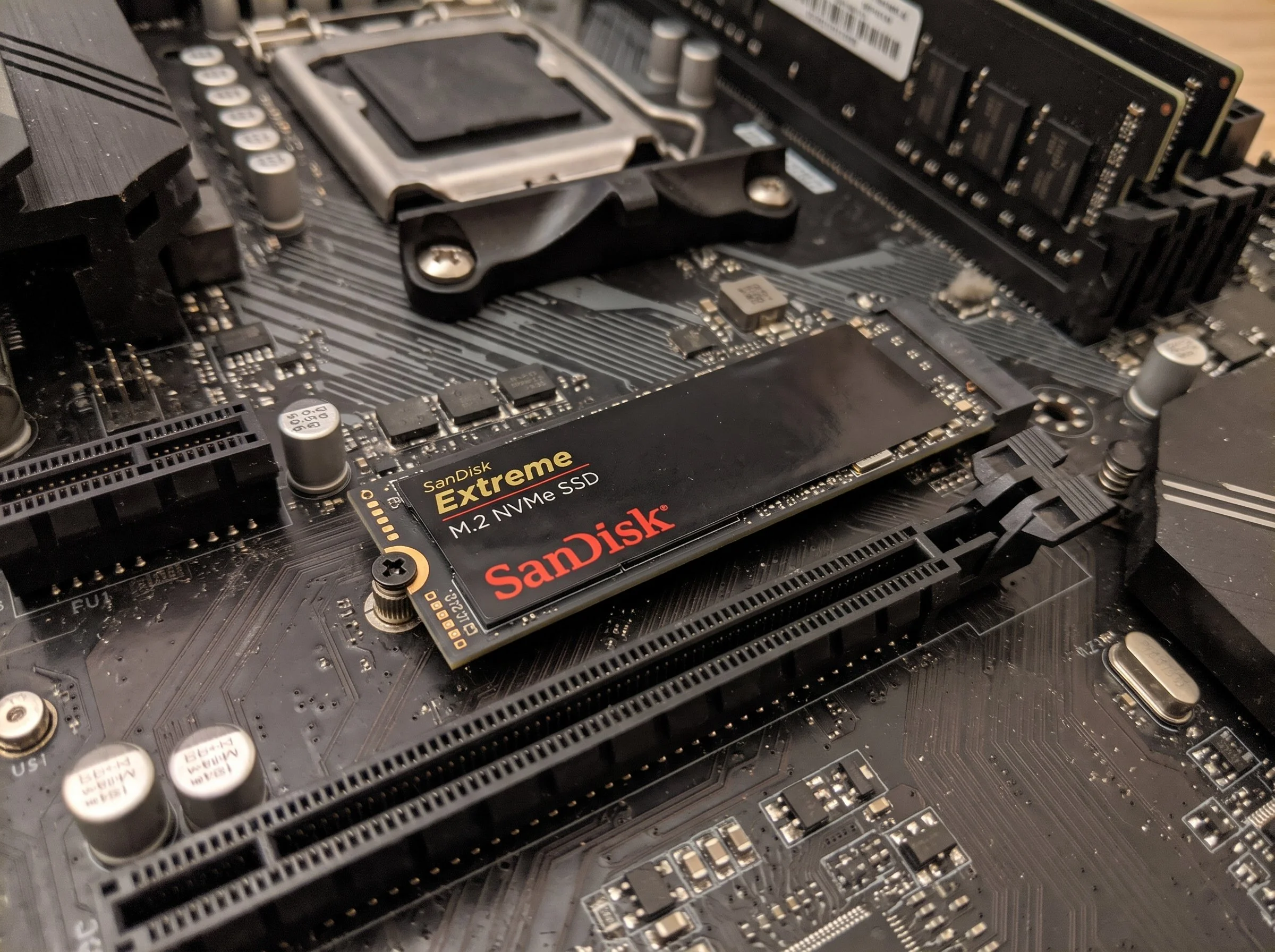
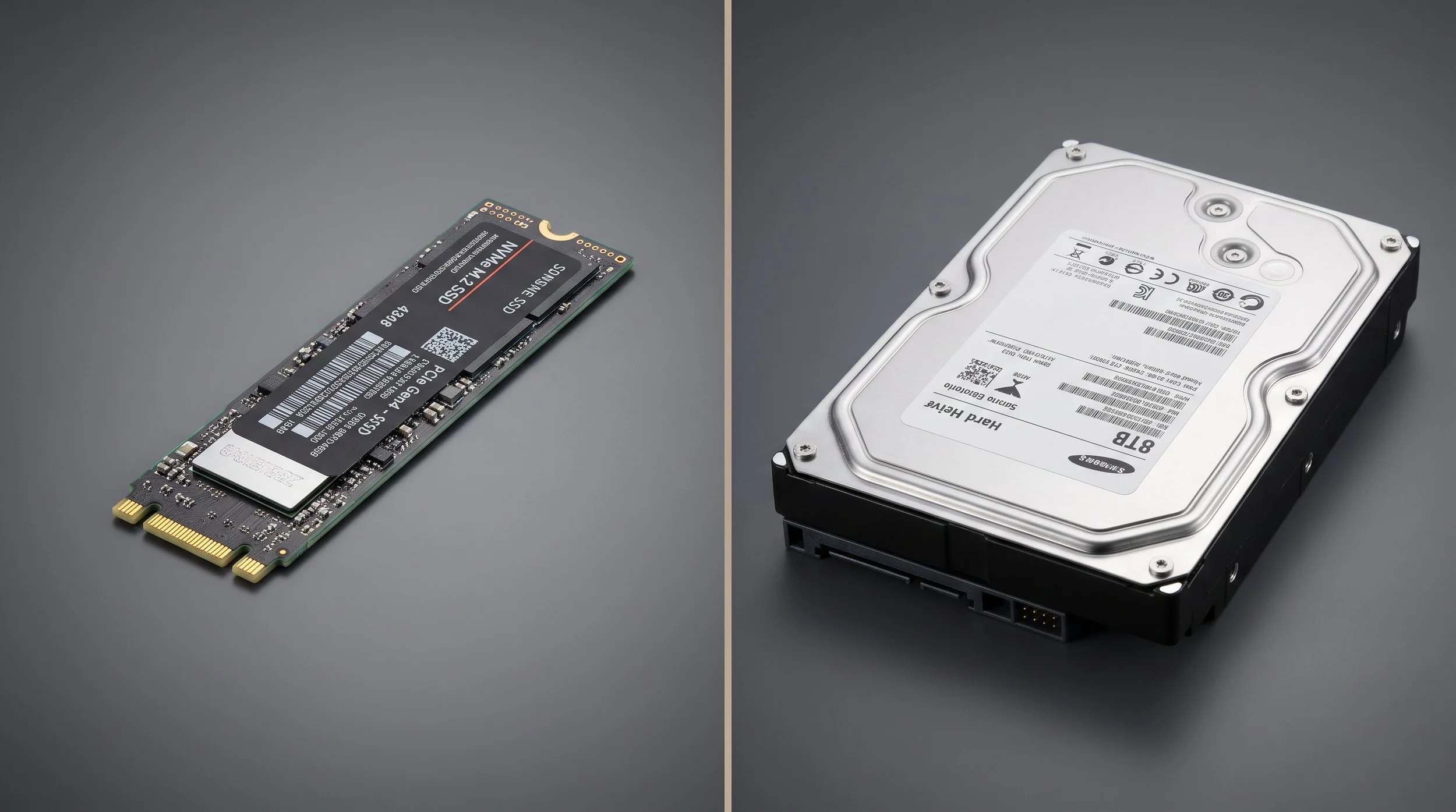
Traditional hard drives relied on spinning magnetic platters and mechanical read/write arms that, over time, could wear out or fail from physical shocks. However, Modern SSDs (Solid State Drives) store data on NAND flash chips with no moving parts. Combined with leveling controllers that distribute data across memory cells, consumer SSDs routinely last 8 to 10 years under normal workloads.
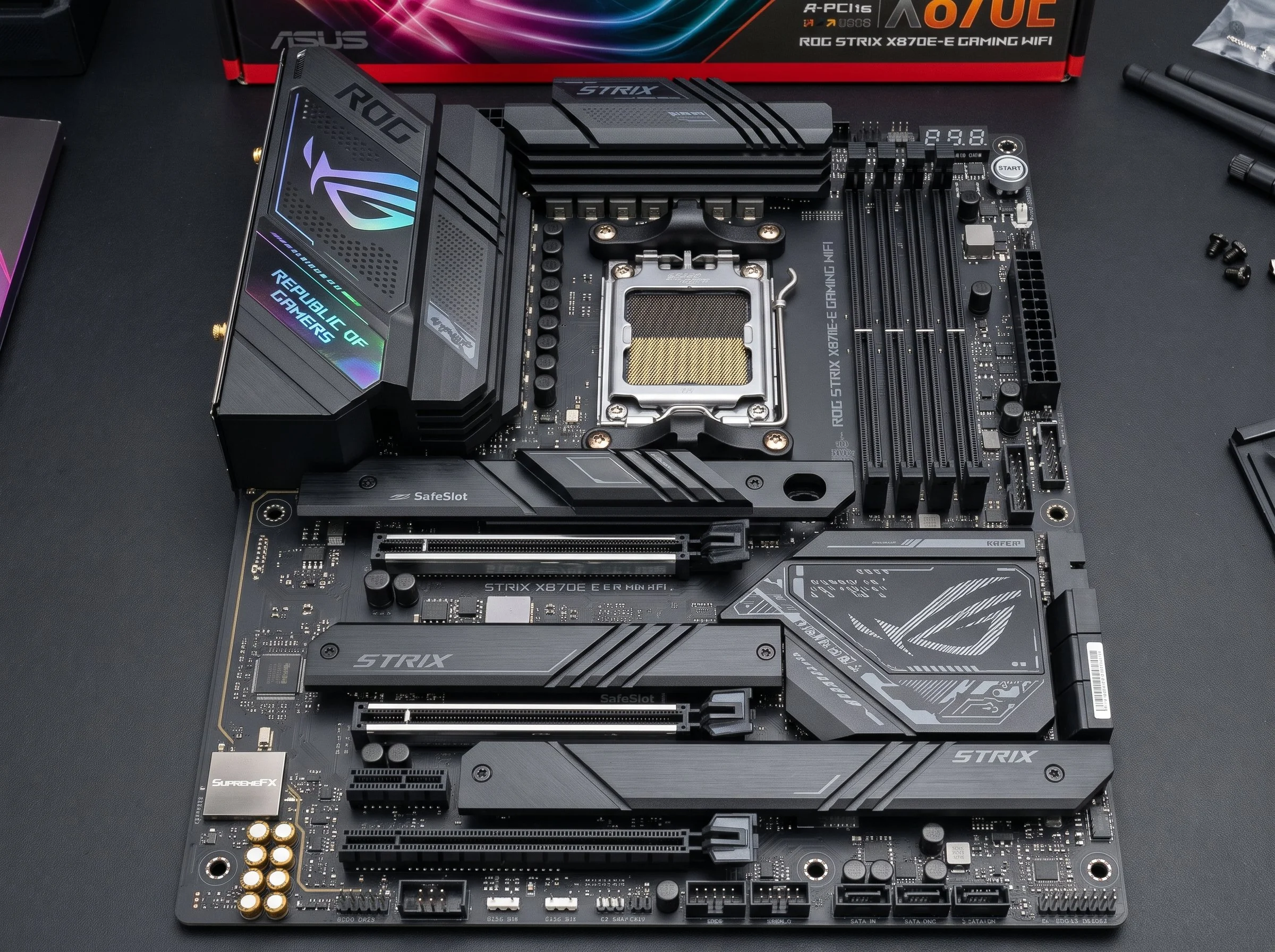
The High-Grade Motherboard and Power Components
Modern motherboards and power supplies use solid-state Japanese capacitors instead of older liquid electrolytic capacitors, which can dry out, bulge, and even leak over time due to heat exposure. Voltage Regulator Modules (VRMs), by comparison, are considered overbuilt and deliver cleaner, more stable power, which helps prevent silicon degradation.
Intelligent Thermal and Power Management
Heat buildup is a common cause of failure. However, modern CPUs and GPUs use dynamic frequency scaling—decreasing to near-zero power states during the idle state, automatically throttling clock speed if temperatures approach unsafe thresholds. Combined with higher-efficiency manufacturing nodes, components will experience far less thermal stress over time.
Everyday Software Requires Less Power
During the early days of computers (circa the 1990s and early 2000s), a new operating system or even a web browser could bring your 3-year-old PC to a crawl.
Today, primary computing tasks—such as web browsing, 4K video streaming, office suites, and cloud apps—require less processing power because mid-range processors offer multi-core bandwidth. Unless you're doing heavy-duty 3D rendering, local AI workloads, or playing AAA games, hardware rarely becomes obsolete before it starts to wear out.
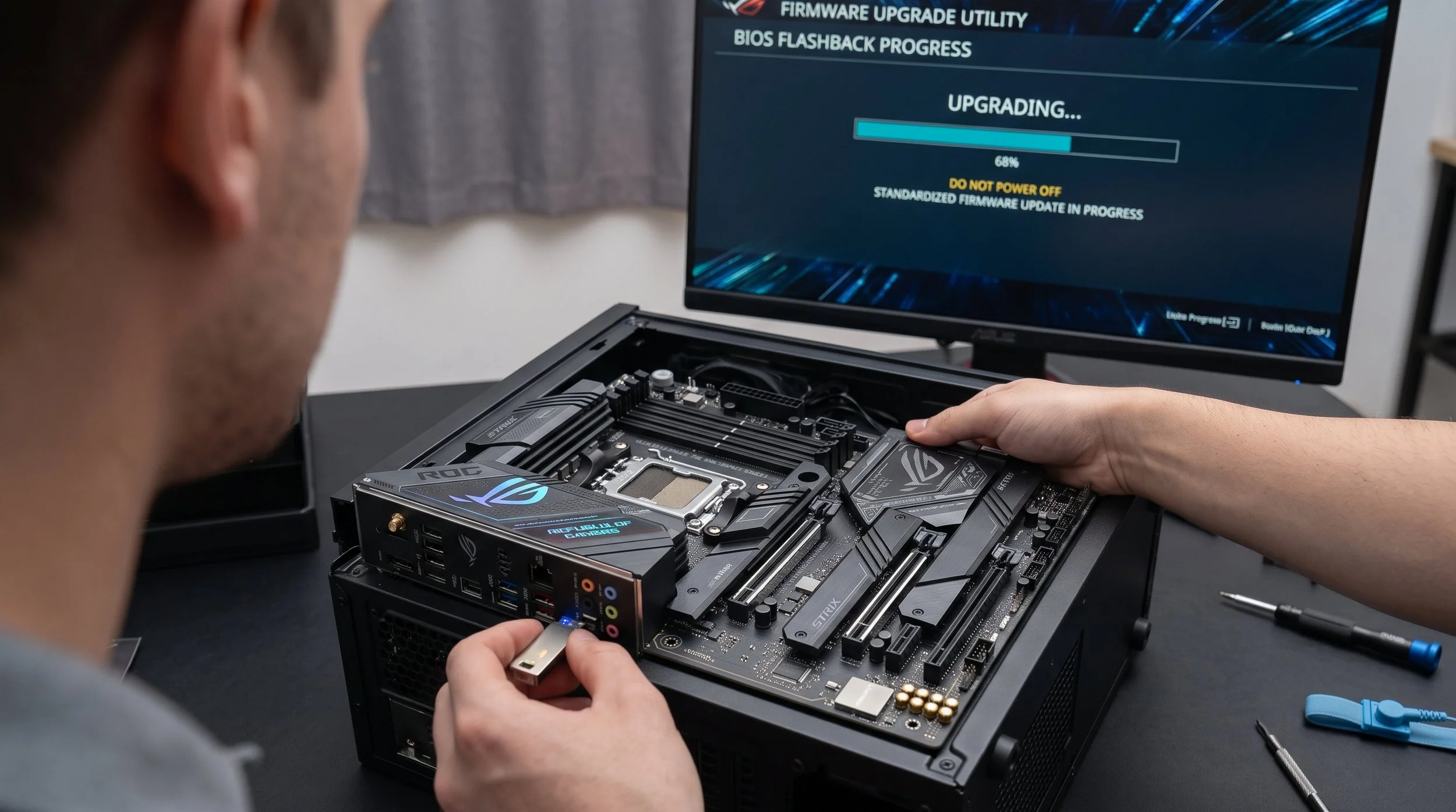
Standardized Modularity and Firmware Updates Make a Big Difference
Desktop PCs and many laptops benefit heavily from standardized interfaces, such as PCIe, M.2 NVMe, and DDR4/DDR5, that let you swap out a single aging component—like doubling the RAM or adding a faster drive—rather than replacing the computer. In addition, UEFI/BIOS and OS updates continue to patch security holes and optimize power and memory management many years after purchase.
It Comes Down to This
Modern PC longevity can be attributed to better engineering and smarter efficiency. By replacing brittle mechanical drives with solid-state storage, upgrading power-delivery components, and improving heat management, you get fewer hardware bottlenecks and fewer frequent upgrades.