Beginners Guide: Essential Tools Needed to Build a PC
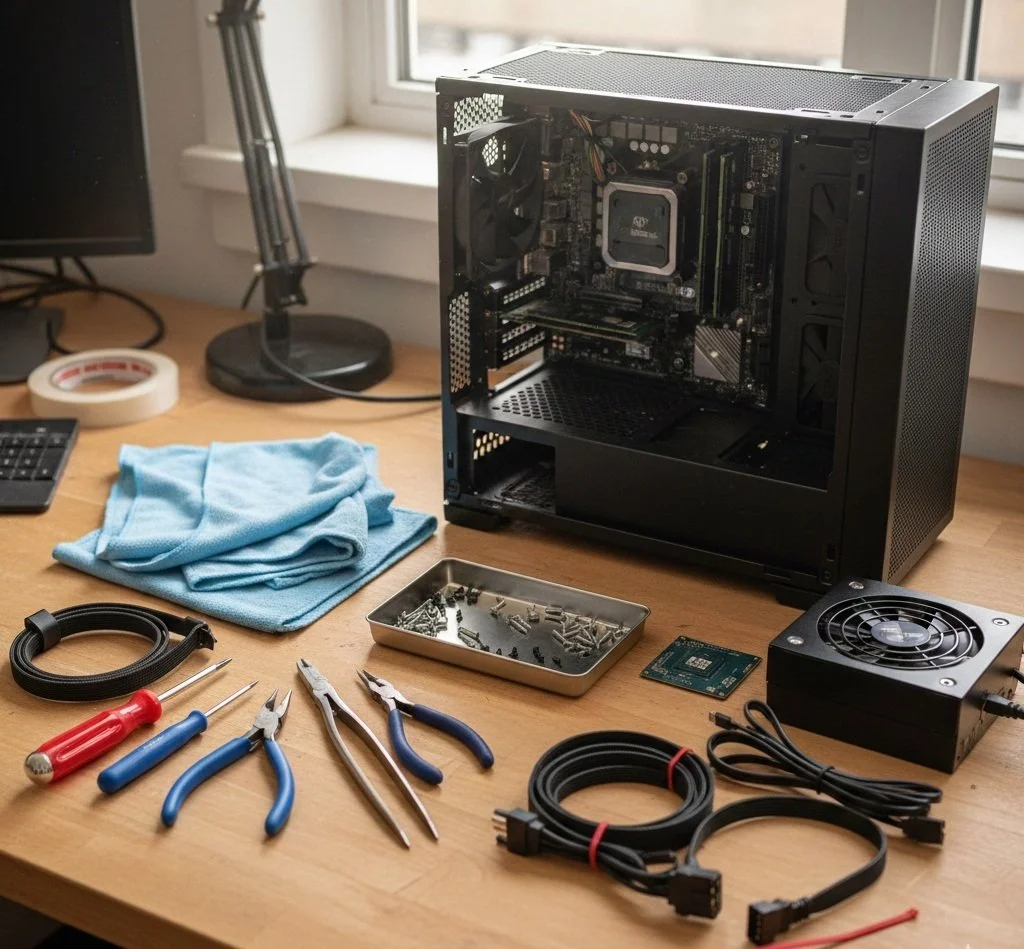
Are you building your first computer? It can undoubtedly be an empowering experience, offering customization and getting a better value than with pre-built systems. While constructing a system may seem daunting for beginners, the good news is you don't need a massive array of complex, specialized tools. With a few key items, you're well on your way to building your first computer.
The Trusted Screwdriver
Without a doubt, the screwdriver is the most crucial tool in your build arsenal. It's worth the investment to purchase a good set of screwdrivers, your build will definitely go smoother.
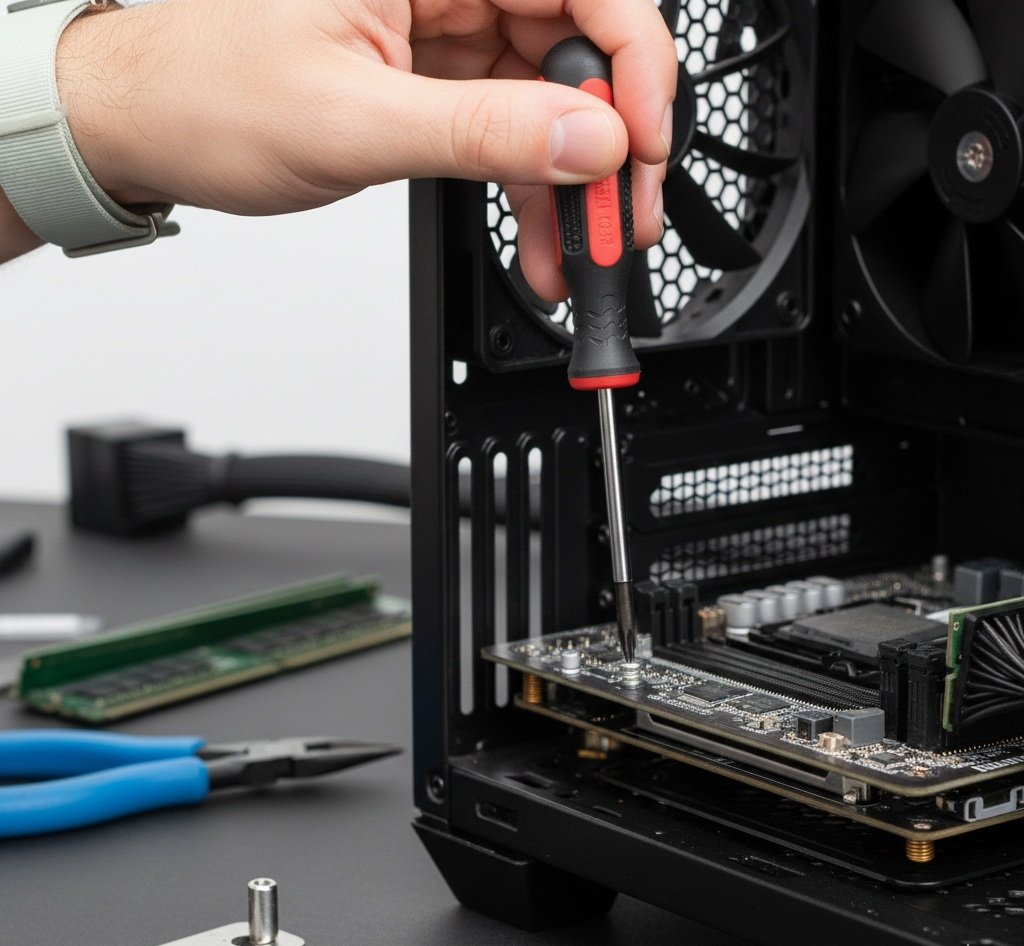
The Philips #1 or #2 should be on your work table. While the #2 handles the majority of the build tasks, you'll need a smaller Phillips-head driver for tiny screws used to secure components, such as the M2 NVMe SSDs, to your motherboard. The magnetic tip screwdriver is strongly recommended to prevent tiny screws from dropping into hard-to-reach areas in your PC case.
I also recommend using a long-neck screwdriver with a 6 to 8-inch shaft; it’s lifesaving for attaching screws in tight spots, especially when you need to screw in large air coolers or insert hardware into Mini-ITX cases.
Preventive Static Measures
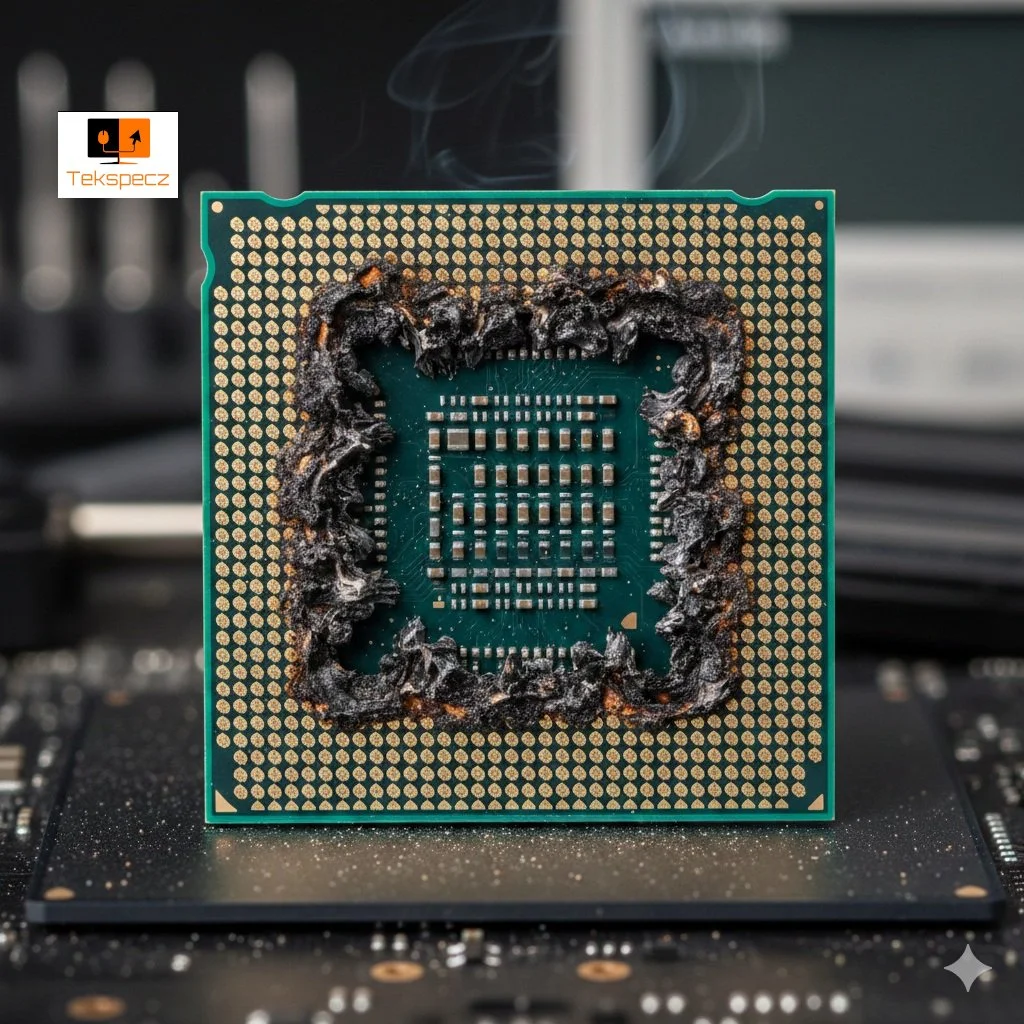
When building PCs, be mindful of static electricity; it is the silent killer of PC components. A single charge can cause damage or destroy sensitive components such as the CPU, RAM, or motherboard.
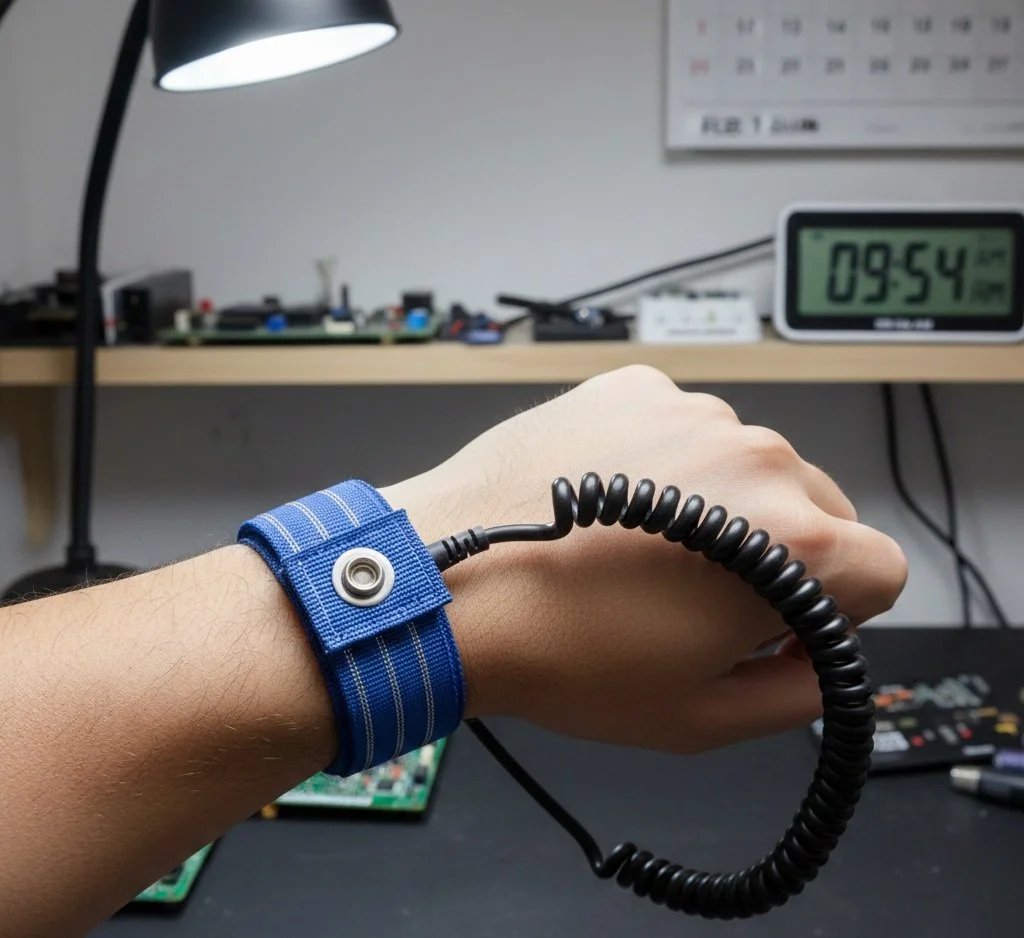
I know, anti static wrist straps look very alien like, but it effectively guards against static electricity.
An anti-static wrist strap is the primary defense against static electricity. Wear it on your wrist to ground a metal object (like your PC case or power supply shell). This safely discharges electricity from your body (Fun fact: the human body can produce 100 watts of power). Also, your work area, though not a tool, should be non-carpeted. Avoid building PCs on carpet; they can generate an immense amount of static electricity.
Organization is Required and Convenience Tools
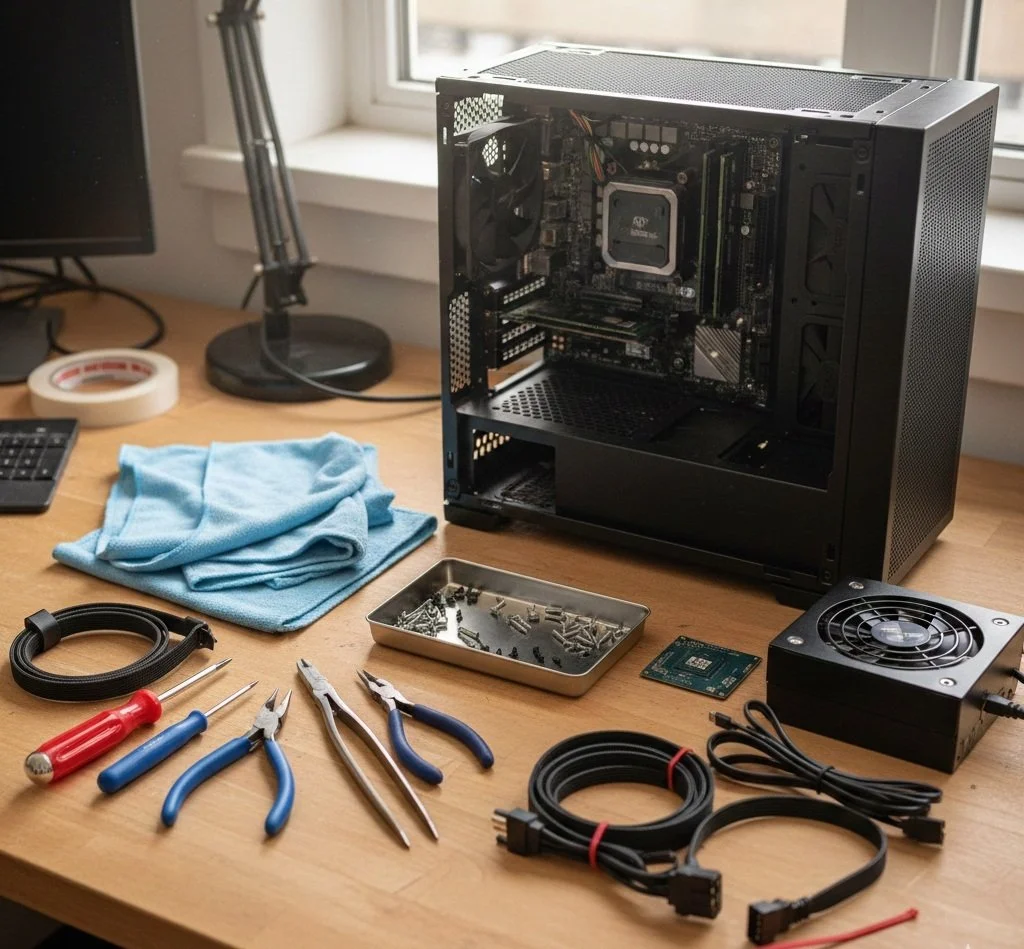
The following items I'm recommending aren't essential, but are helpful and will significantly improve the PC build experience for beginners and help keep things organized. Along with the vital tools needed, include a magnetic parts tray or small bowls. You'll thank me later. A magnetic tray will keep things organized and prevent screws from disappearing. The most convenient tools you should also include are a flashlight and needle-nose pliers.
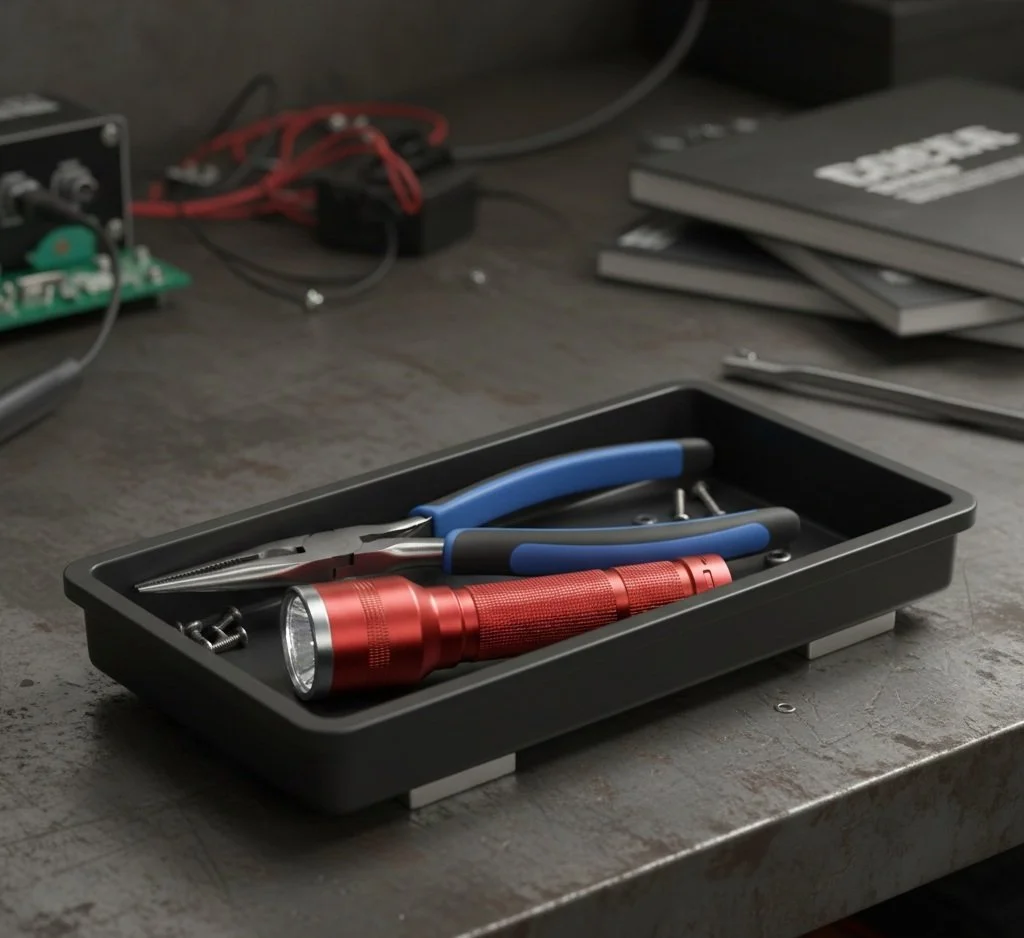
The most underrated tools have in your DYI PC build projects are the flashlight, magnetic tool tray and needle nose pliers.
A flashlight comes in handy for PC cases, which, by the way, are surprisingly dark, even in a well-lit room. The flashlight will help you see small labels on motherboard headers, navigate cramped spaces, and locate dropped screws ( this is why trays and magnetic screwdrivers are needed).
The needle-nose pliers will help grab dropped screws, hold motherboard standoffs in place, and gently guide cables in tight spots.
PC Build Maintenance and Aesthetics
Once you have installed all your components (GPU, CPU, Storage drives, RAM, PSU) and successfully powered on your system, these recommended tools will help with cable management and improve future maintenance.
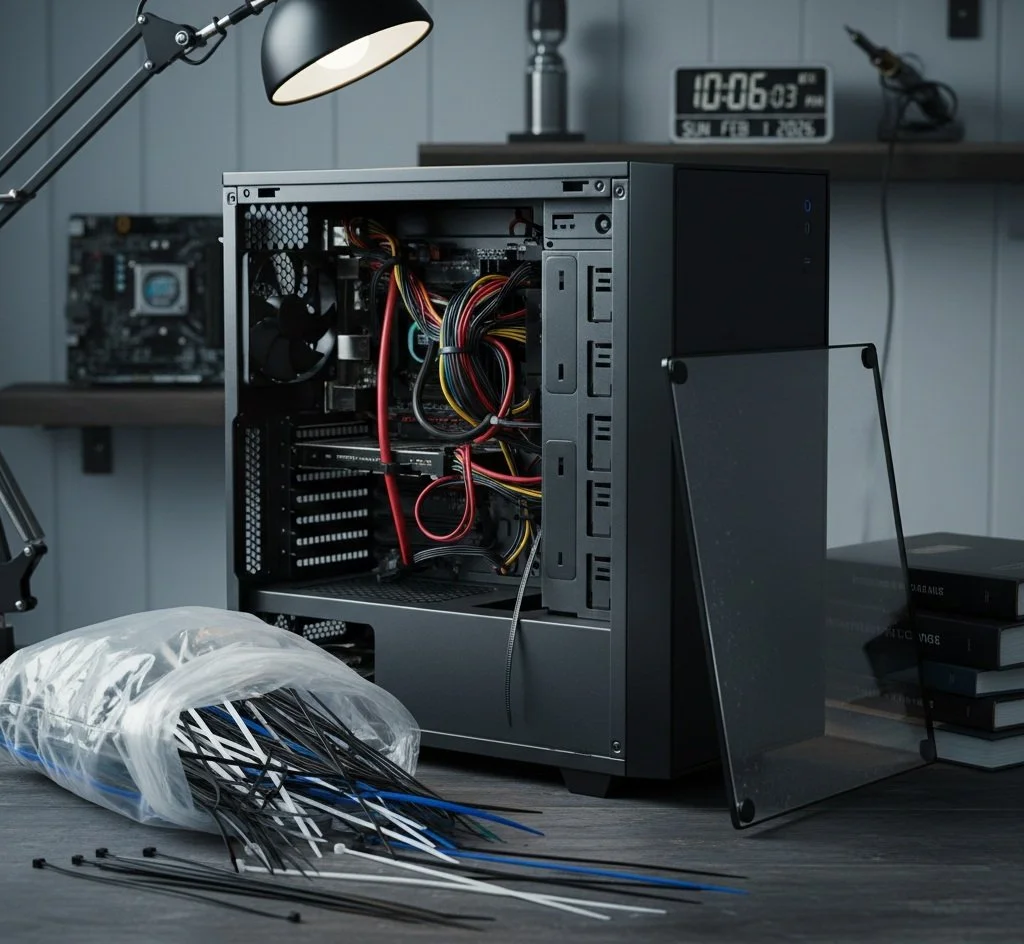
Most hardware stores and even Amazon sell Zip Ties at various prices
The Cable Zips, commonly known as Zip ties, are essential for neat cable management. An orderly cable management not only makes your PC build look clean, but it can also improve airflow. You don't want the dreaded spaghetti cable setup.
If you're building or upgrading your PC, you should not be without Isopropyl Alcohol ( preferably 90% concentration). You may have to remove and reapply your CPU cooler. Alcohol will come in handy to safely clean off old thermal paste from the CPU and the cooler base. Also, alcohol is a good cleaning solution for removing dust from components and the workspace.
All-in-One Tool Kits are Your Best Option
Consider getting an all-in-one toolkit explicitly designed for electronics and PC building. These kits often include a variety of bits and prying tools, and some include an anti-static strap. The following toolkits are not only highly recommended; I personally use them in all my PC builds.
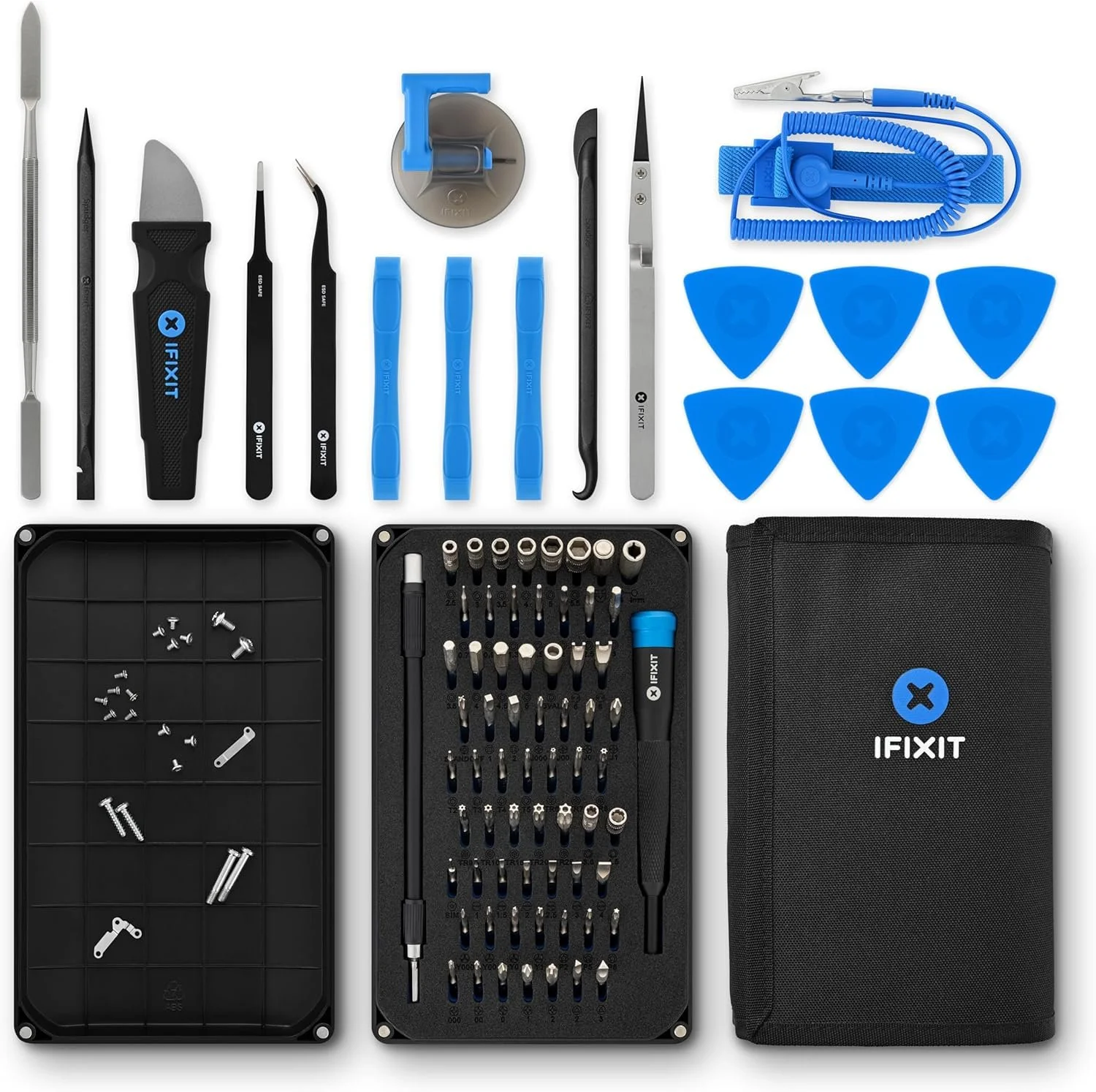
iFixit Tool Kits have become standard amongst PC builders and DIY electronic projects
iFixit Kits (Mako Driver Kits or Pro Tech Toolkits) are highly regarded in the PC tech community. I don't know any PC builder who doesn't have this kit. They offer high-quality drivers with a wide array of bits, often including specialized ones you might not think of, for example, small Torx bits. The Pro Tech Toolkit adds handy prying tools, tweezers, and a wrist strap.
Then you have another highly regarded toolkit, the Star Tech 11 Piece PC Tool Kit. A more budget-friendly option that covers the basics with a good selection of drivers and pliers, often in a convenient carrying case.

My Final Thoughts
At first, building PC's can seem complex, but having the right tools and, of course, acquired knowledge through research makes the process significantly smoother and enjoyable. Remember to always work with patients, keep your workspace organized, and take pride in creating your own custom-built PC.