Explanation Needed: How Does Network Attached Storage ( NAS) Work?
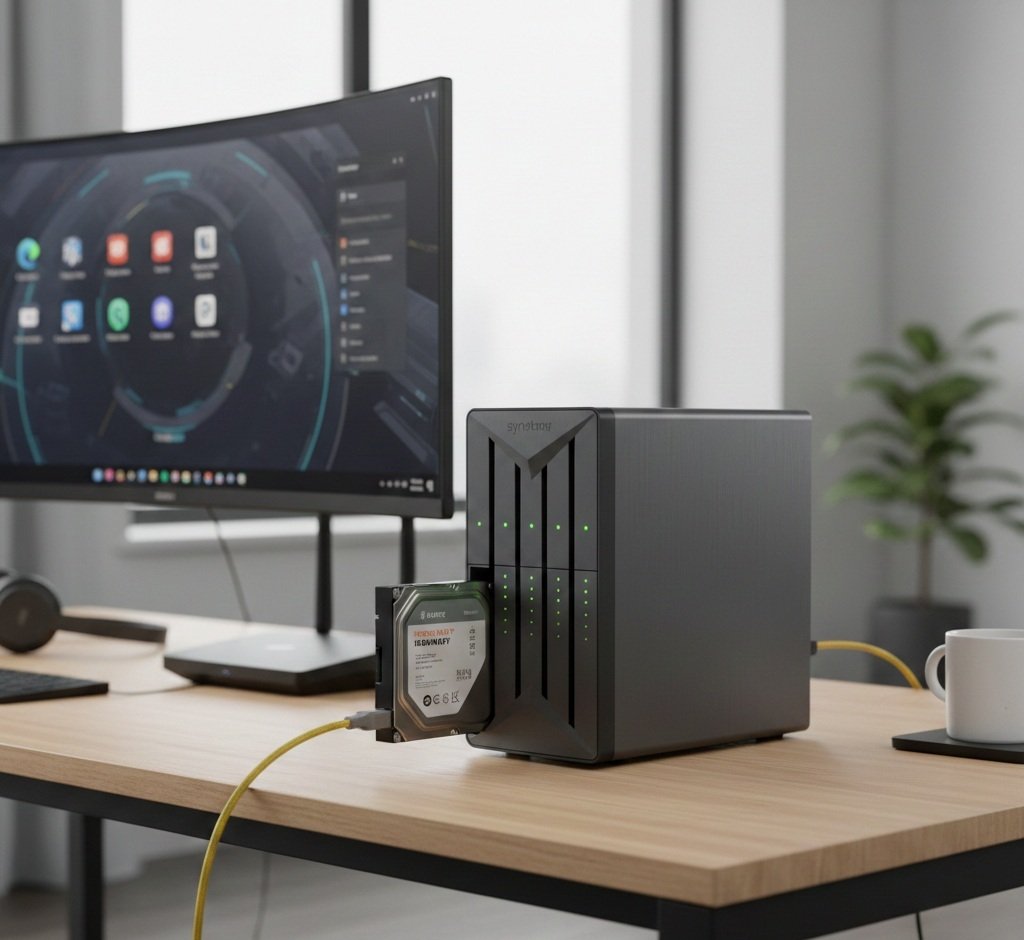
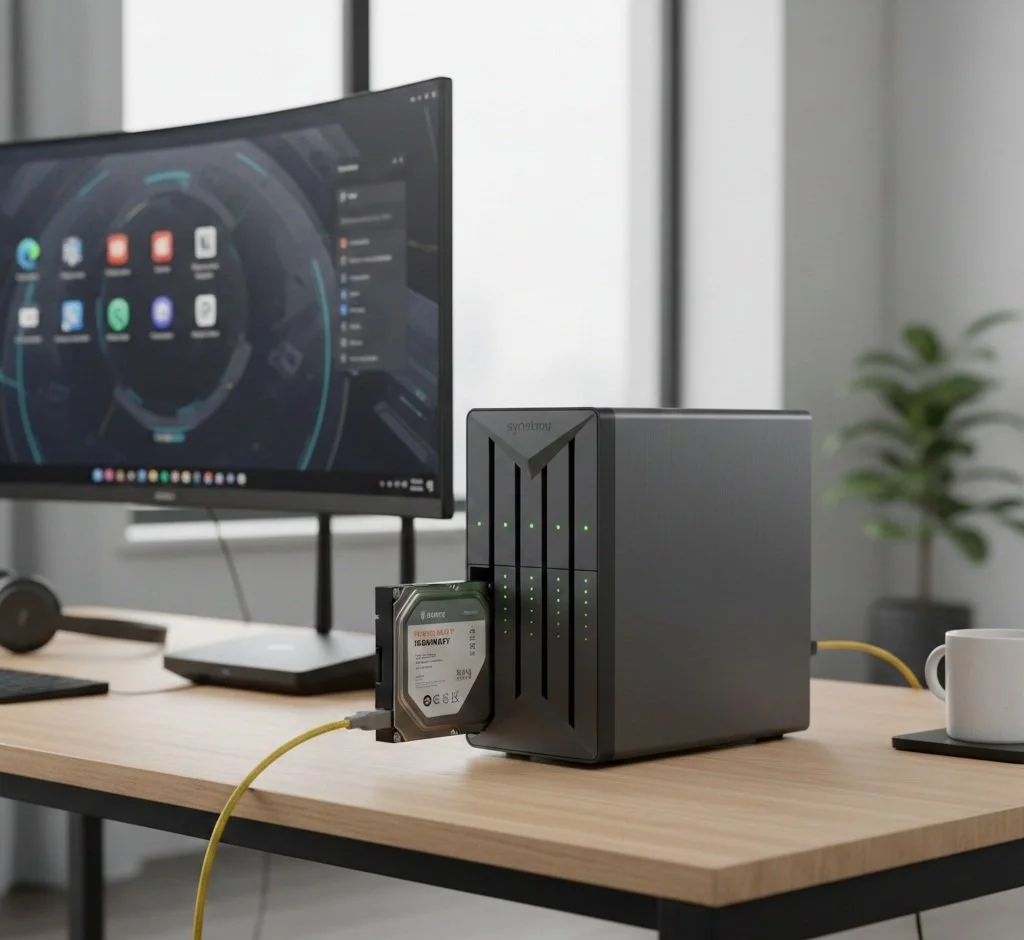
So how exactly does the NAS work? Better known as Network Attached Storage, is a specialized "headless" computer (one without a monitor or keyboard) dedicated to storing and sharing files. Unlike a standard external storage drive, a NAS connects directly to your router or network switch, making storage available to every device in your home. Let me explain further.
The Internal Functions
Picture the NAS as a miniature server with four crucial components. A CPU, RAM, and one or more drive bays, a Lightweight operating system ( like Synology's DSM or TrueNAS) that manages files and runs applications. A networking interface consisting of an Ethernet port ( or Wi-Fi) that assigns the device its own IP address on your personal network. And finally, we have the Storage Protocols that use protocols like SMB (Windows) or NFS (Linux) to talk to other computers, making the NAS appear as a local drive folder.
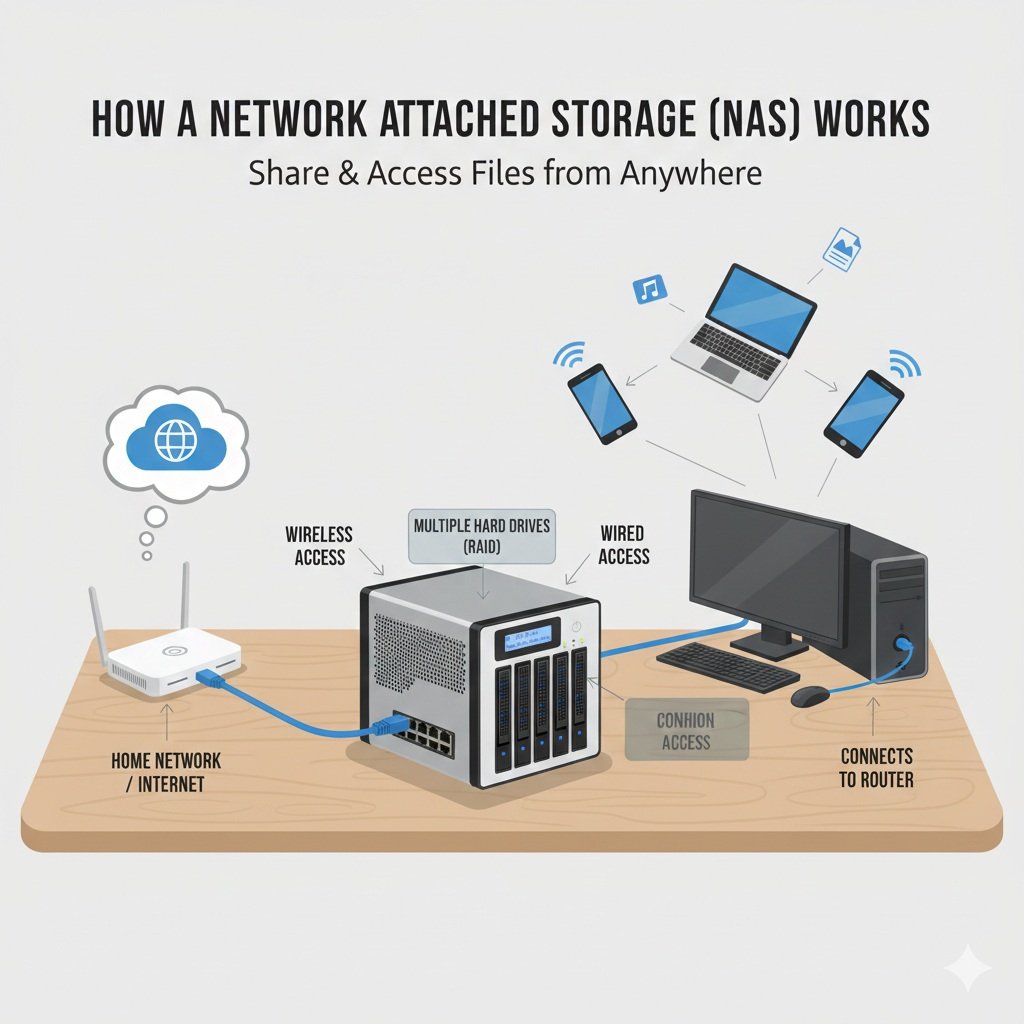
SMB, the acronym for Server Message Block, is a networking protocol in Windows that enables file, printer, and resource sharing across a local network.
NFS stands for Network File System. This Linux-based feature implements a file system protocol allowing clients to mount remote directories over the network, enabling them to access shared files as if they were local.
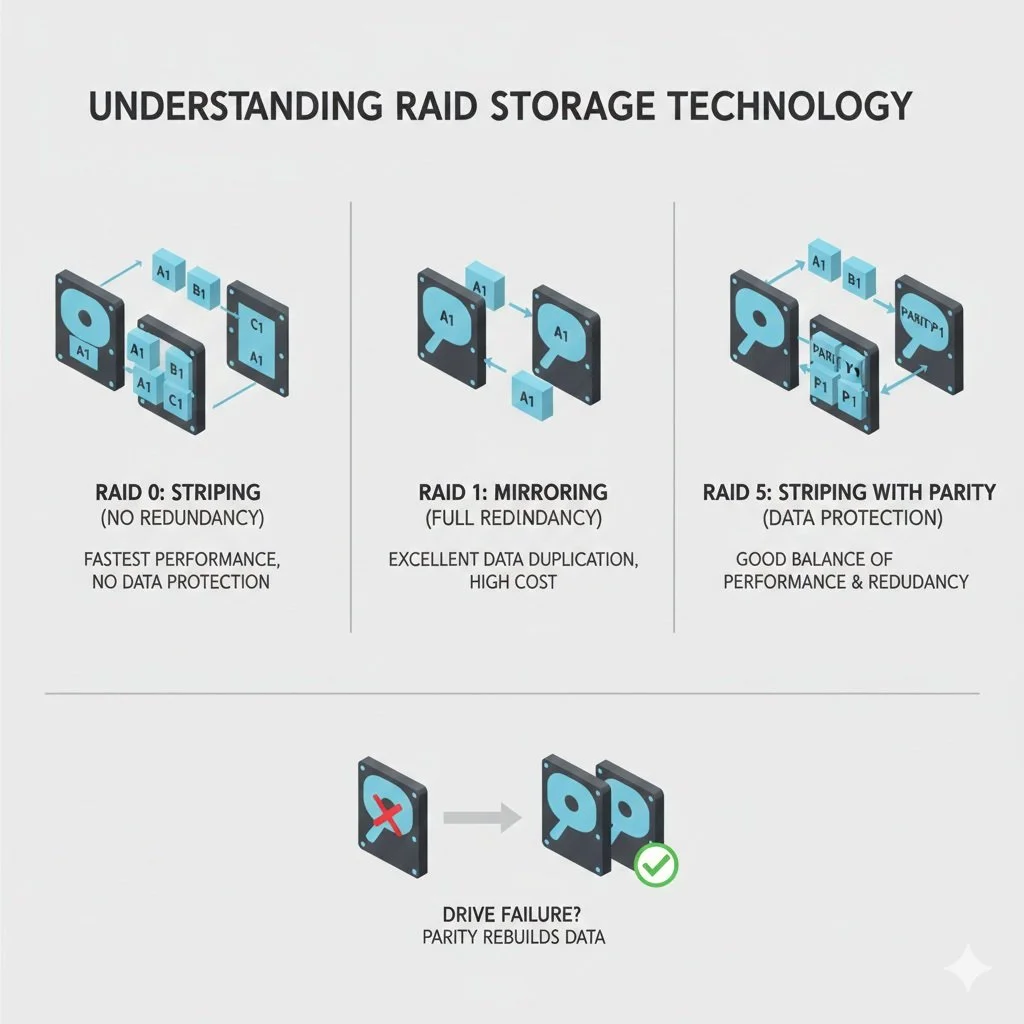
The Storage Technology that Makes NAS Effective
Most NAS systems use RAID (Redundant Array of Independent Disks). This is a unique form of storage technology (RAID 1 to be exact) that spreads data to multiple hard drives. In case one drive fails, you don't lose any data. Swap the non-functioning drive from the drive bay for a new one, and the NAS automatically rebuilds the data.
The Versus: NAS vs. Cloud vs. External Drive
External Drives are cheap and fast, but can only work with one device at a time and offer no protection.
Cloud storage is easy to use, but it requires monthly subscriptions and relies on the internet to store and retrieve data.
Some NAS aren't cheap, but users have full ownership of data, with massive storage capacity, and superb speed within a local network.
The Best Rated NAS to Purchase
When shopping for NAS, purchase the best that money can buy. Prioritize polished software, ease of use, and hardware that supports tasks such as media streaming and virtualization.
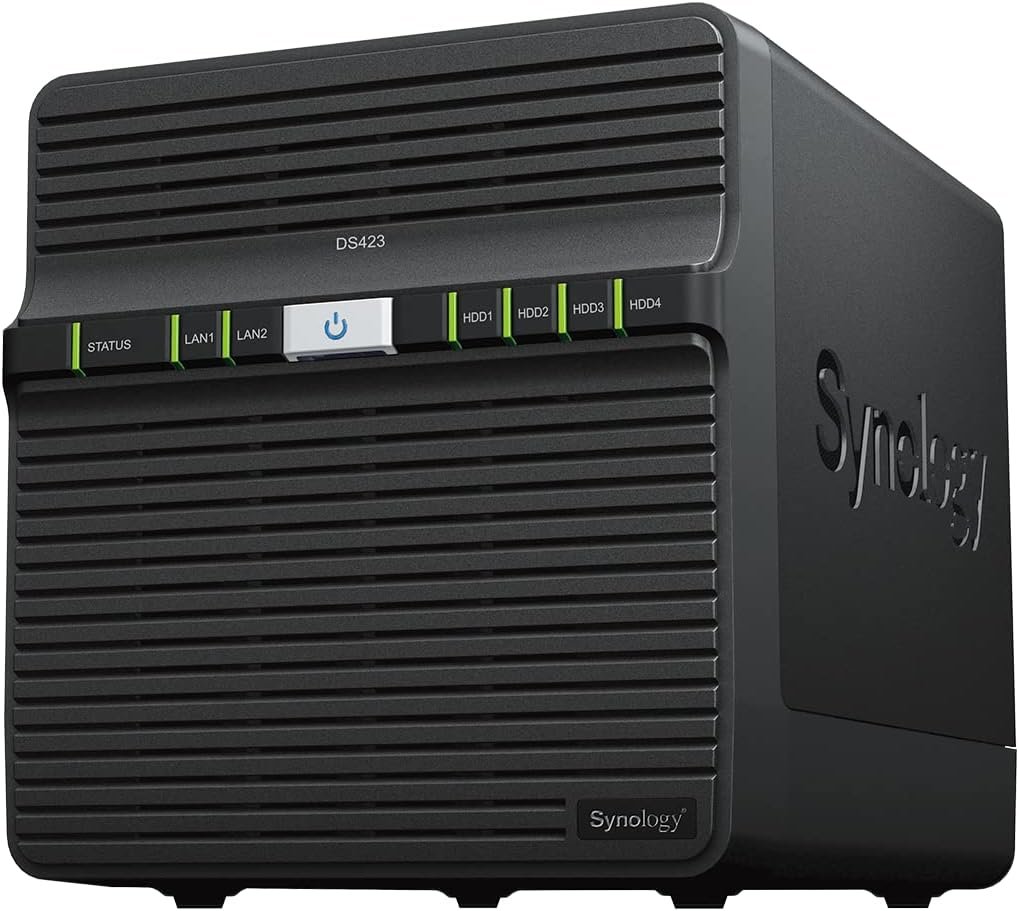
Many content creators widely use the Synology NAS DS423. It's also a top choice for home users because it’s the cheapest option on the market. Features include an Intel Celeron J4125 4-Core CPU with an integrated GPU, making it ideal for 4K Plex streaming and transcoding. While some consider the hardware specs, Synology's gear is rest intuitive on the market.
The Conclusion
So what we have here with NAS is a personal, high-capacity cloud server that you can place on your shelf or desktop at home or in the office. By connecting it directly to your personal network rather than a single computer, it provides a centralized hub for all your devices—smartphones, laptops, and even smart TVs—to store and access files simultaneously. The magic of NAS lies directly in its reliability and versatility. Using storage technologies such as RAID can reduce hardware failures. At the same time, its built-in operating system lets it transform from a simple backup drive into a powerful media server or remote workstation. It effectively gives the convenience of big-tech cloud services with the added security of complete data ownership.