Microsoft’s Next Substantial Update Will Be a Complete OS Overhaul
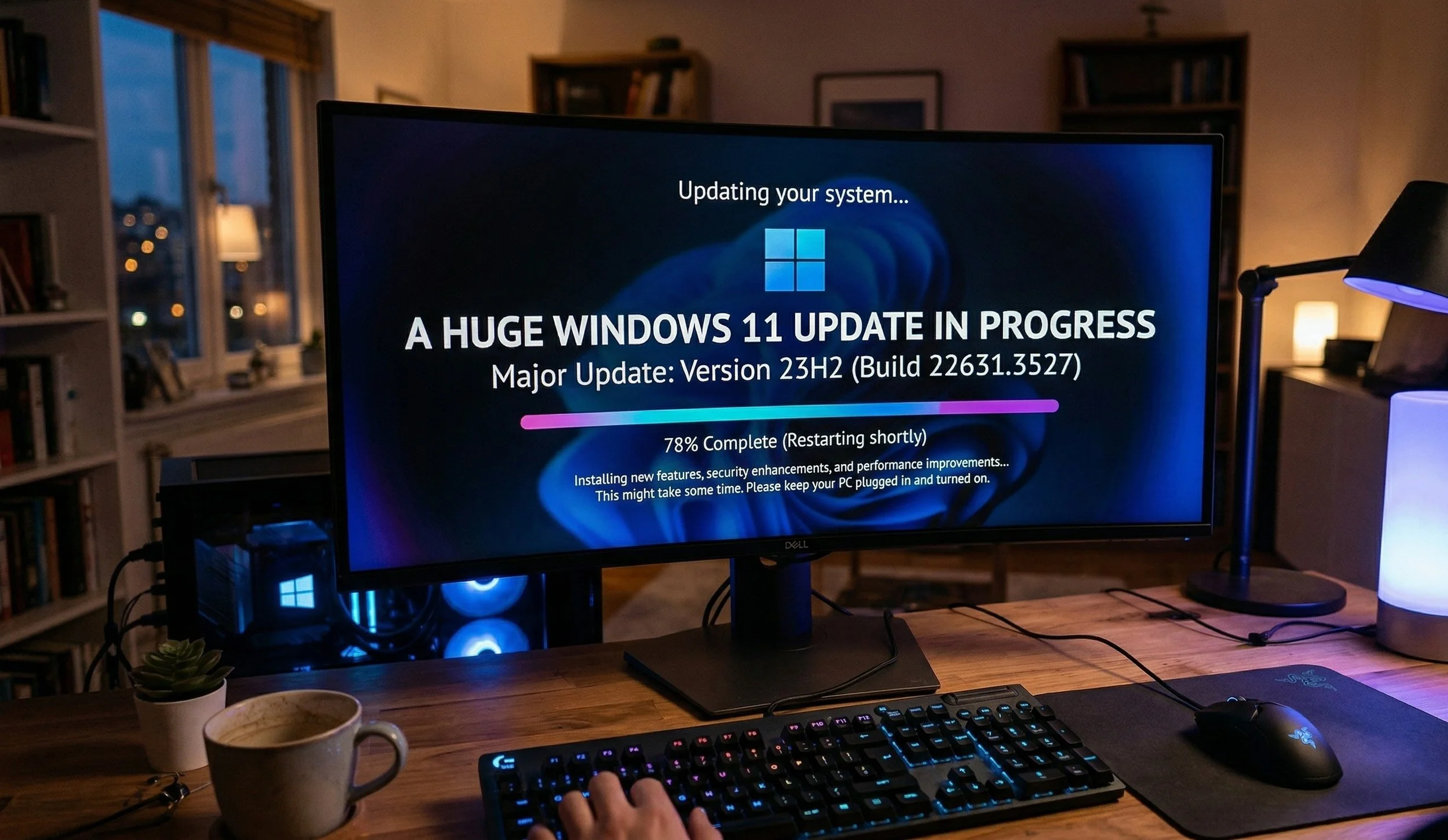
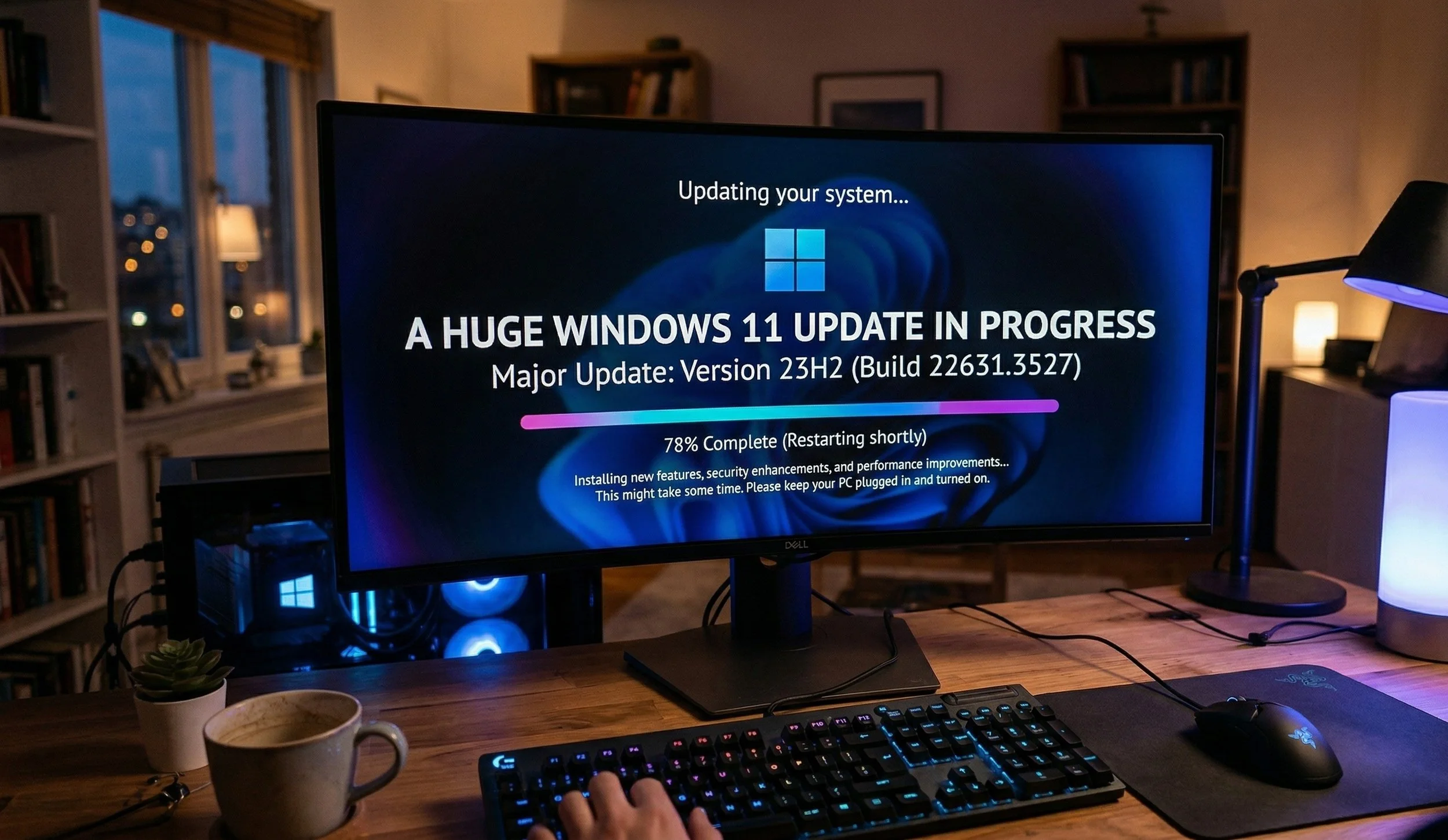
Later this month, Microsoft will roll out a substantial update, calling it a "Quality Reset," and a significant feature update is also slated for this Fall. It seems Microsoft, for the past few years, has listened to the complaints regarding customization and reduction of "clutter", which has annoyed many long-time Windows users, including myself.
Here is a complete breakdown of what will be included in the update now and later this year.
What should you expect now?
The rollout from Microsoft this month is being called the "user first" update, which includes the following: Taskbar Flexibility is a major reversal by Microsoft; users can now move the taskbar to the very top or the sides of the screen again. Then there is Update Control. This allows users to skip updates during Windows setup, giving much more granular control over restart scheduling. Microsoft is moving towards a "single monthly reboot" that will minimize interruptions from system updates.
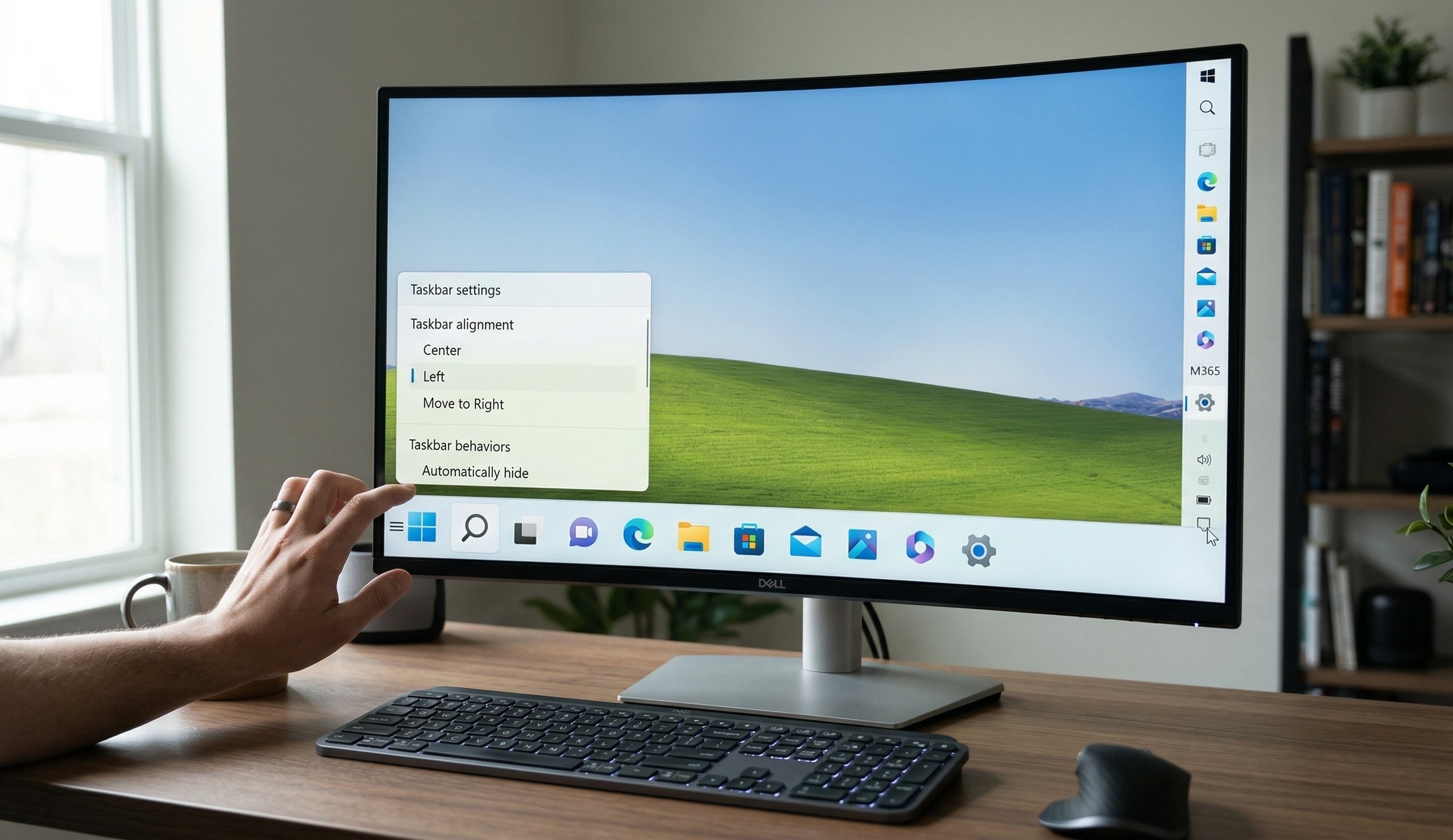
In this new BIG update, Microsoft states that users will notice significant improvements in File Explorer, faster context menu response times, and quicker app launches. Security Hardening of the new kernel trust policy will be phased in on older blocks and uncertified drivers to close long-standing security holes.
What you Should Expect From The Big Fall Update (Version 26H2)
The Big Fall update is expected to take place in October 2026. The update will further enhance AI and fix and improve other features in Windows 11, starting with Copilot Integration, which will take us deeper into File Explorer with a chat sidebar to find or summarize files, along with a total redesign of the "Run" dialog box.
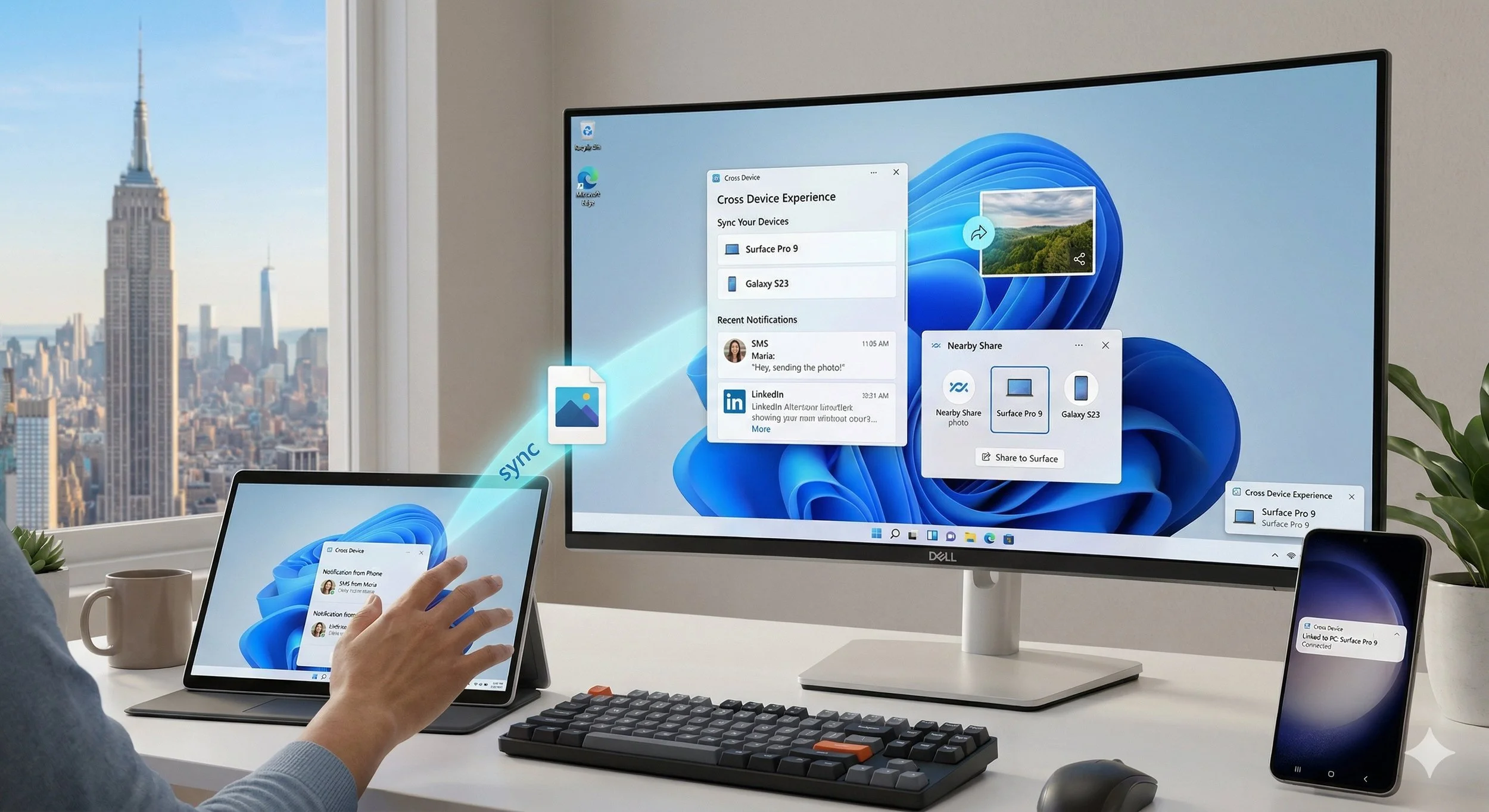
Users can still enjoy the Cross Device feature on Android smartphones, and you'll be able to resume using apps (like Word, Spotify, or a browser session) directly from the Windows taskbar. The On-Device AI will have more features, including moving local processing (using your NPU) for privacy, "Recall" (searchable PC history), and real-time translation for live captions.
Continued efforts in UI Modernization will move legacy Control Panel features into the modern Settings app and make "Dark Mode" more consistent across legacy system dialogs.
My Final Thought is...
As someone like myself who build PC's, I will definitely appreciate Microsoft's main focus on system driver stability and reduced "promotional pressure" in the UI that reportedly will tone down the widgets and " storefront", making it feel like an actual professional OS again.