Let's Build an AI PC, Shall We?
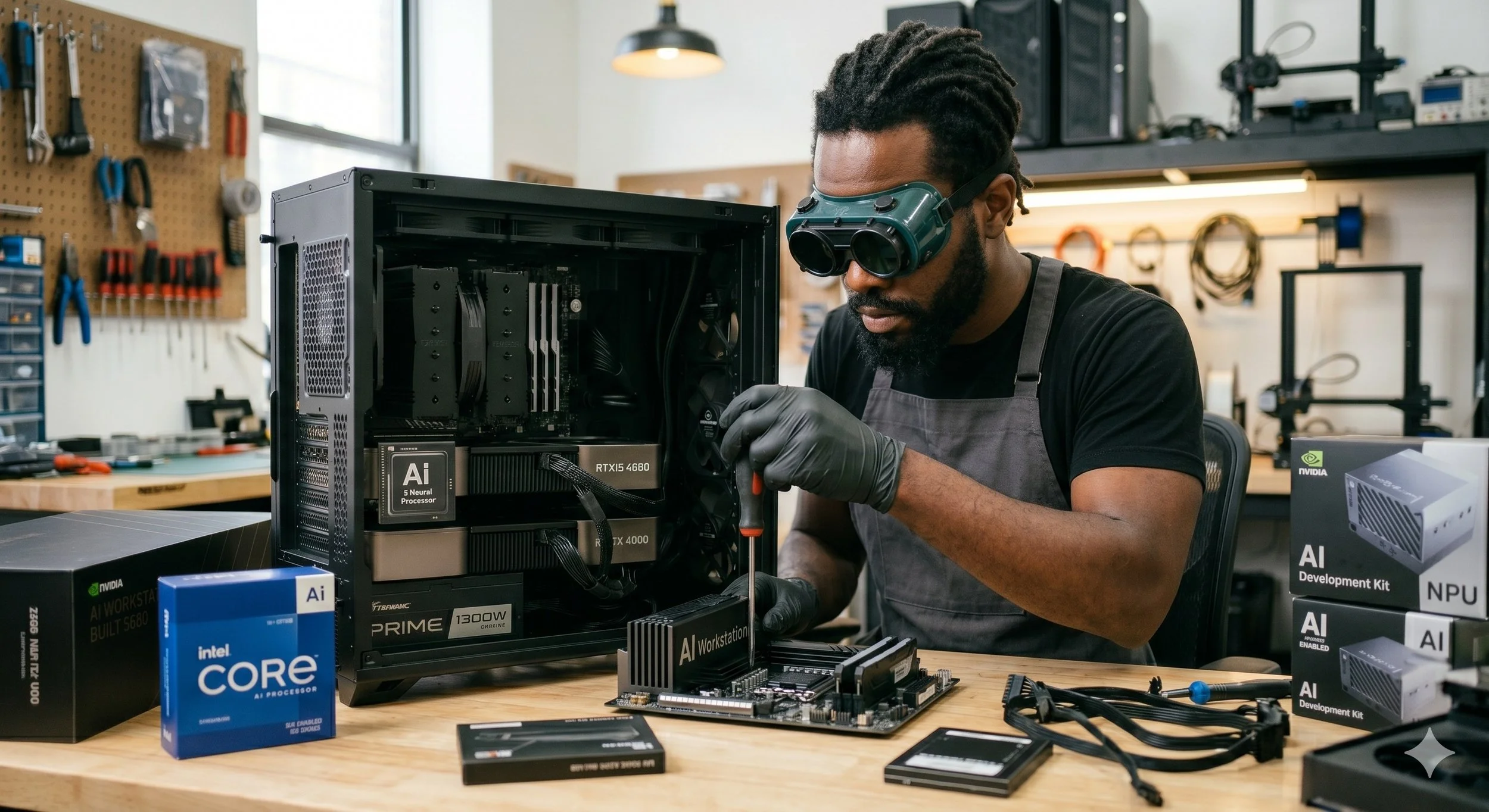
So you want to build an AI PC, eh? Not just any ordinary system, but a custom rig capable of running Large Language Models (LLMs) and generating images with Stable Diffusion. You need a system that dives deeply into AI learning — requiring a whole different approach —rather than building a standard gaming or productivity PC.
Even though high-end gaming PCs prioritize a fast, robust GPU and CPU with tightly coordinated clock cycles, an AI PC can live or die by its VRAM capacity and memory due to potential bottlenecks. With that said, I'm going to give you the blueprint for selecting the ideal components to assemble a high-performance local AI workstation.
The Core AI Component: The Graphics Card
The graphics card is the most critical component inside an AI PC. To run AI models locally, the entire model must fit in the GPU's onboard memory. If the model overflows into memory modules ( RAM), performance can be significantly impeded.
NVIDIA graphics cards are required in any local AI systems. Mainly because of its CUDA ecosystem (CUDA is NVIDIA's proprietary parallel computing platform and programming model). Fun fact: almost every open-source AI tool, framework (PyTorch, TensorFlow), and UI (Ollama, Automatic1111) is natively optimized for NVIDIA GPUs.
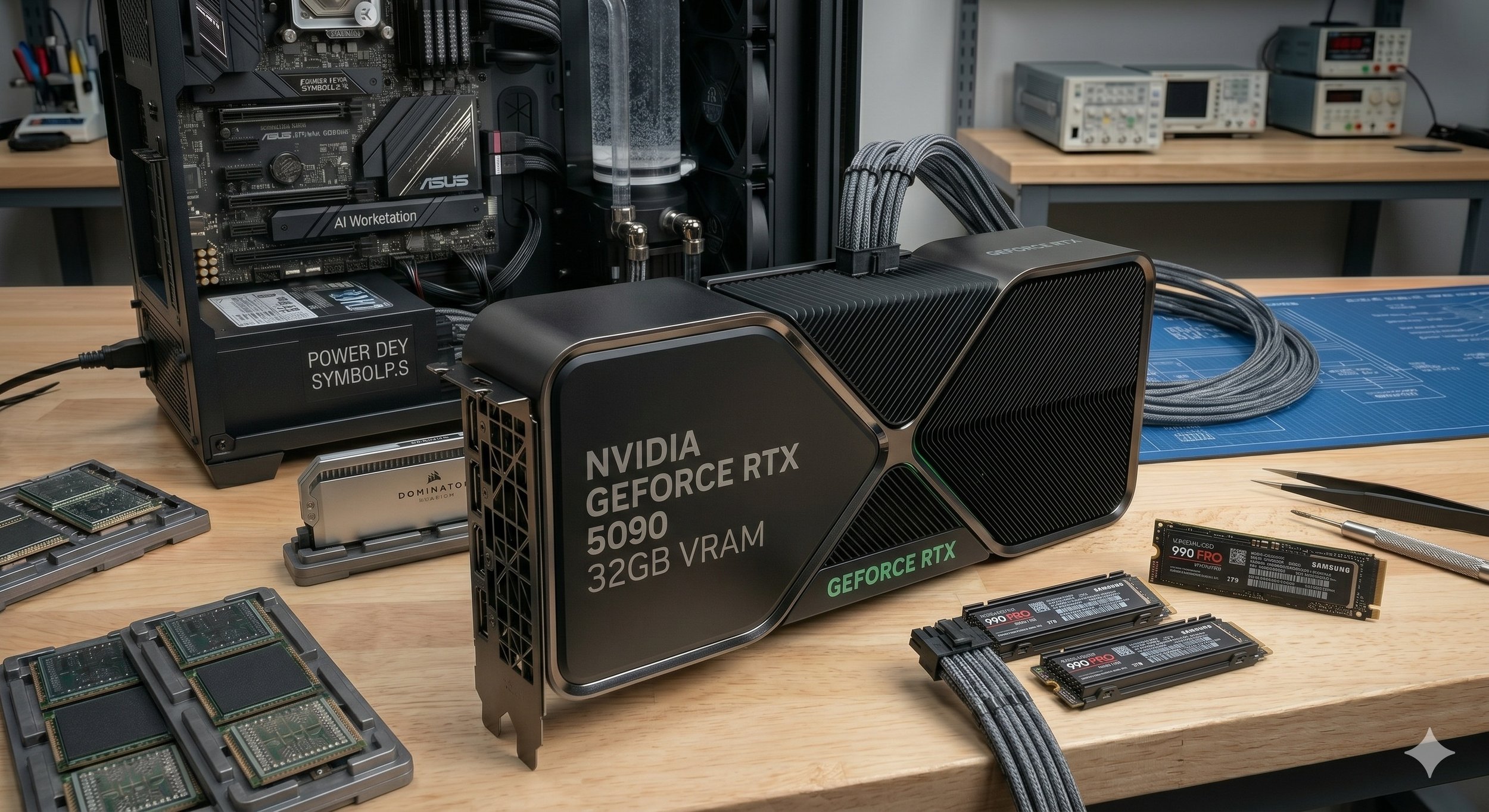
Having 24GB of VRAM is the sweet spot for any AI PC. An abundant amount of VRAM capacity allows you to comfortably run high-parameter models (14GB to 32GB), such as Qwen 2.5 or DeepSeek R1 variants, or run fast, high-resolution image models.
Go with cutting-edge graphics cards like the RTX 5090 (32GB) or RTX 5080 (16GB). They offer massive compute leaks, though the 5090 carries a high-premium price point. It is recommended that you do not go below 16GB of VRAM if you want to experiment with text and image models comfortably.
You Need High-Speed RAM and Storage
Running massive 70B+ models won't fit entirely on your GPU; this can cause the system to resort to CPU offloading, which pulls data from system memory. To avoid the offload, my recommendation is to get at least 32 GB of RAM, but 64GB is the best option for multitasking and large model offloading. The memory type should be DDR5, ideally 6000MHz+. Memory bandwidth can be a massive bottleneck for CPU-bound AI tasks; DDR5 memory provides a substantial speed advantage over DDR4. Use 2 sticks of RAM rather than 4 if possible for a stable, high-speed memory controller.
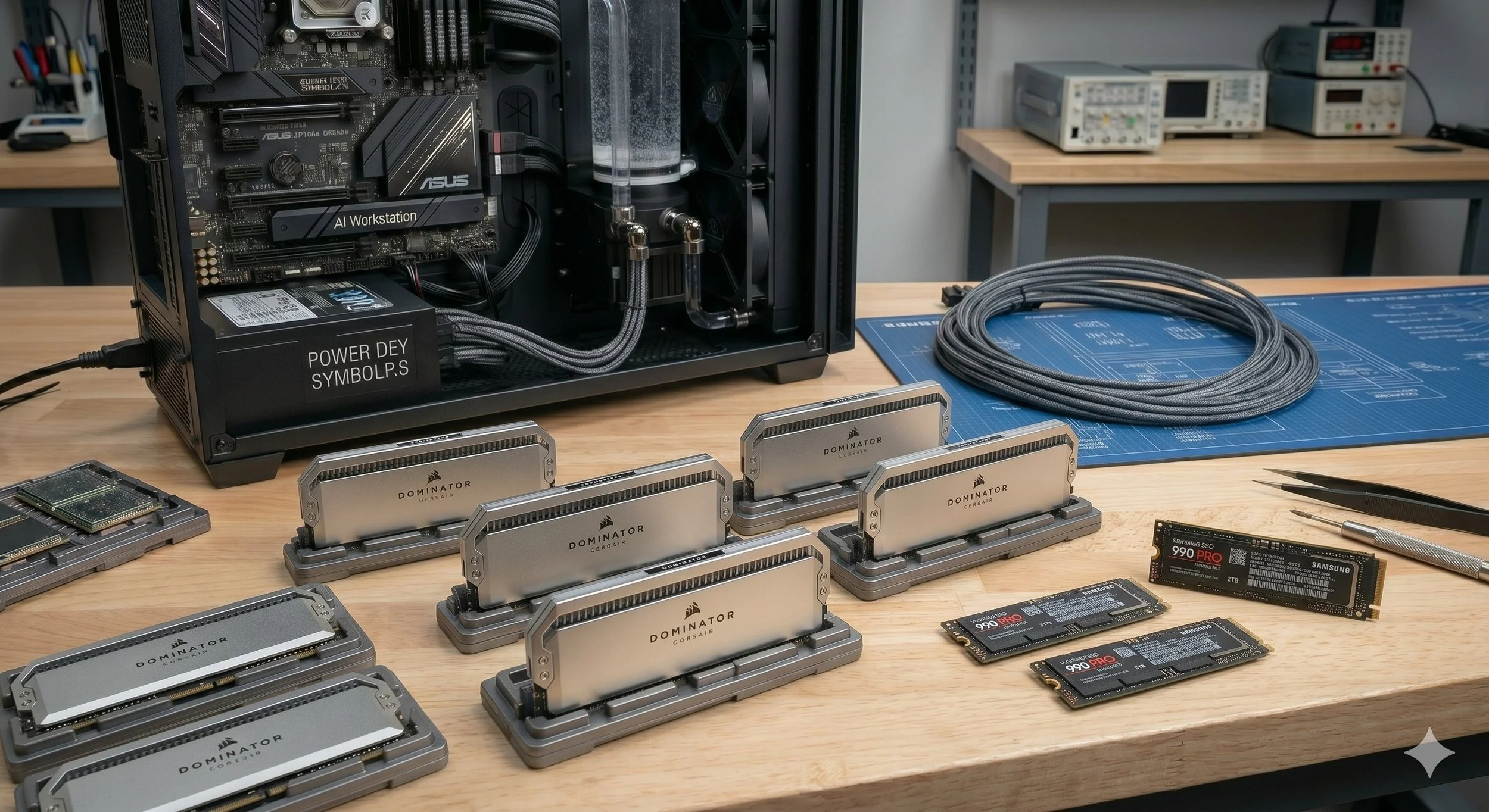
High-speed storage is a necessity, especially for AI models, which can consume massive amounts of data, often 5GB to 50 GB or more. Needed is a high-speed NVMe SSD, specifically a high-end PCIe Gen 4 or Gen 5 NVMe M. 2 SSD with high read speeds (7000 MB/s+). At minimum, the storage capacity should be 2TB, but a 4TB drive will give you added breathing room to build out a local library of LLMs and checkpoints.
The Supportive Processor
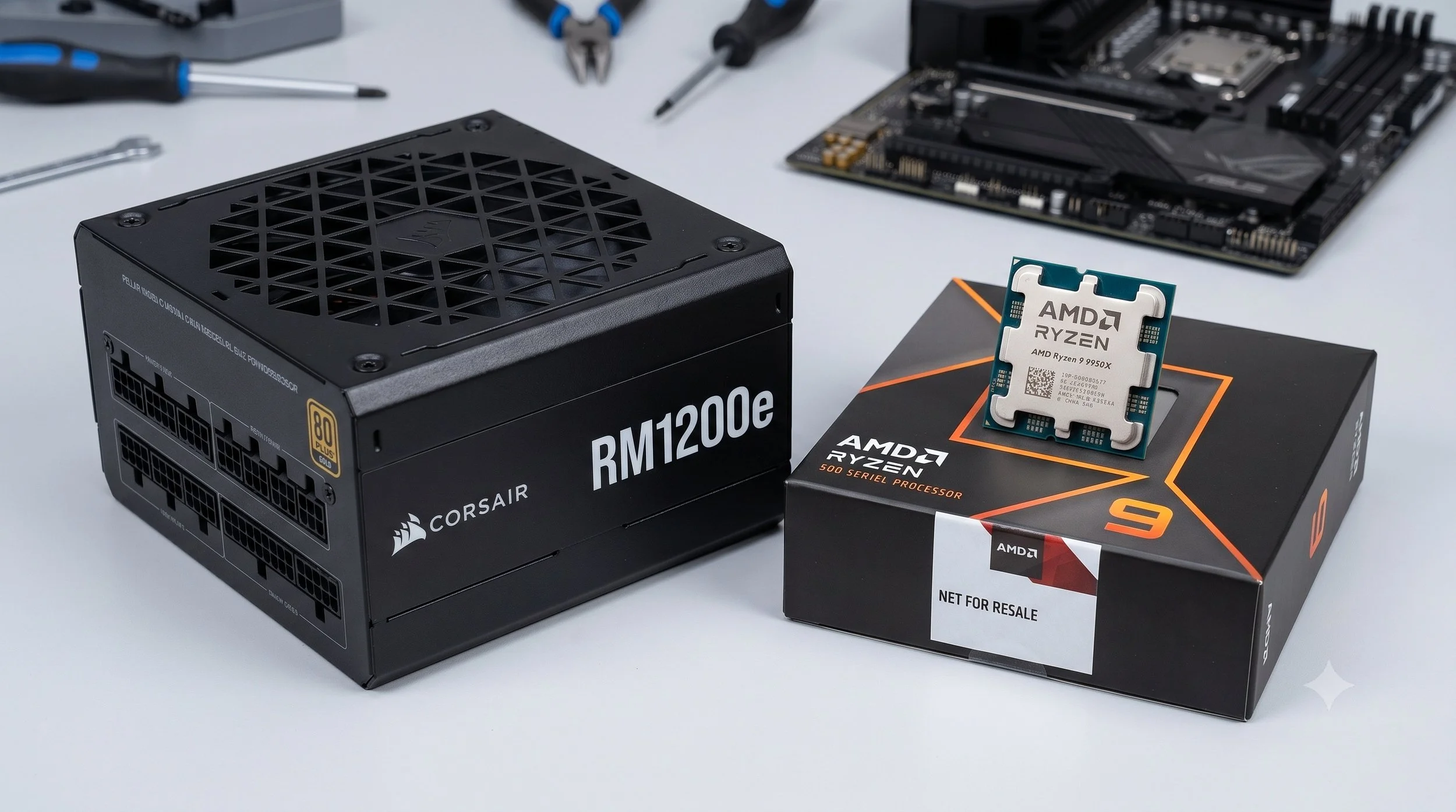
For ur other core component, the CPU, we'll go with the AMD Ryzen 7 or 9 series, preferably the 7700X or 9950X, or Intel Core i7-i9. A high-performing processor is needed to handle tokenization, data processing, and model loading. For scaling to multiple GPUs, look for a platform with high PCIe lane counts, like AMD Threadripper.
The Efficient Motherboard and Power Supply
Much like a gaming system, the AI PC uses an ATX-format motherboard with multiple PCIe 4.0/5.0 x16 slots. To power our AI system, you'll need an 850W to 1200W 80 + Gold or Titanium power supply. AI workloads can pin the GPU at 100% utilization for hours at a time, resulting in transient power spikes. So it is imperative that you don't skimp on the power supply
Assembling the Components
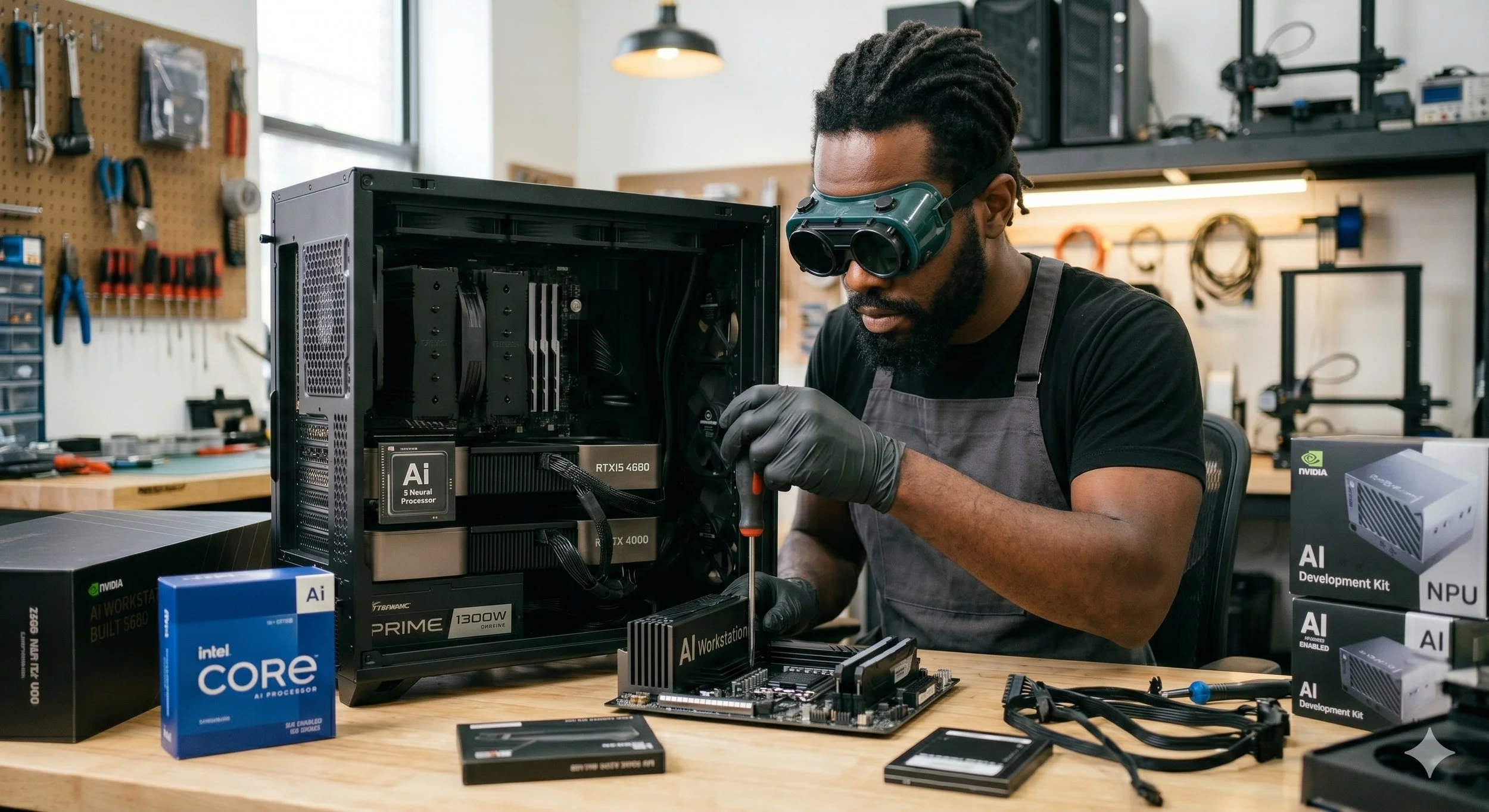
Assembling the components is no different from building a standard PC, except that it requires extra space and power delivery. Prep the motherboard by installing your CPU, seat the RAM (DDR5 RAM that is) firmly into the slots A2 and B2, and screw down your fast NVMe SSD under the thermal heatsinks. Install the PSU into the case. Route your 24-pin motherboard cable and your EPS (CPU) power cables to the top.
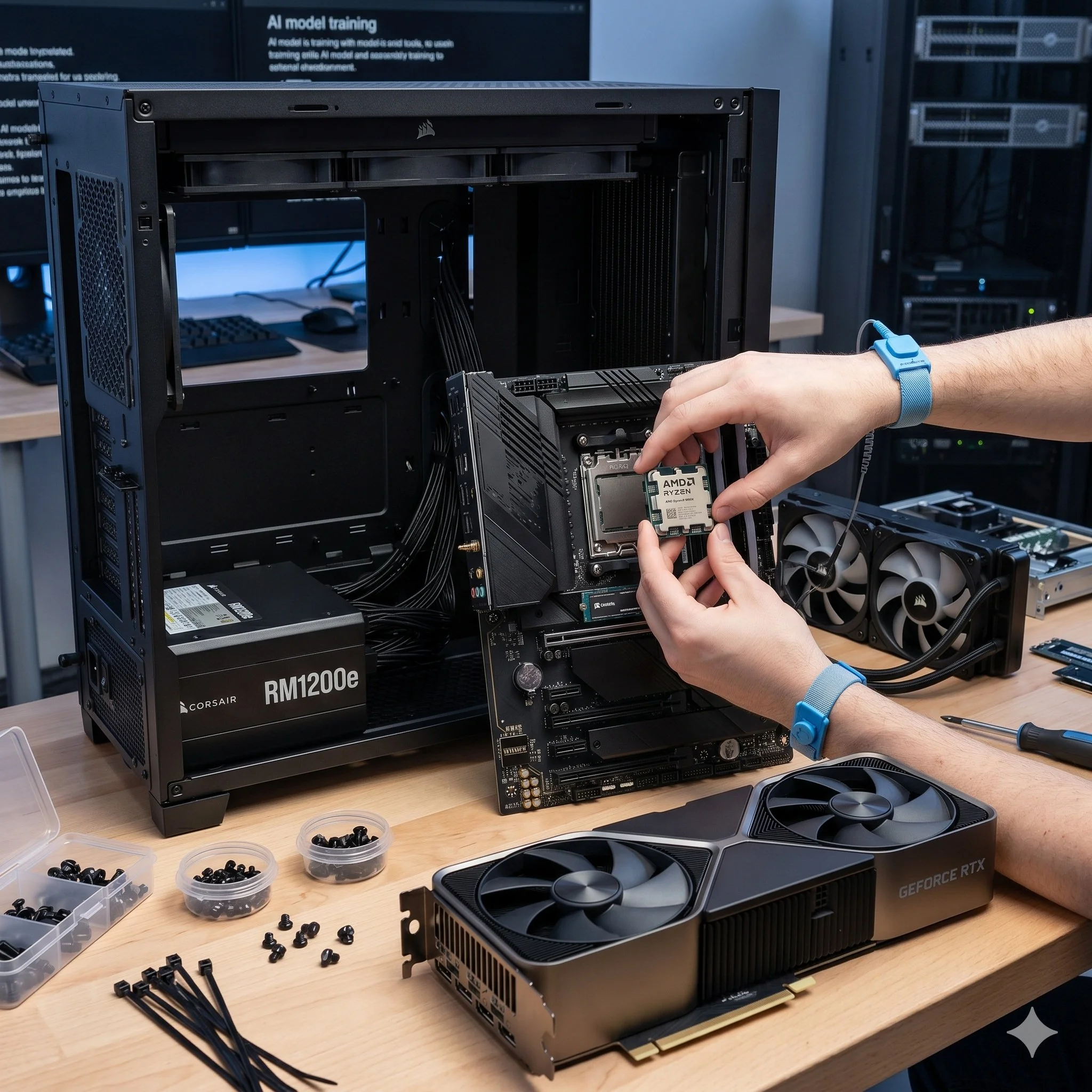
Secure the motherboard onto the case standoffs. Mount your CPU cooler (a dual-tower air cooler or a 360mm AIO liquid cooler). Insert your graphics card into the topmost PCIe x16 slot closest to the CPU to ensure maximum data throughput. Finally, ensure that your case fans are properly set up for positive airflow, which means more intake than exhaust, which will force cool air directly across the GPU backplate where the hot VRAN modules are located.
Install The Local AI Software Stack
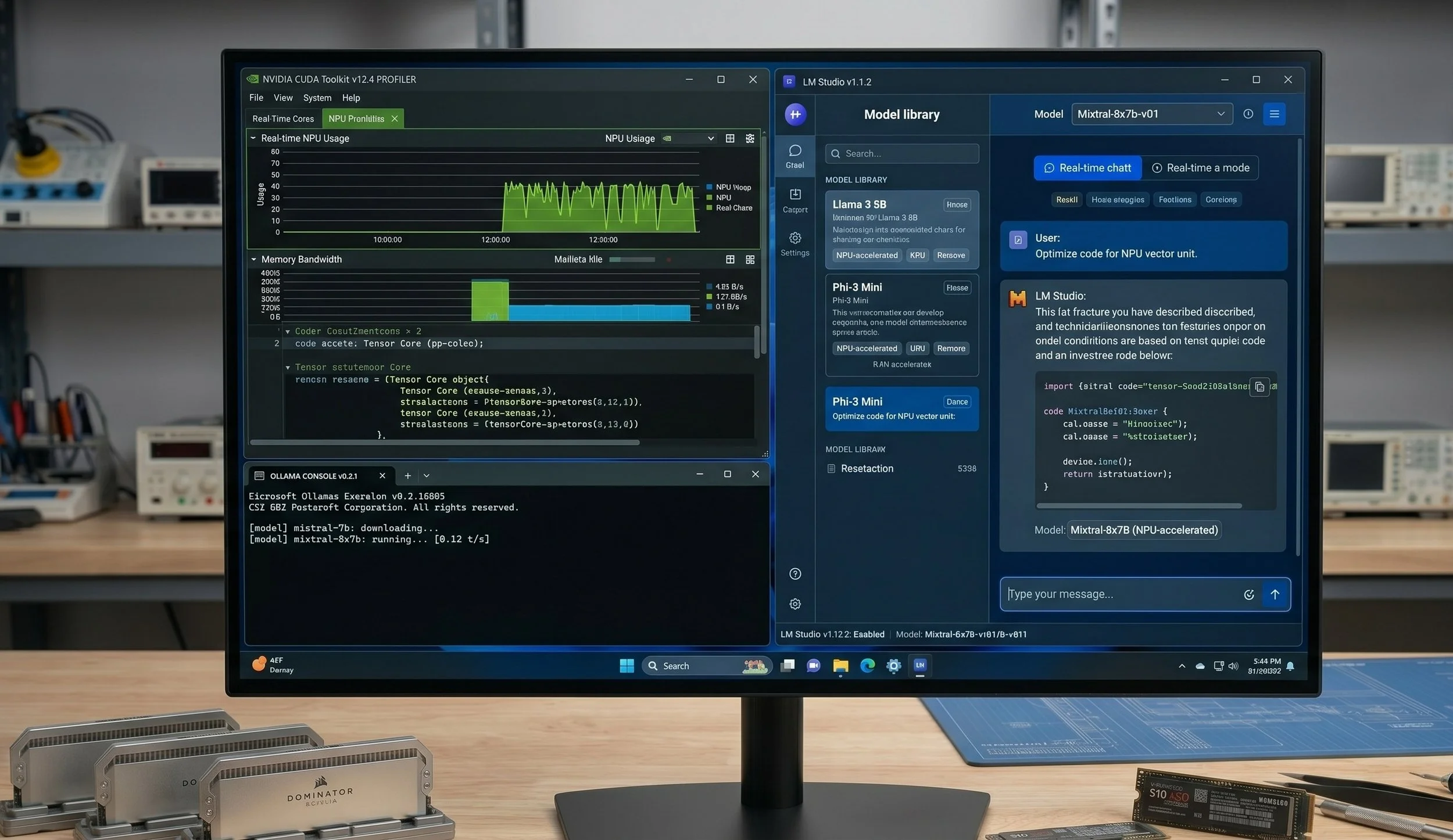
Believe it or not, building the PC was the easy part. We now have to install the operating system and workflow software. Firstly, let's install the operating system, preferably for developing workflows, Windows 11 or Linux. Once you have installed your preferred operating system, it's time to install the local AI software stack.
Your choices are as follows: the NVIDIA CUDA toolkit is the first thing you should download and install, so that your operating system can communicate directly with the GPU's tensor cores. Ollama or LM Studio is the easiest and cleanest way to run local LLMs. Providing a simple interface to download models. Then there is Anakin.ai, excellent for local UI wrappers for building custom AI agents, and Stable Diffusion WebUI, the go-to framework for local image generation, optimized to make full use of your VRAM.
The Build is Complete: The Conclusion
So there you have it, we have built a fully functioning AI PC. Building a system of this magnitude is no different from building a traditional high-end gaming or workstation rig—it just shifts your system's priorities toward massive parallel processing power and data throughput. Remember, the pillars of an AI PC are the brains of it all: a high-end graphics card, high-speed DDR5 RAM (32GB minimum), and your system storage drive should be a fast NVMe PCIe Gen 4 or Gen 5 SSD so that you can load massive data sets and model weights. And yes, let’s not forget a sustainable power supply unit and adequate thermal management. Your newly built system can now experiment with next-generation AI models right from your desktop.