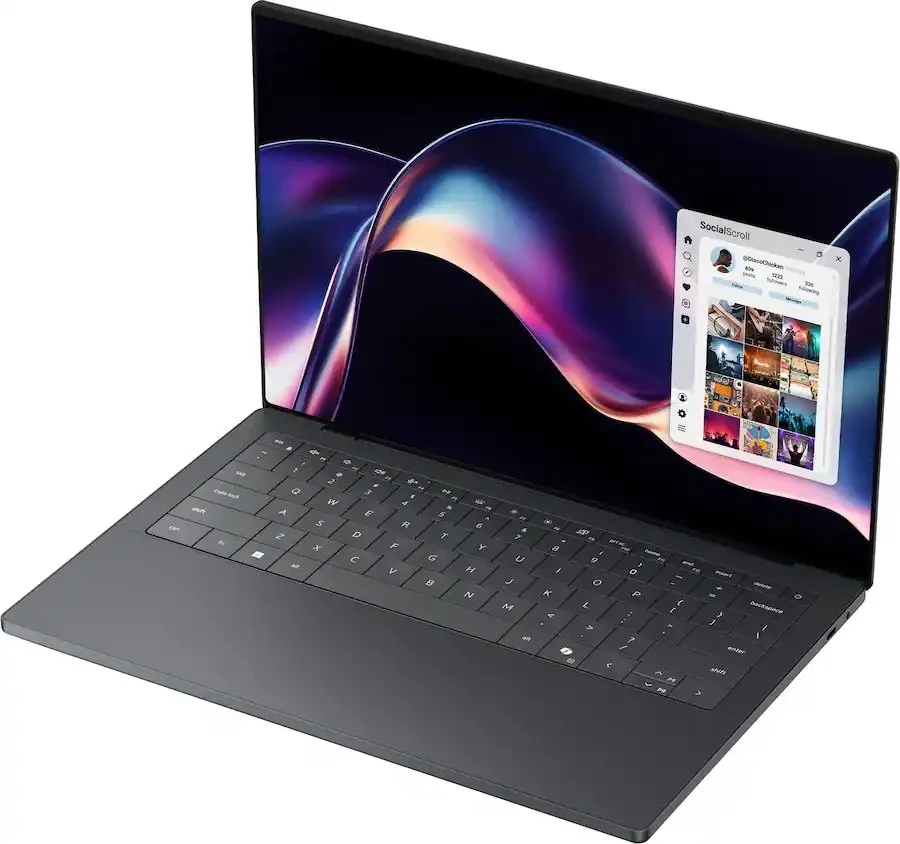
Hardware Breakdown Presents: The New Dell XPS 14 Laptop
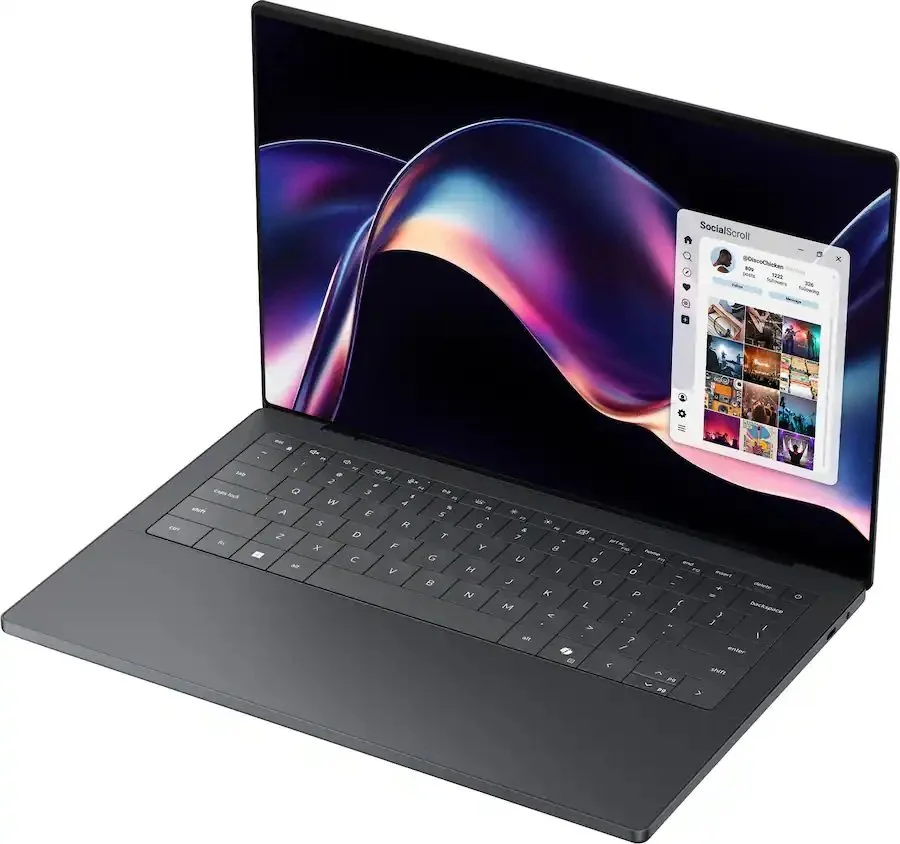
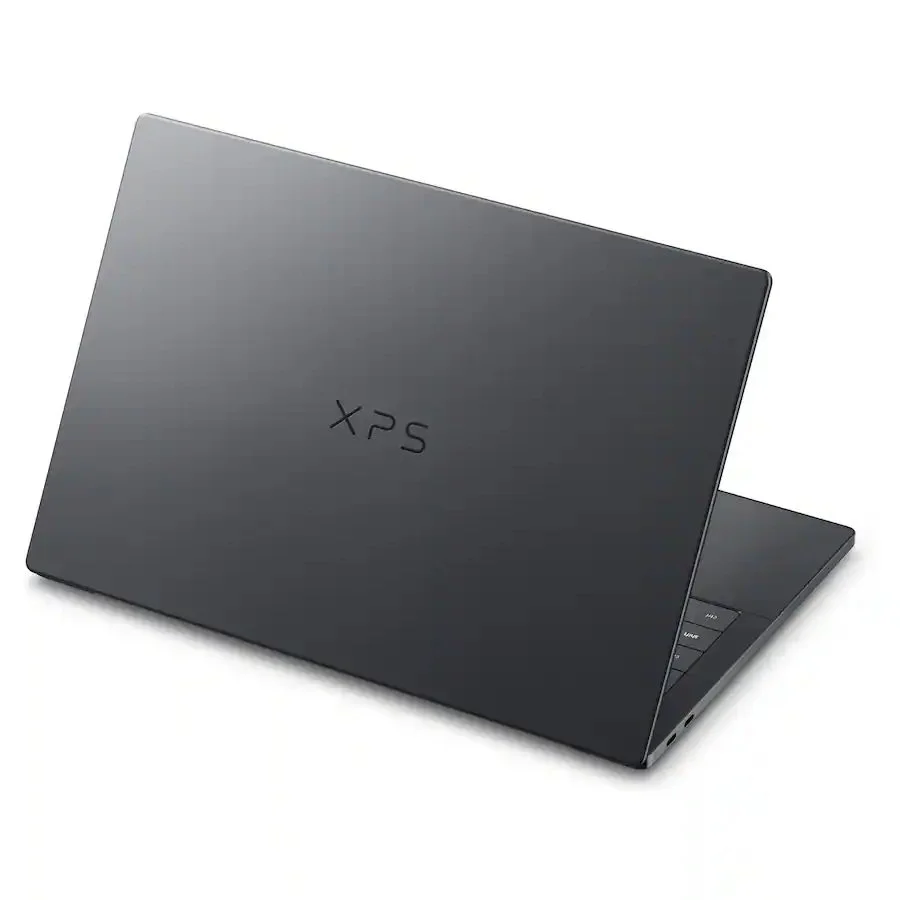
The new XPS 14 has caught my attention mainly because, according to Dell, it represents a substantial hardware pivot. The XPS 14 goes back to the basics of what made the laptop so special, moving past its controversial design and somewhat questionable branding experimentations of past "Dell Premium " iterations. The revised XPS 14 features an updated architecture, enhanced efficiency, and a return to some traditional physical input ports.
In this new monthly (long-overdue) edition of Hardware Breakdown, I'll take a look under the hood to see what makes this ultraportable device so special.
The Silicon Processing Power
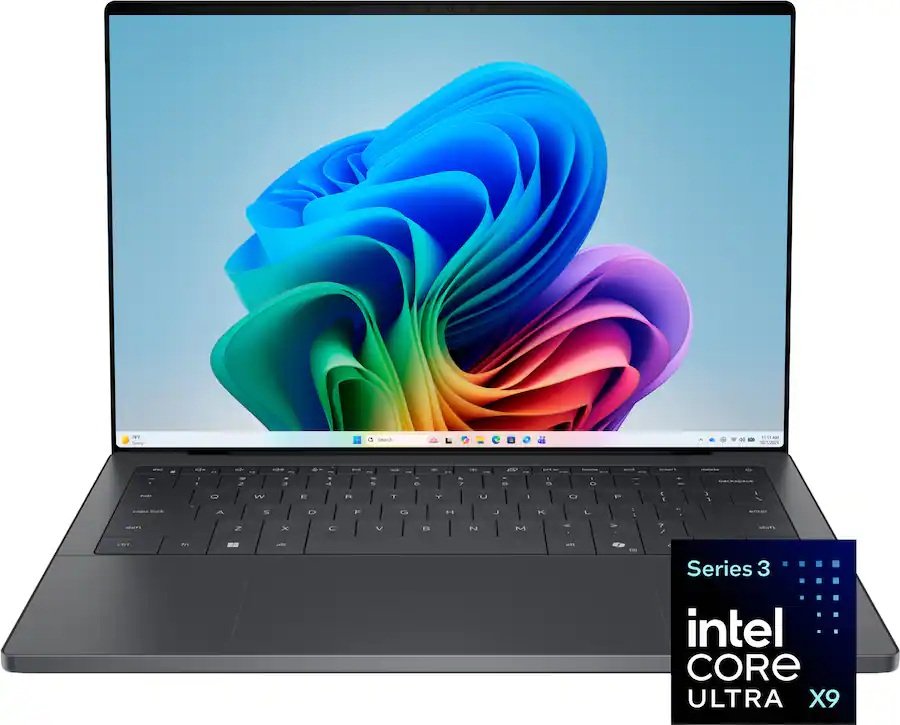
Of course, the core component of the XPS 14 is the processor, not just any processor, but Intel's "Panther Lake" Core Ultra Series. Ironically, Dell took a different approach regarding their CPU; rather than going with ultra-low-wattage chips across the board, Dell splits the configuration based on performance curves.
It goes like this:
The Base Tier starts with the Core Ultra 5 325 or Core Ultra 7 355, which actually pairs four Performance cores (P-cores for short)with four Low-Power Efficient cores (LP E-cores for short).
The Power Tier is considered to be the flagship configuration, leveraging the Core Ultra X7 358H. This particular variant jumps to a robust 16-core configuration by packing an additional eight standard Efficient cores onto the entire compute tile.
The Graphics and Compute NPU Engine
The graphics processor that handles the standard integrated tiles is the low-spec variant component; configuring it with the top-tier X7 358H processing core unlocks Intel's Arc B390 integrated graphics. This provides a massive leap forward in rasterization and shading performance, giving enough power for less-intensive 1440p gaming and video editing workloads.
The embedded Neural Processing Unit (NPU) handles localized machine learning and AI-driven apps, clocking in at 50 TOPS, matching the current requirements for Microsoft Copilot+.
The Memory and Storage
When it comes to memory, the XPS utilizes a very fast LPDDR5x that operates at an impressive 9600 MT/s in high-end configurations (users can opt for lower tiers at 6400 MT/s). However, there is the proverbial catch: as seen in many viewed teardown images, the RAM modules are soldered directly to the motherboard. There are no SO-DIMM slots; in other words, you cannot upgrade RAM. So you must be precise with your purchase; the RAM capacities are 16 GB, 32 GB, or 64 GB.
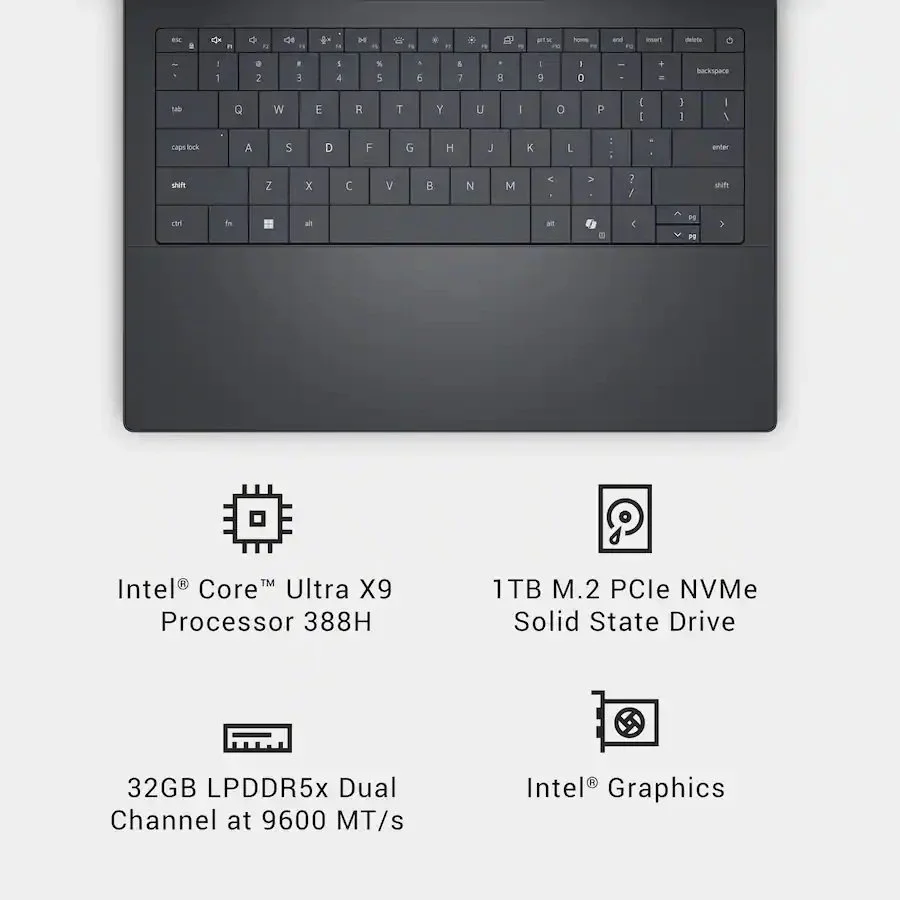
On the storage front, unlike with RAM, users can replace or upgrade the storage drive in the M.2 2280 PCIe Gen 4.0 NVMe SSD slot. However, there is no secondary slot for an additional storage drive due to space constraints on the motherboard. With that said, users can swap the Manufacturer's drive for a high-capacity aftermarket drive up to 4TB.
The Thermal Management capabilities and Battery Power
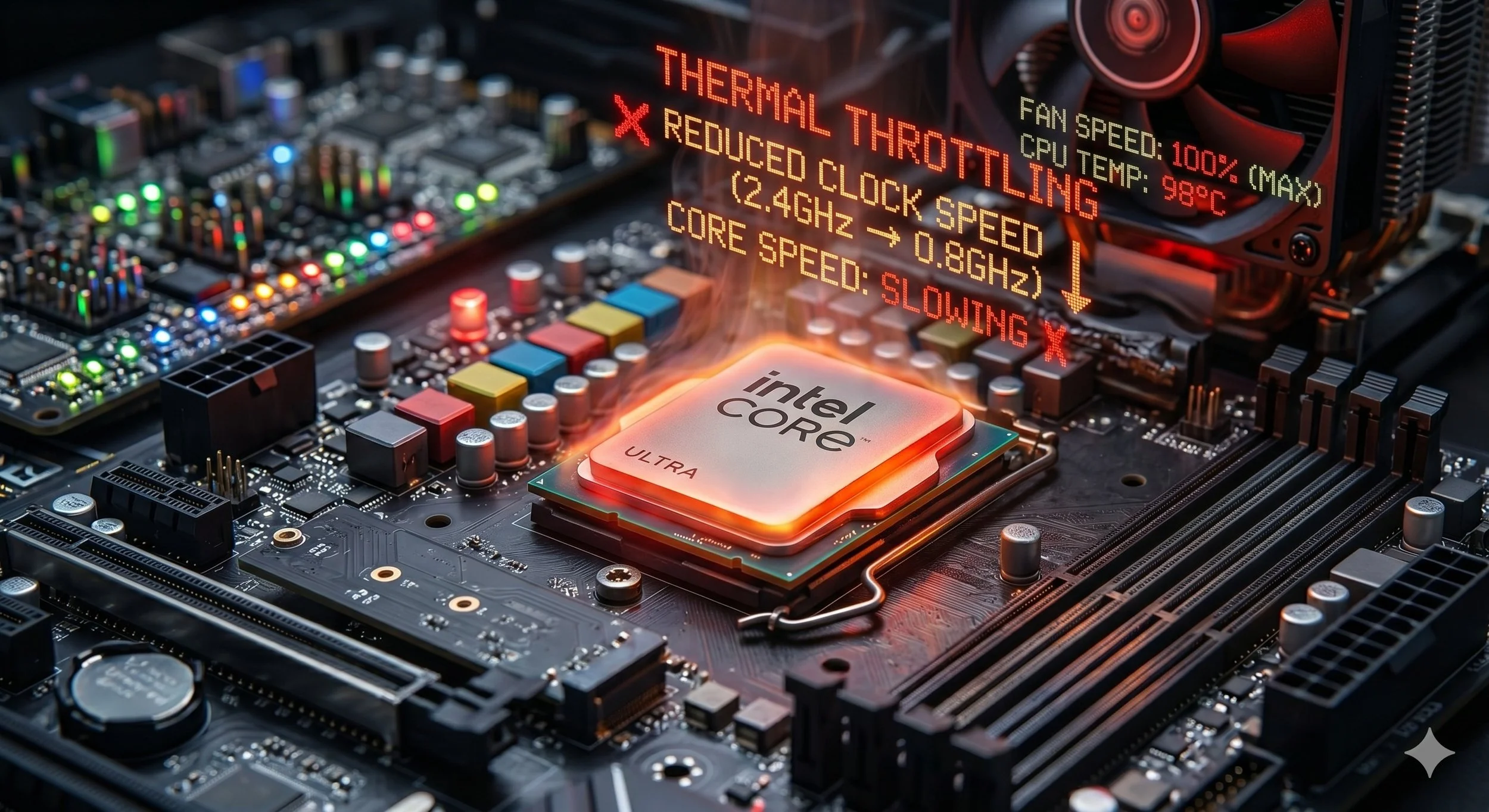
Since this laptop has a 16-core processor, it can run very hot. To avoid thermal throttling, Dell uses a dual-fan cooling system. The thermal design consists of twin high-density blower fans flanking the split dual-pipe array, which routes heat directly away from the unified CPU-GPU package toward the rear exhaust vents.
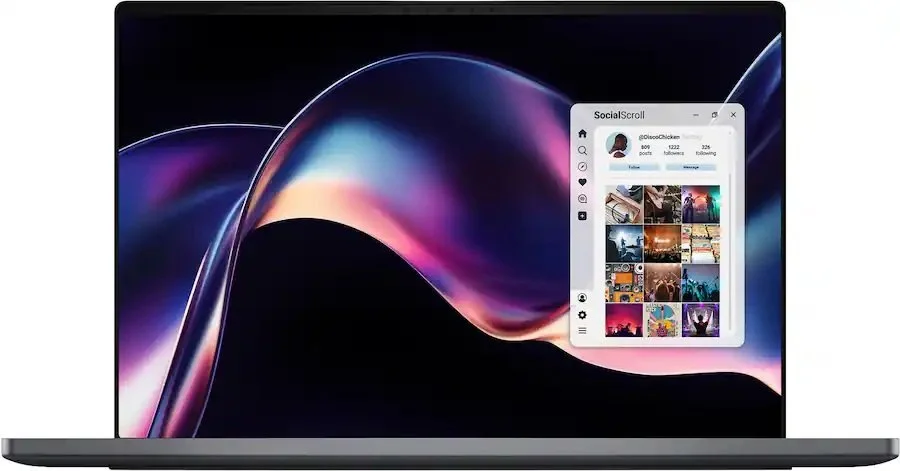
The laptop's power dynamics are very interesting. It occupies the entire lower half of the chassis and is a 6-cell primary 70-watt-hour battery, combined with the architectural efficiencies of the new Intel silicon. According to the spec sheet, the system delivers outstanding battery life, lasting over 21 hours during standard productivity and video playback—the new XPS 14 ships with a compact 60W Type-C AC adapter.
The Input-Output and Peripheral Connectivity
In most of my published computer hardware breakdowns, I rarely examine the external ports. However, the XPS 14 has something interesting going on with its connectivity peripherals. There are three Thunderbolt 4 (USB Type-C) ports, all supporting Power Delivery and DisplayPort video output, one 3.5mm audio jack, and a microSD card reader.
The wireless connectivity features an Intel Killer Wi-Fi 7 network card paired with Bluetooth 6.0 for low-latency, high-throughput wireless data transfer. The XPS 14 also features input biometrics and a 4K IR webcam that supports Windows Hello facial recognition logins.
In Summary
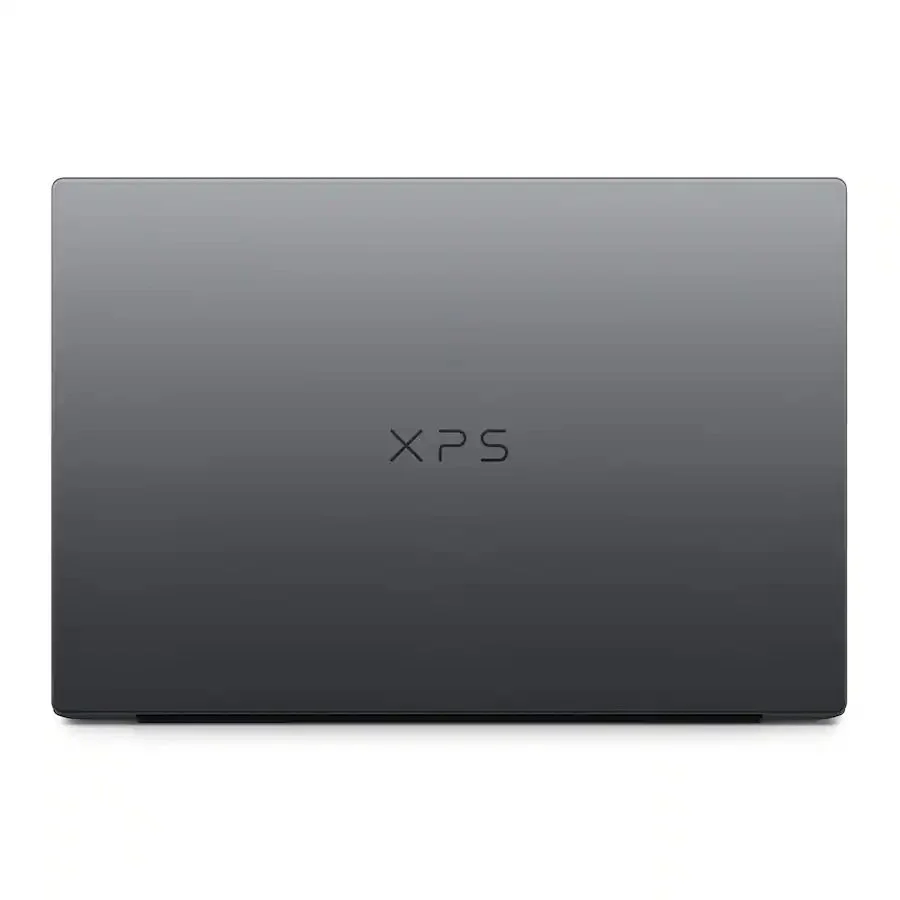
It's safe to say the new XPS 14 is a necessary correction for Dell's flagship lineup. The device is driven by efficient gains and robust graphics of Intel's latest silicon architecture, potentially striking the perfect balance between sustained performance and multi-day battery life.