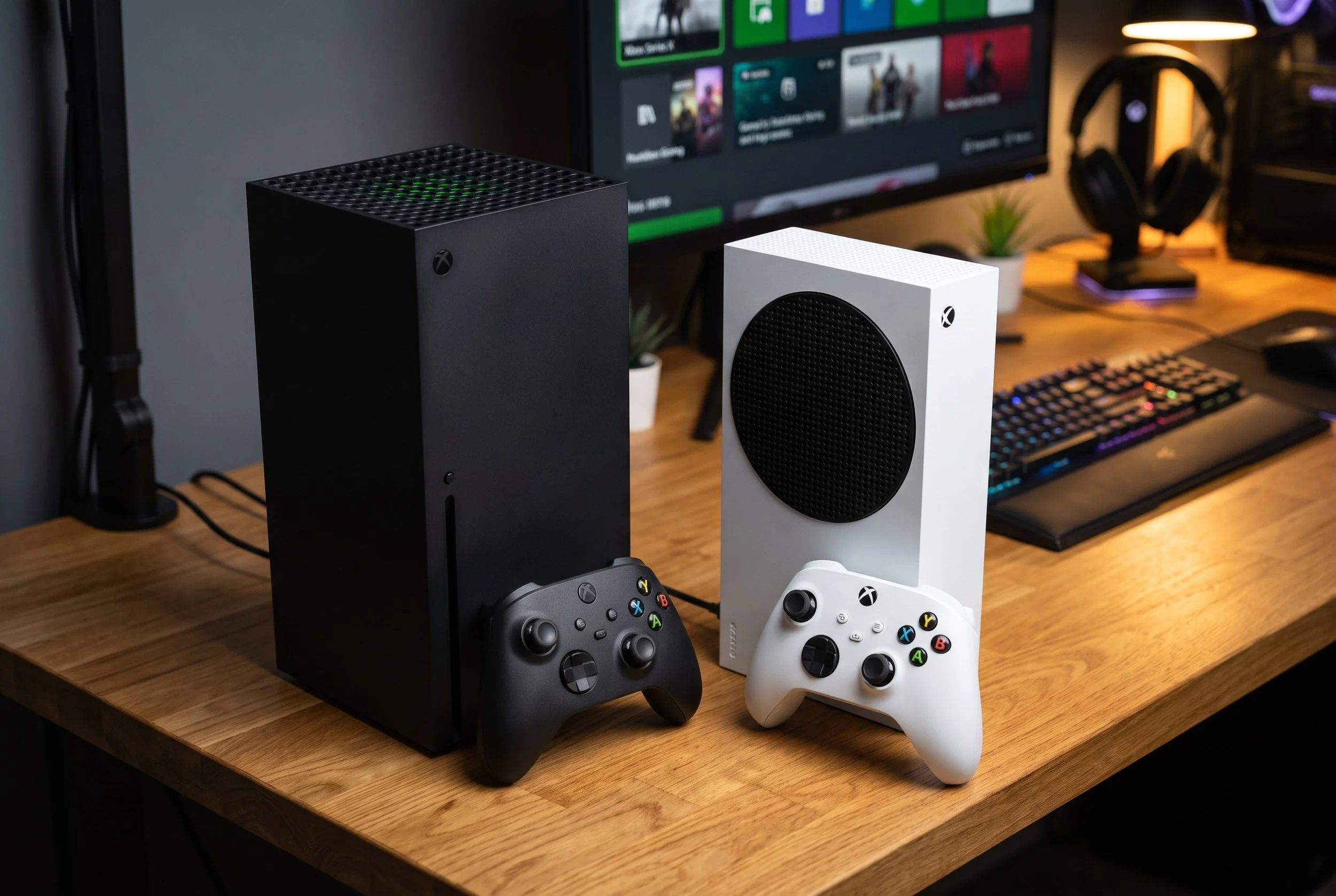
Software Updates: The Xbox Series is Getting 5 New Significant Software Upgrades
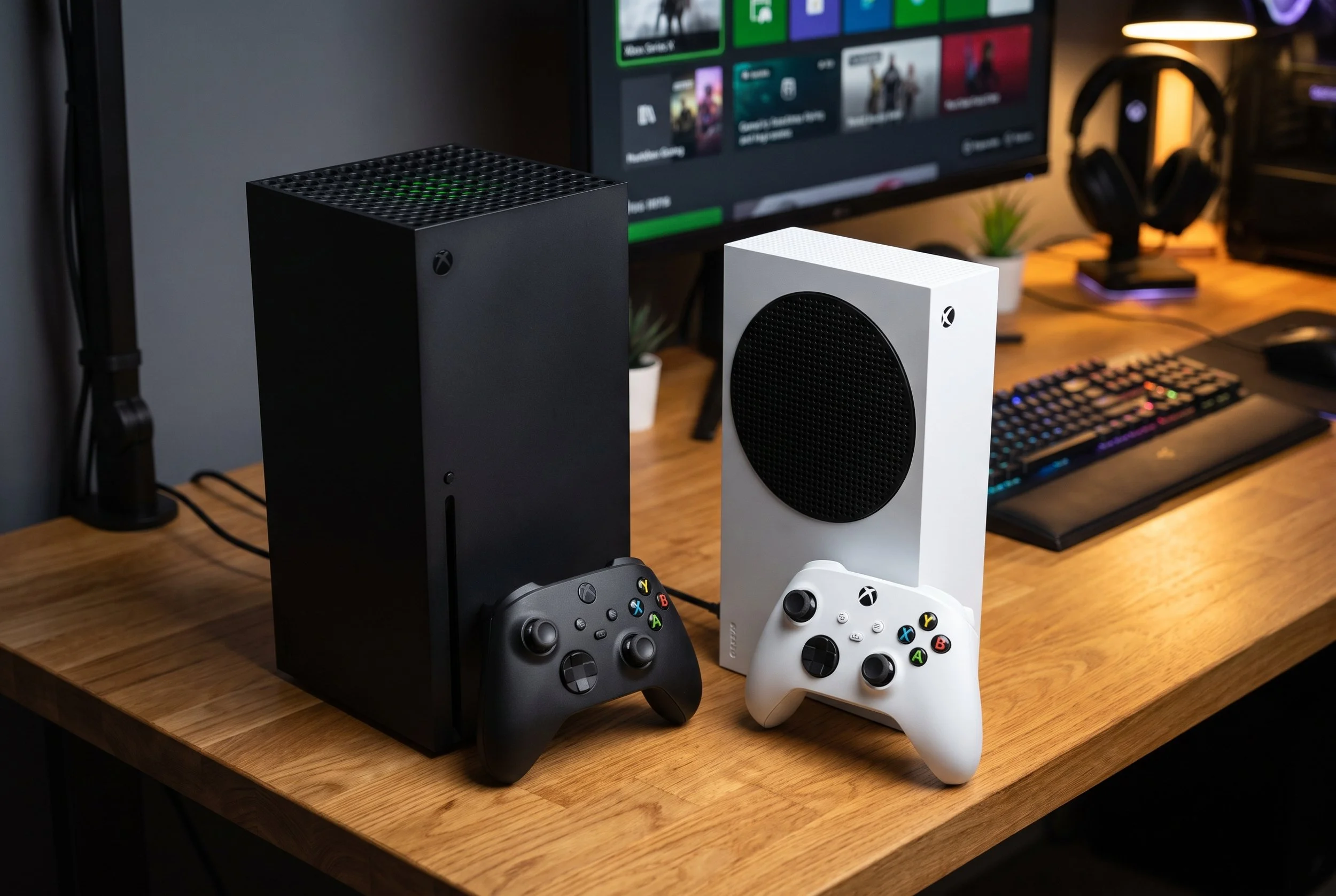
Historically, console manufacturers resorted to mid-cycle hardware refreshes to revitalize gaming performance. However, Microsoft is taking a different approach by focusing on the console's operating system and software architecture.
Rather than exhausting resources on hardware improvements, Xbox engineers are delivering software enhancements designed to improve visual fidelity, streamline audio communication, and give gamers unlimited customization across both gaming platforms, including the Xbox Series X and Series S.
Upgrade Number 1: 1440p Remote Play That Comes with Higher Video Bitrates
The Xbox Remote Play feature will let users stream installed titles directly from their Series console to any device—smartphone, tablet, or PC— and will receive the most significant streaming engine overhaul to date.

There will be much sharper 1440p resolution, since the hard cap at 1080p is clearly broken. By adding native 1440p resolution, the system will include streaming screens. Elevated bitrate: Other video upgrades include an elevated bitrate ceiling. The upgraded network pipeline Will dynamically eliminate at a significantly higher bitrate. This will virtually eliminate any distracting macroblocking. It will also eliminate pixelation and banding that previously plagued fast-motion shooters, racing games, and high-speed local networks.
Upgrade Number 2: Built-in Voice Clarity and Noise Suppression
Clear communication in party chat and competitive multiplayer has become a gamer's favorite. Microsoft's response is to integrate machine-learning audio that filters directly into the console OS. Background Suppression is available in Settings > General > Volume and audio output; it actively isolates users' vocals while dampening background noise, such as keyboard clatter and thumbstick clicks.
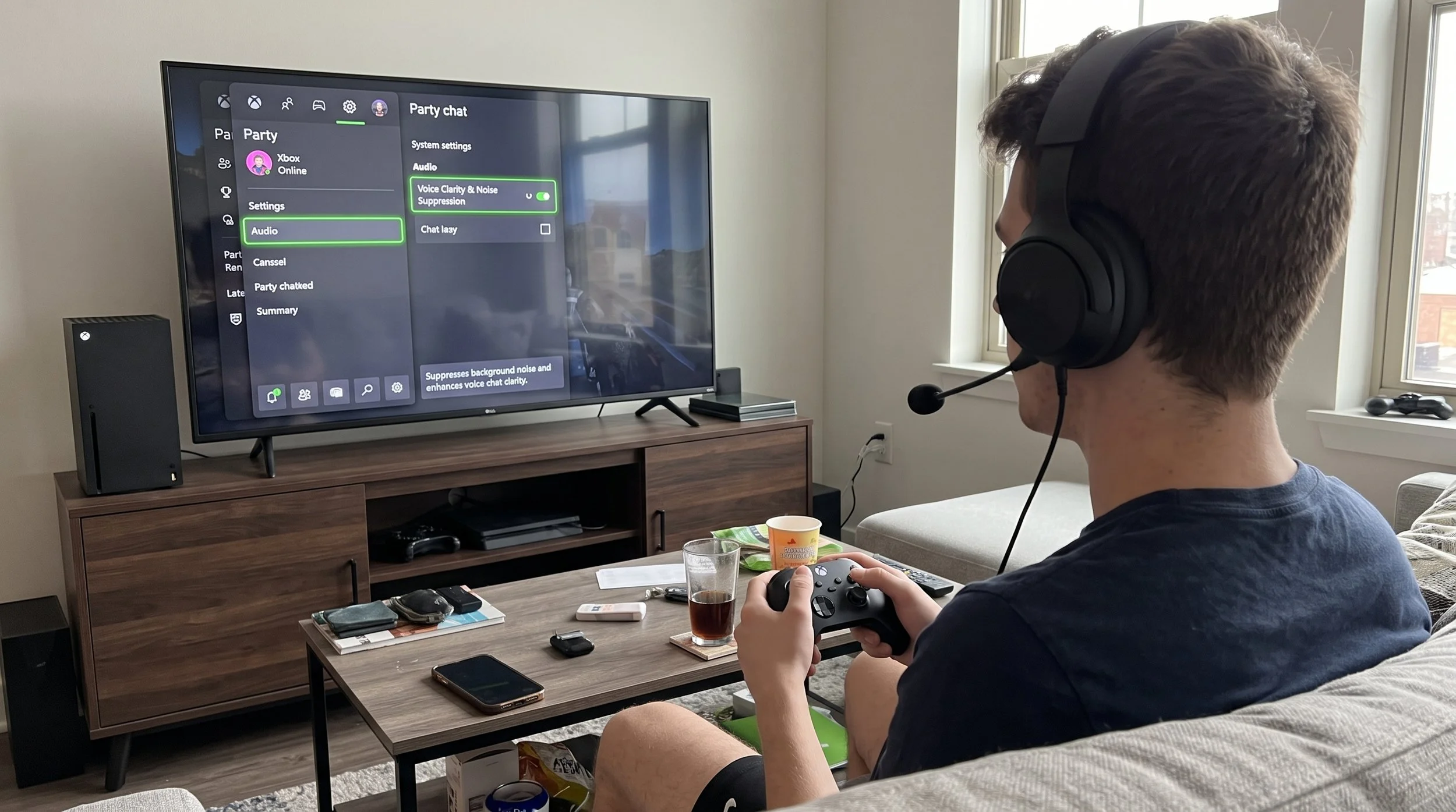
The Plug-and-Play integration will work automatically across standard headsets and party chat, removing the need for third-party DACs or external noise-gate hardware.
Upgrade Number 3: Customize Startup Animations & Audio Muting
If you missed the classic hardware period—or want a personalized boot-up experience like modern handheld devices—the new software upgrade lets you change how the console starts up.
Customize your Boot Sequence under Settings > System > Startup. Xbox users can replace the standard Xbox Series X/S sequence screen with alternate animations that include legacy themes such as the Xbox One boot sequence and special edition themes
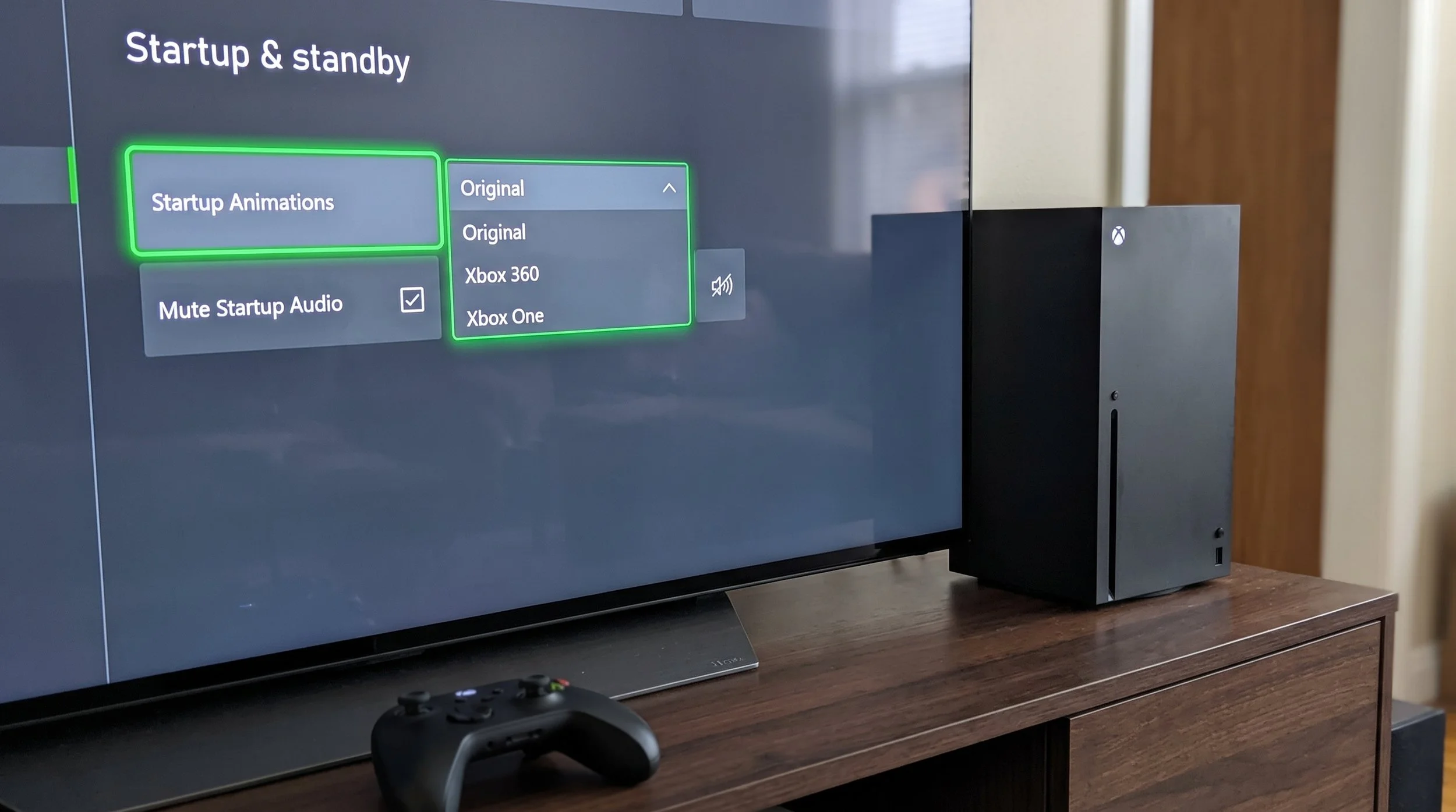
In the Start-up settings, users can access a dedicated control to completely mute start-up sound effects. This eliminates the piercing chime during gaming sessions.
Upgrade Number 4: Save File Management Locally
With modern games consuming storage space well beyond 100GB, internal console storage remains a precious commodity. With the new update, users are granted manual control over local storage data.
The storage management feature will let gamers view and delete unused local save caches without uninstalling entire games or wiping the drive. Because all game progress is mirrored in the Xbox Cloud network, purging local saves is instant, freeing up drive space while ensuring users’ save state automatically resyncs whenever they reinstall the game in the future.
Finally, We Have Upgrade Number 5: Engaging Dashboard Modes & Clutter-Free Navigation
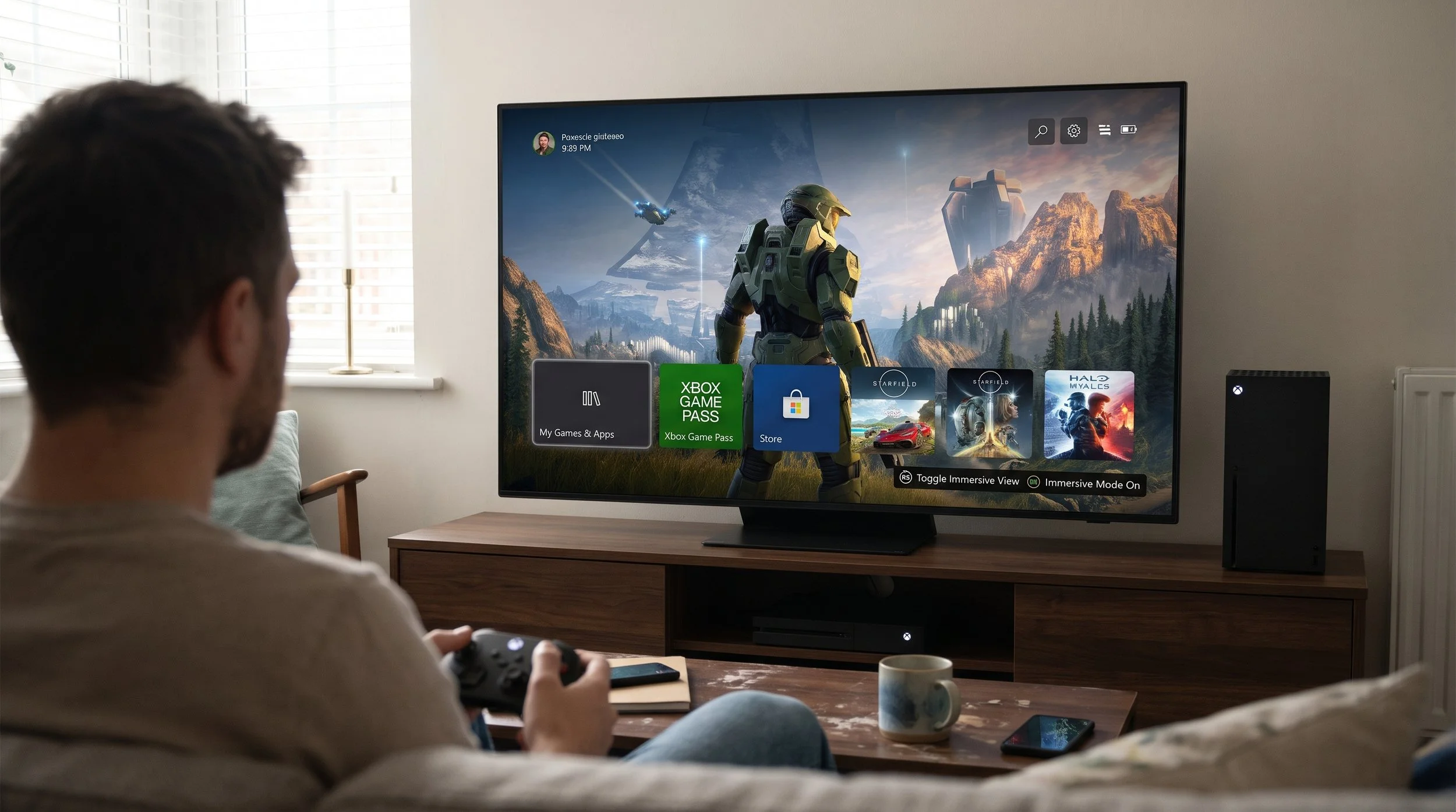
If you want that immersive view, click the right stick directly from the Home screen; this instantly fades away game titles, dashboard cards, and navigation ribbons, letting users choose a dynamic wallpaper or custom screenshot that fills the entire television without sudden interruptions. Gamers can now hide and remove specific items from the Home carousel—including the Play History tile—giving privacy—conscious and minimalist players an uncluttered dashboard.
The OS can now keep active game downloads running in the background while users stream games via Xbox Cloud Gaming, so an install won’t pause just because you launched a cloud session.
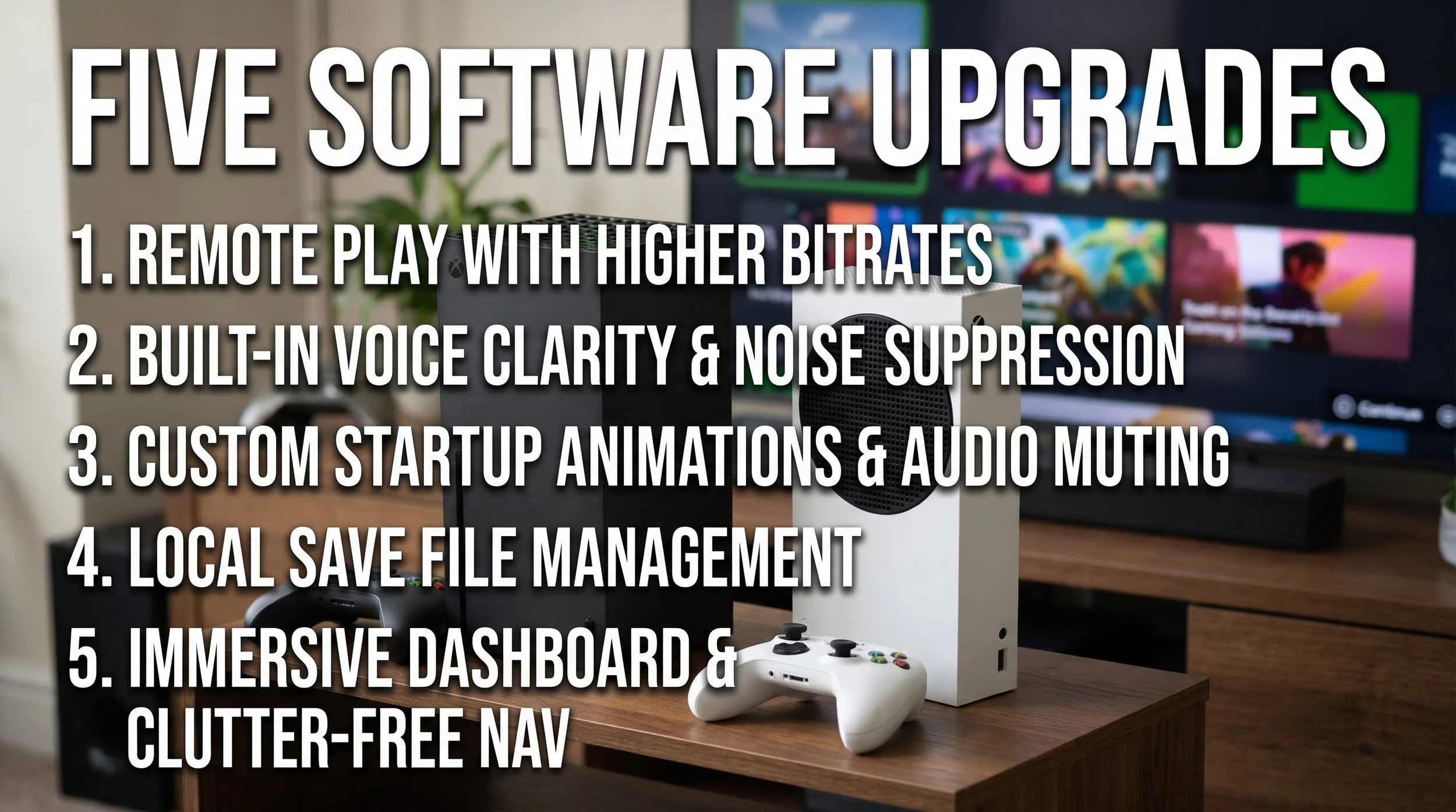
By refining the display resolution pipeline, cutting out voice chatter noise, and putting storage control directly in the player’s hands, these updates will ensure that the Xbox Series ecosystem continues to evolve from within.