How to Properly Set Up Your New PlayStation 5

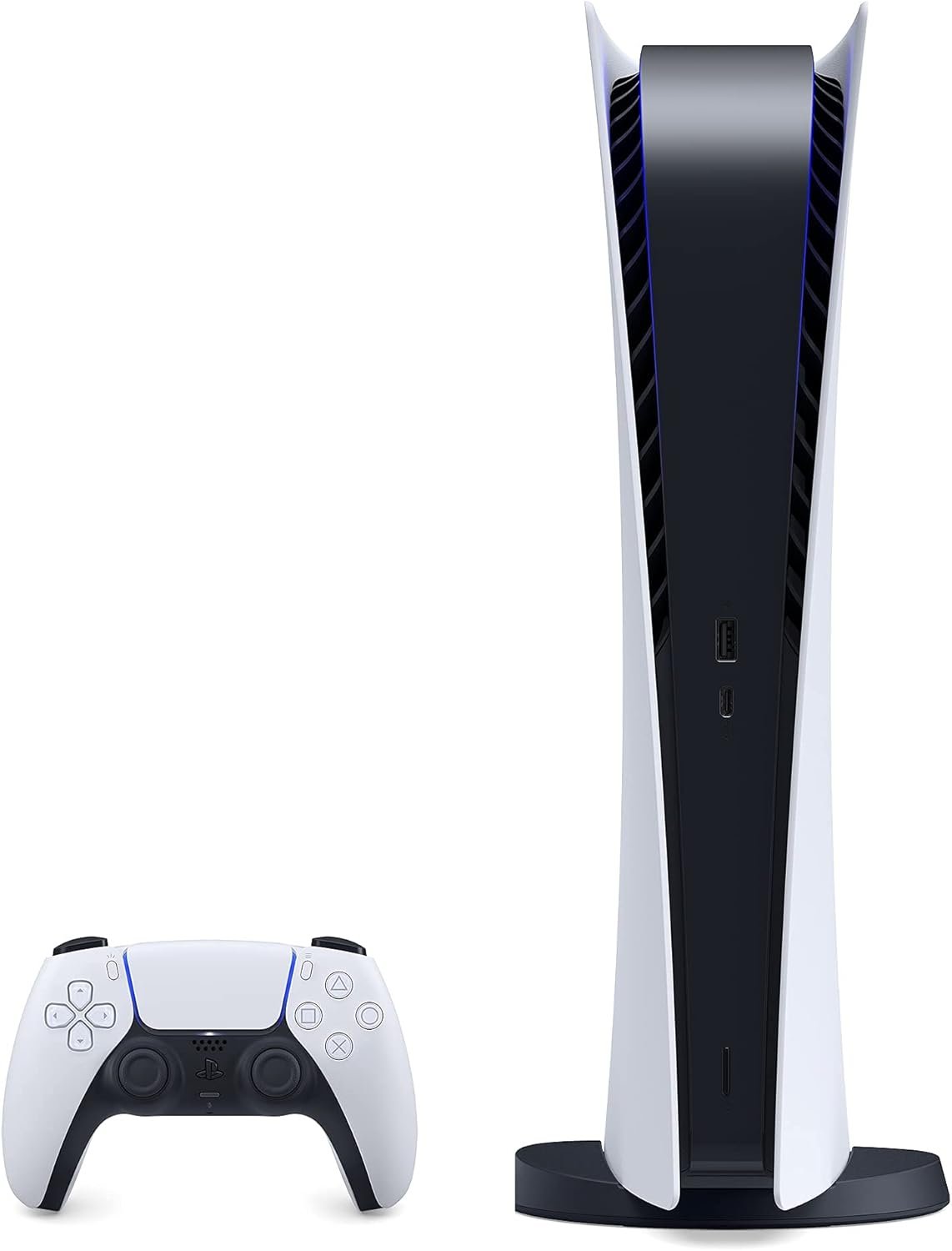
Unboxing the new PlayStation 5 is an exciting moment in gaming. Whether you've picked up the standard edition with the disc drive or the Digital Edition, unboxing and setting up your new console is a straightforward process worth doing properly to avoid common mistakes. Here's a step-by-step guide to help users get gaming faster.
Step 1: Unbox The Console
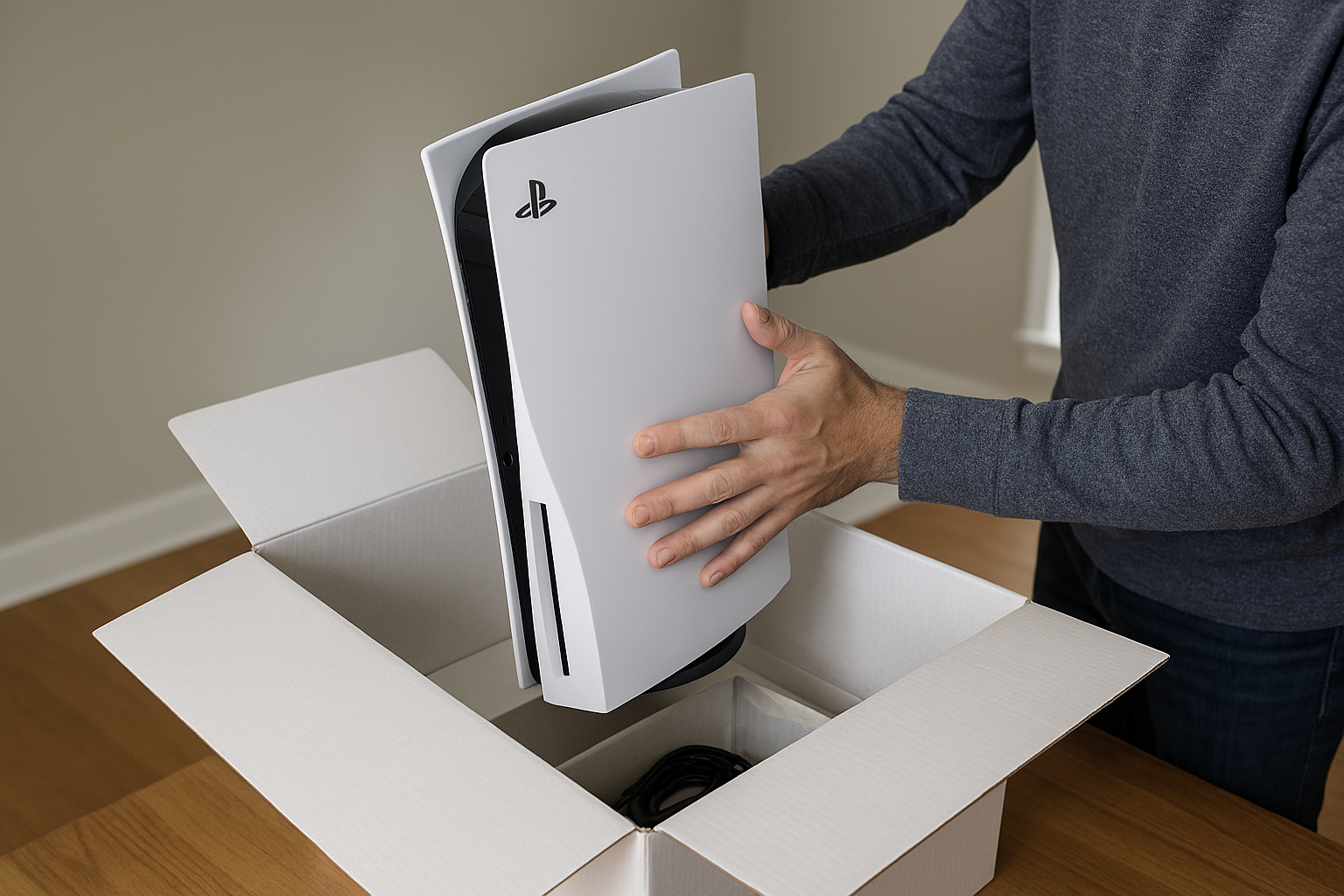
Inside the box, users will find the PS5 console, the DualSense controller, an HDMI cable, a power cable, a USB cable, and the console's stand. Place the console on a flat surface and ensure at least 6 inches of clearance for proper ventilation. Then decide whether you'll position it vertically or horizontally. My preference is to stand it horizontally. However, attach the stand accordingly.
Step 2: Connect to Your Display
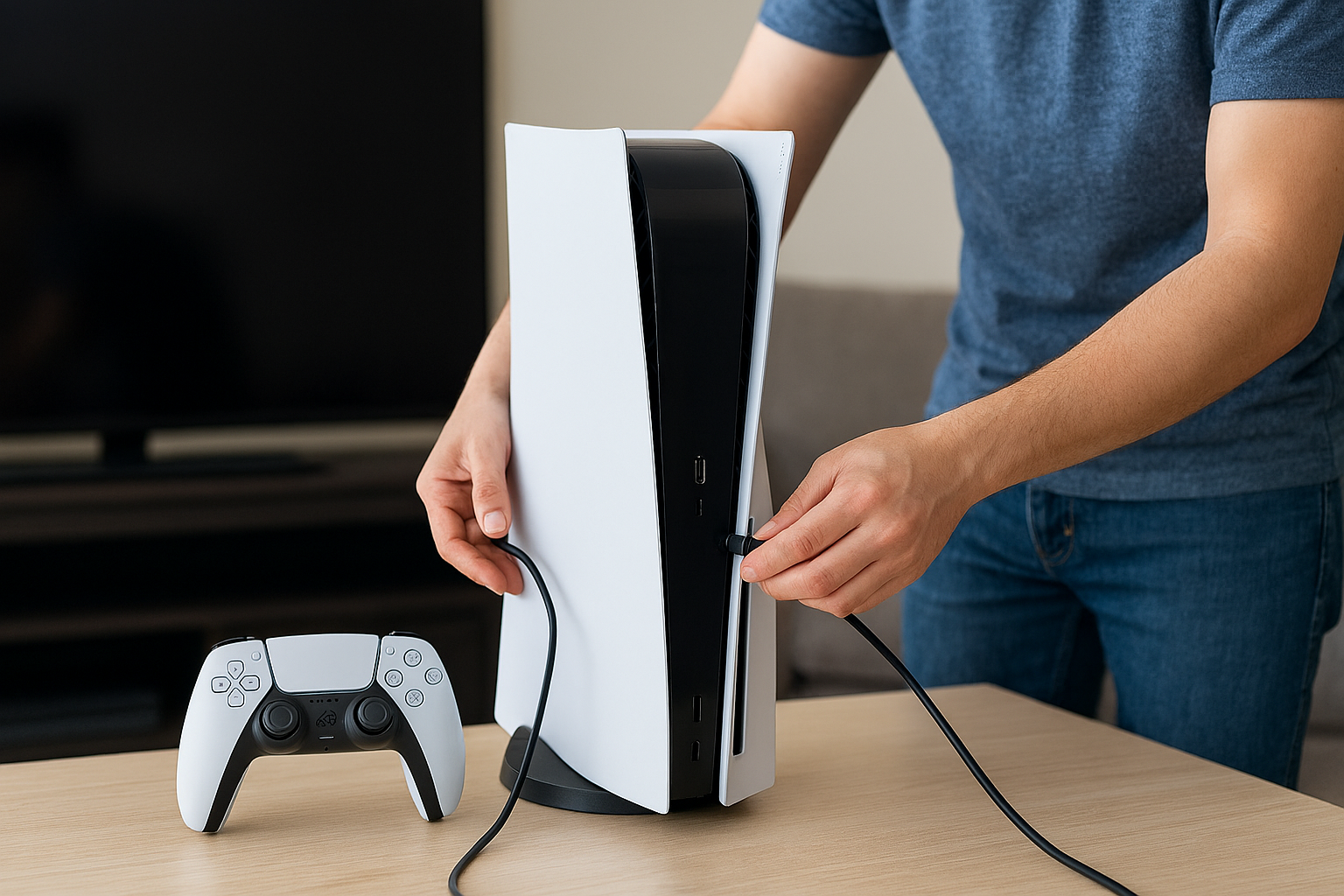
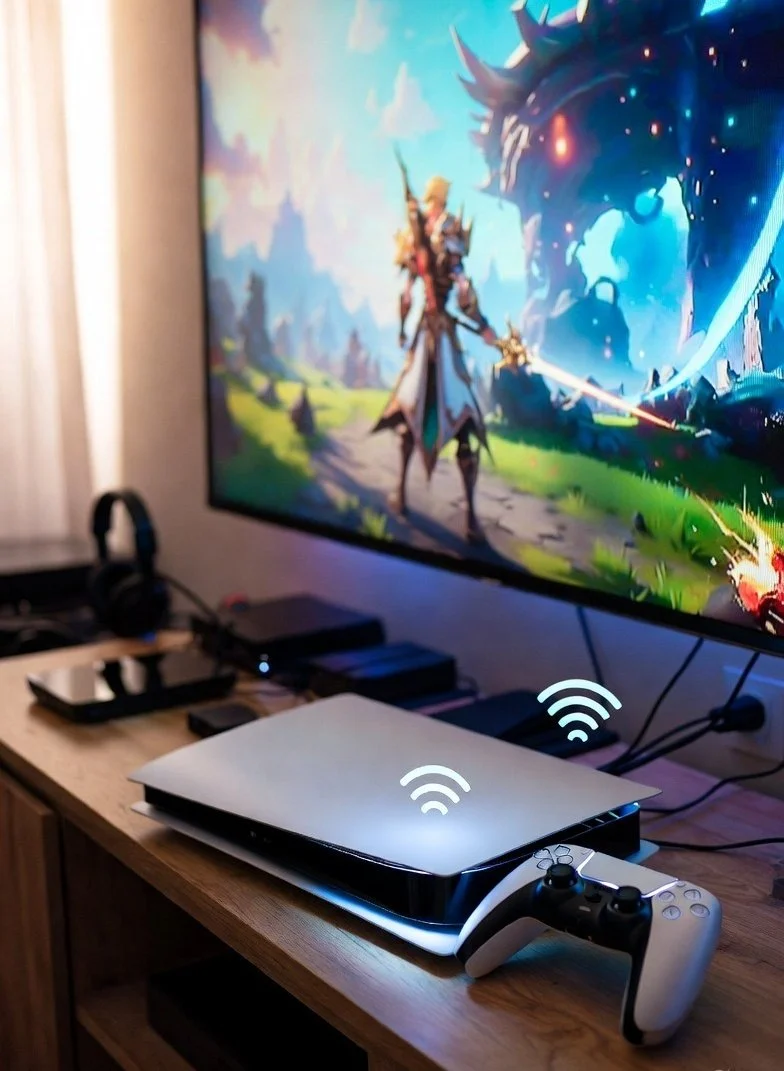
The PS5 console includes an HDMI 2.1 cable; connect it to your TV or monitor via the HDMI port. For optimal performance, ensure the display connected to your console supports 4K at 60Hz or 120Hz. Proceed to plug the power cable into the console and the wall outlet.
Step 3: Sync Your Controller
Connect the DualSense controller to the PS5 using the provided USB cable. Then press the PS button to pair it with the console. Once paired, users can disconnect the cable and use the controller wirelessly.
Step 5: Update System Software
The PS5 is set to check for updates automatically. Install the latest firmware available to ensure compatibility with your new games and features.
Step 6: Transfer Data as an Option
Since the PS5 is backward-compatible with PS4 games, you can transfer saved data and games from the PS4 via Wi-Fi, a cable, or external storage.
Step 7: Customize Settings
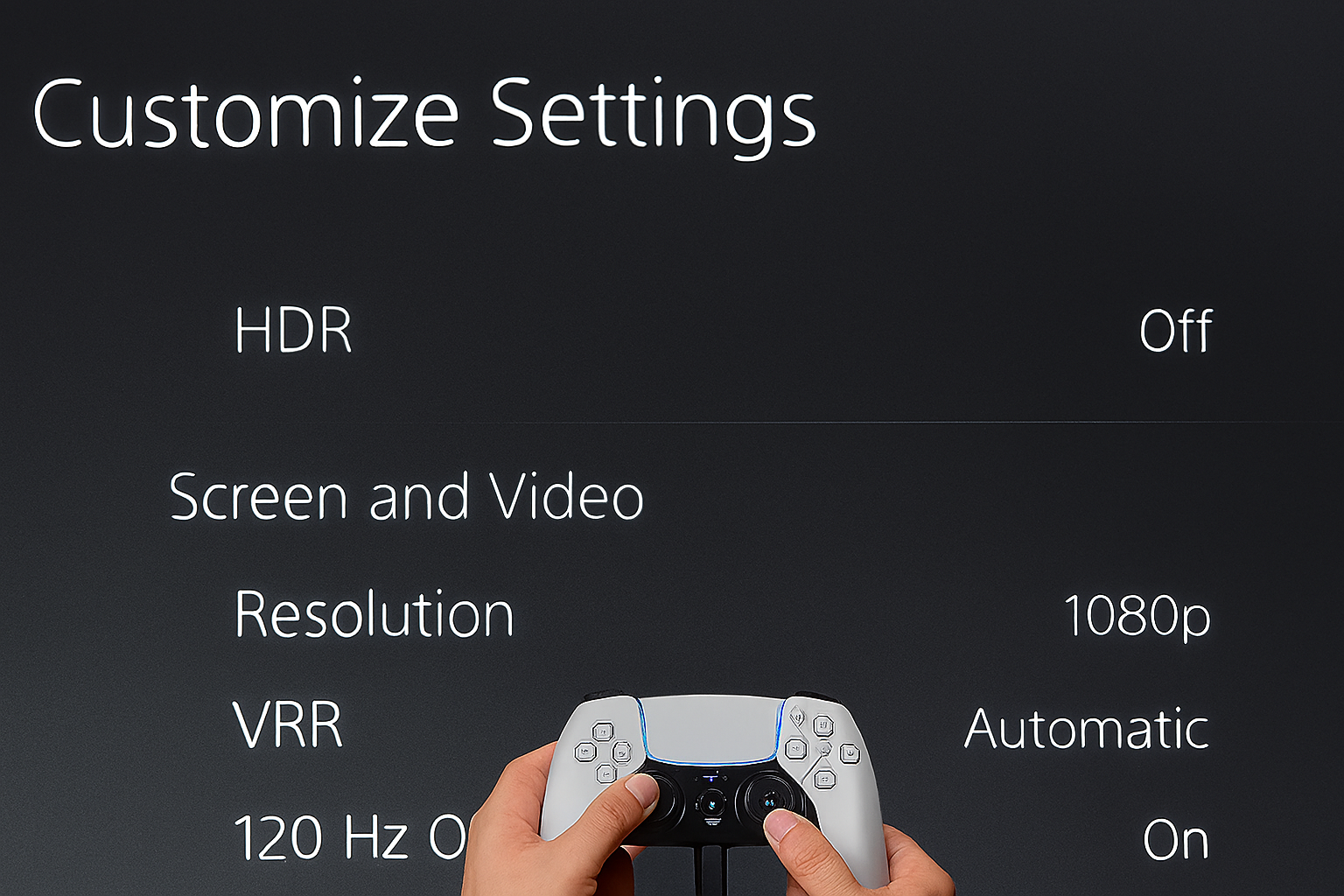
In this step, you would need to adjust settings (HDR, resolution, refresh rate) to match your TV. Set up a user account and connect to PlayStation Network (PSN) for online gaming and digital purchases. Users need to enable features such as Rest Mode for background downloads and controller charging.
Step 8: Start Your Gaming
If you have the standard edition PS5, insert the disc or download a game from the PlayStation Store. New users should also explore the PS5's interface, try Astro's Playroom, and enjoy next-gen gaming.
Final Users Tips
Keep your console in a well-ventilated area to avoid any overheating. Also, download the PlayStation App for remote downloads and account management. New users should consider enabling cloud saves for extra security.
In short: Unbox, connect, update, customize, and play. Follow these steps correctly, and your PS5 will be ready to deliver the next-generation gaming experience you've been waiting for.