How Much RAM is Enough For Your PC?
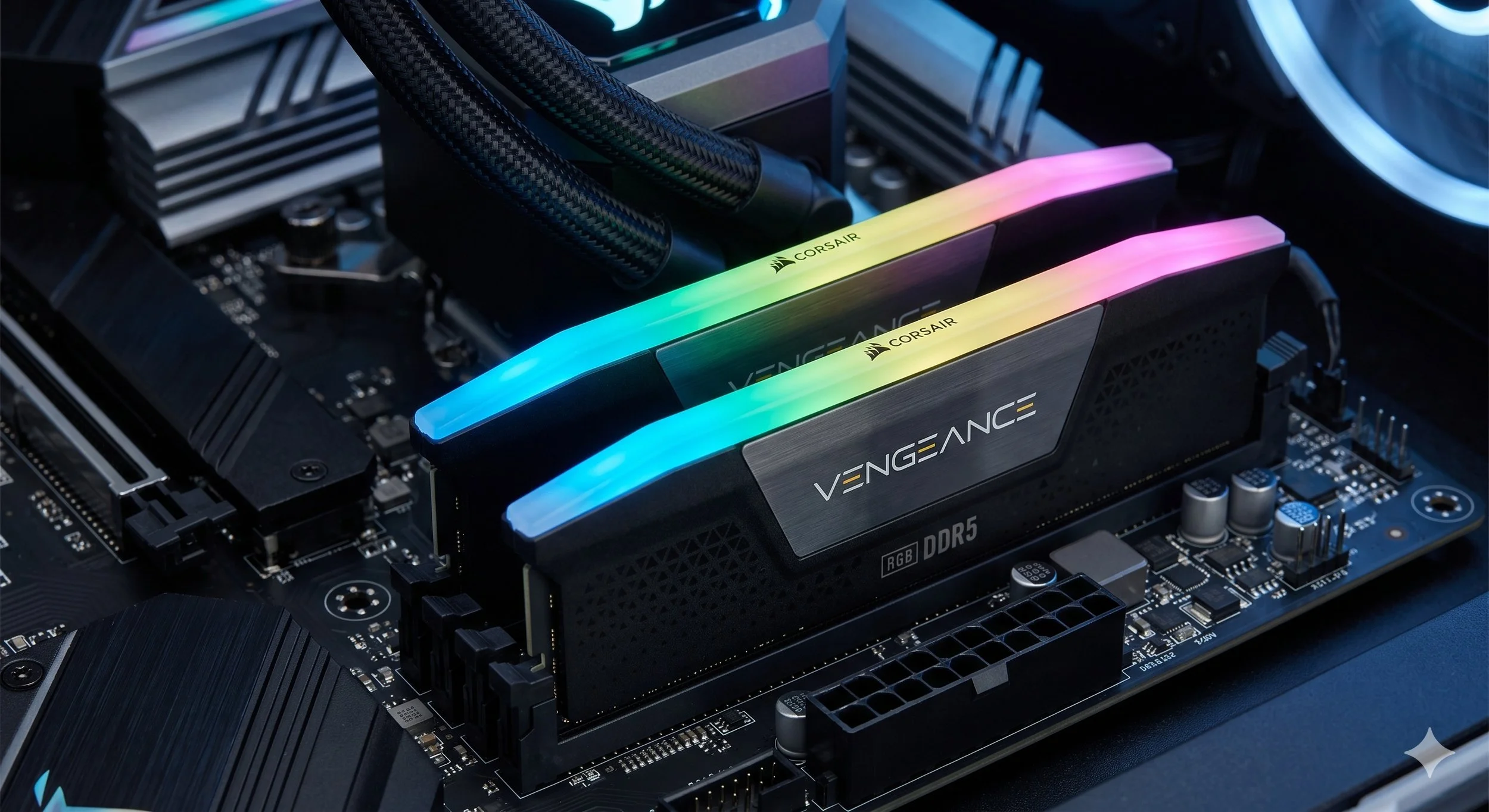
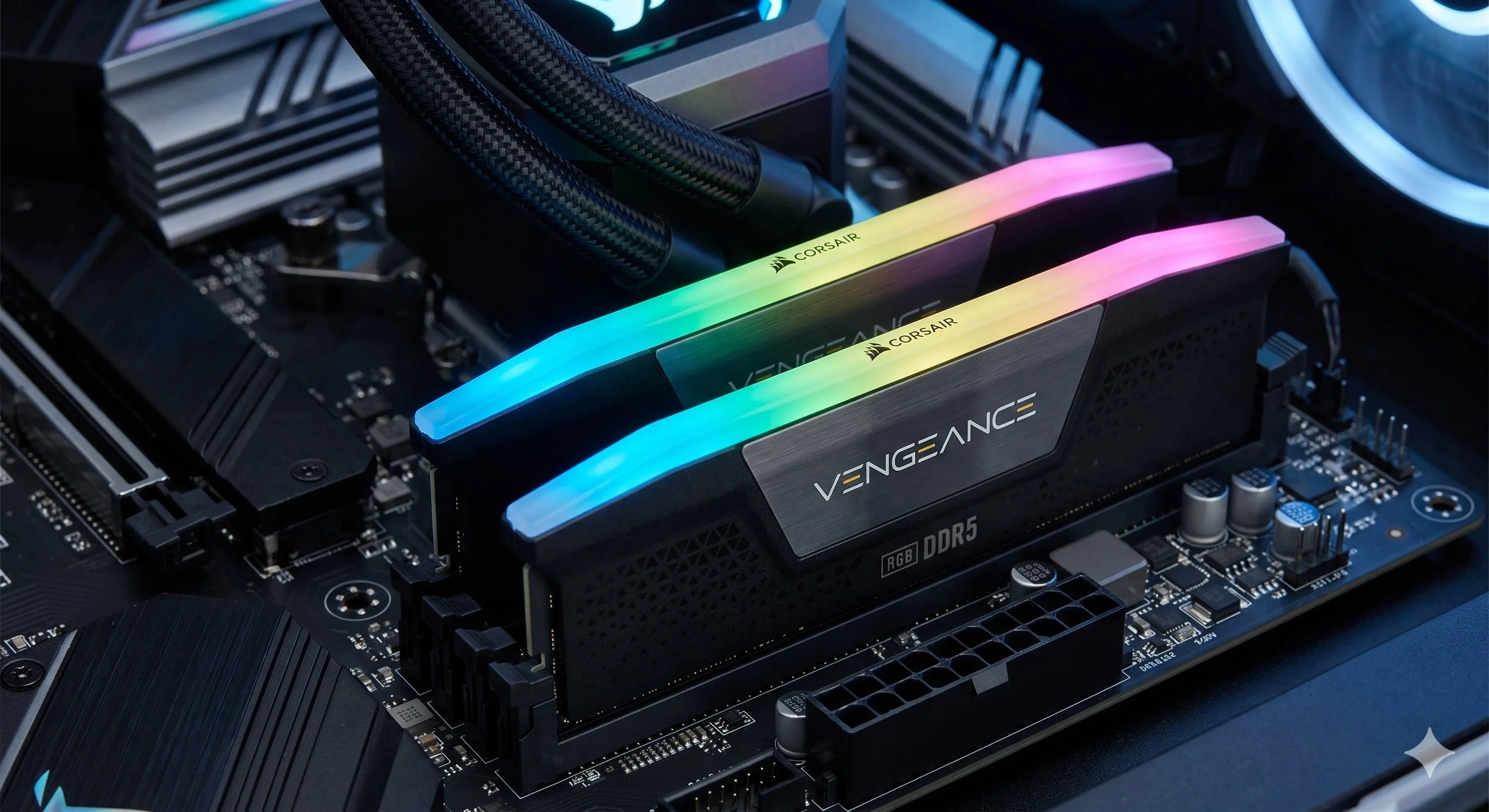
Here's an age-old question regarding computers: how much RAM is enough? This is a daily conversation amongst us enthusiasts that has shifted from a numerical target to workflow efficiency and hardware longevity. While 8GB was once the standard, modern computers — driven by resource-hungry web browsers, background AI processes, and high-fidelity assets — have forced many, both PC enthusiasts and manufacturers, to raise the baseline. Meaning you need to increase your RAM capacity to at least 16-32GB.
The Capacity and Needs
Determining how much RAM is needed depends entirely on the specific needs placed on a system. Before we move along, here's a little something you need to know about Random Access Memory (RAM), which is the processor's short-term workspace. Let me explain even further. RAM is a short-term, volatile memory component that provides your CPU with instantaneous access to active data.
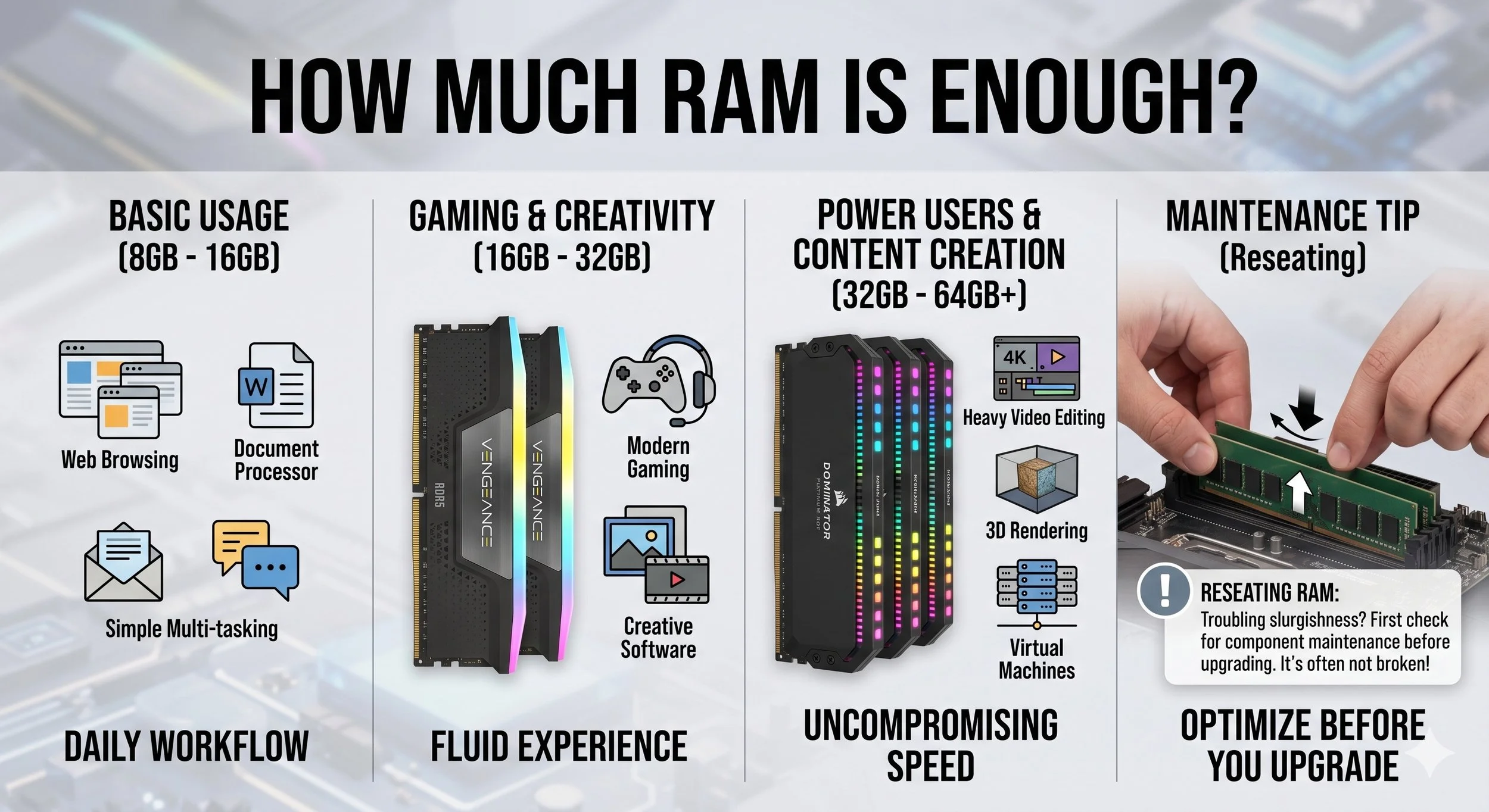
For most PC users today, 16GB of RAM is the main staple capacity, the proverbial sweet spot. It provides just enough headroom to keep dozens of browser tabs open while running productive tasks with applications like Microsoft Office or Slack, without the system needing to swap data to the storage drive (also known as Virtual Memory).
Power users much prefer 32GB of RAM, which is slowly replacing 16GB as the practical ceiling for computer systems. With this amount of RAM, users can engage in 4K video editing, heavy multi-tasking across virtual systems, or high-end gaming while streaming content. Ensuring the operating system never has to "choke" on large datasets and manage a more fluid UI even under heavy workloads.
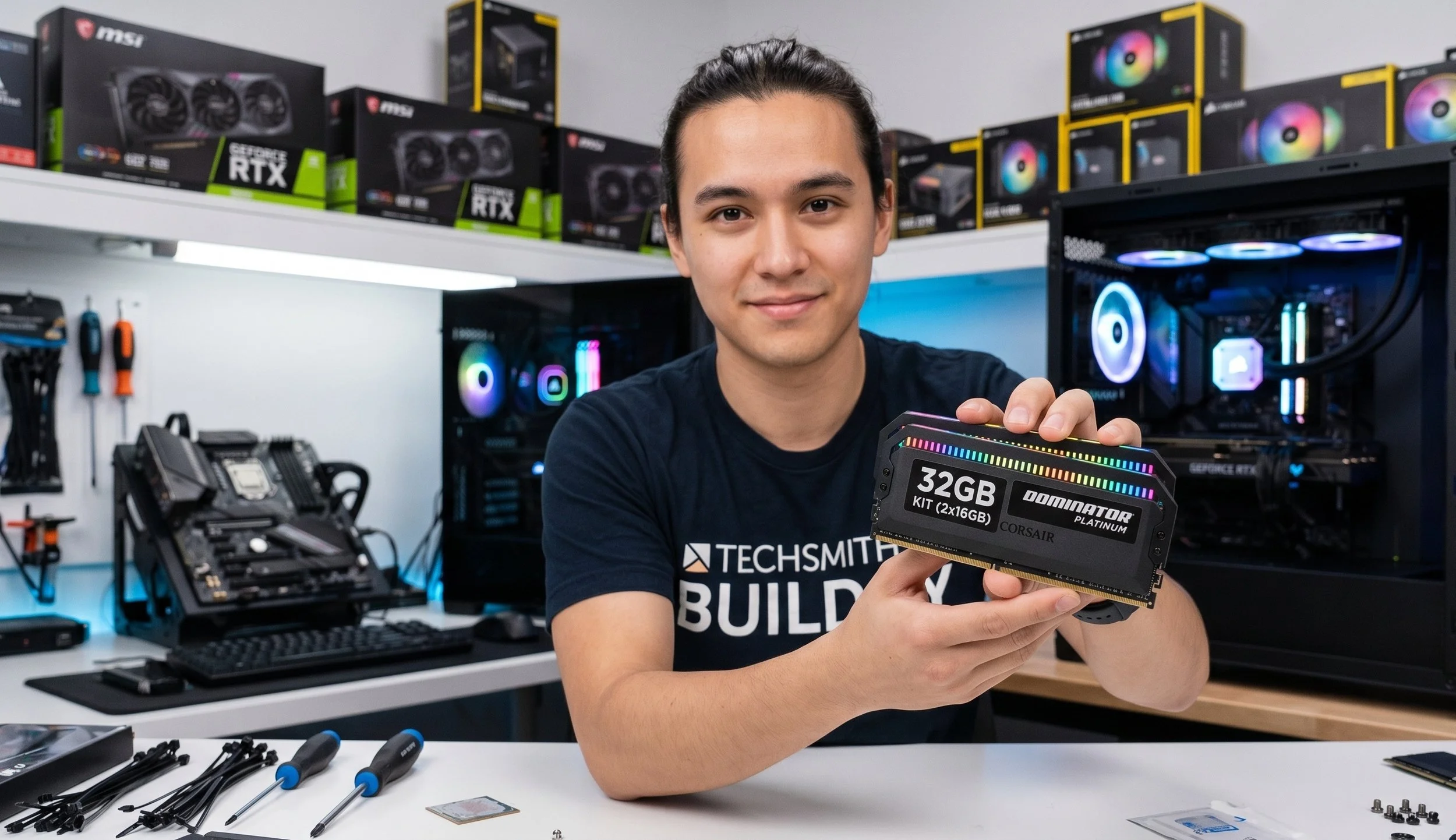
Top-tier applications are reserved for the niche users who engage in 3D rendering, massive database management, or complex scientific simulations. Users require at least 64GB for a specialized workstation.
The "Enough" Thought Process
In many ways, the idea that having more RAM can make your system faster is a big misconception. In reality, RAM is considered to be a threshold component. It all depends on your intended tasks. If it requires 12GB and you have 16GB, additional RAM will not improve your system's speed. However, if tasks require that you need 20GB but you only have 16GB, your computer will slow significantly to a crawl as your system will resort to "paging" -a process that uses the storage drive to mimic memory.
Maintenance over More Capacity
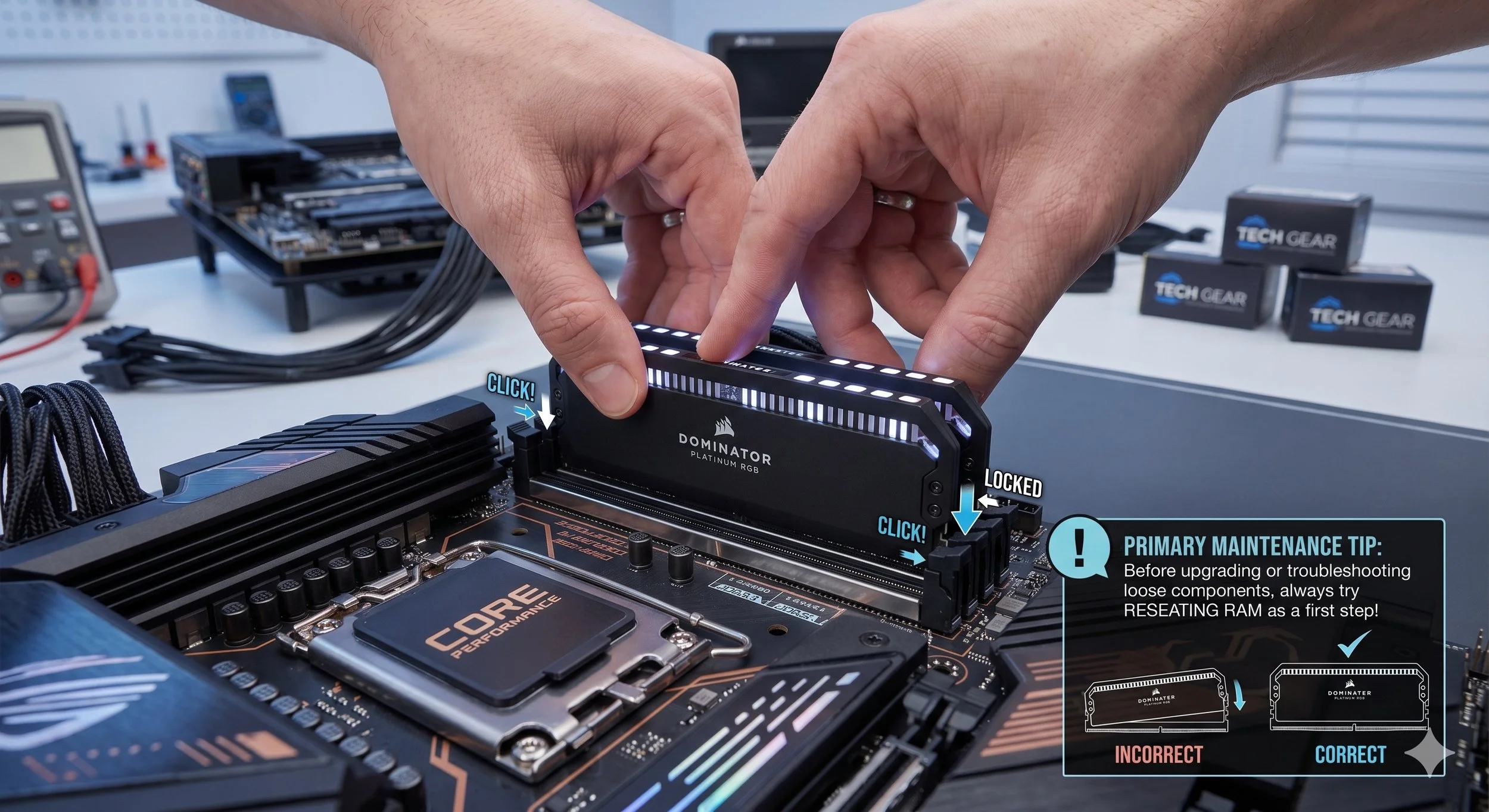
When the system begins to exhibit sluggish performance or displays "Out of Memory" errors, upgrading RAM is not always your last resort. Before you even consider investing in new modules, ensure the existing hardware is functioning properly. Glaring physical issues, such as a module that has shifted slightly in its slot, can actually cause intermittent system crashing or failure to recognize the full capacity. A simple solution is to reseat the RAM by removing the sticks and firmly reinserting them—this is the most effective troubleshooting method, often eliminating "hardware" failure at no cost.
So here is my Conclusion
The "Enough" RAM narrative depends on the amount of RAM that lets your most demanding daily workflow fit entirely in physical memory, without spilling into virtual memory. Currently, in 2026, 16GB still remains the most logical baseline for system longevity, while 32GB offers a viable safety net for those looking to keep their system relevant for years to come.