Radeon RX 7600 Challenger should be included in your next PC build, here's why
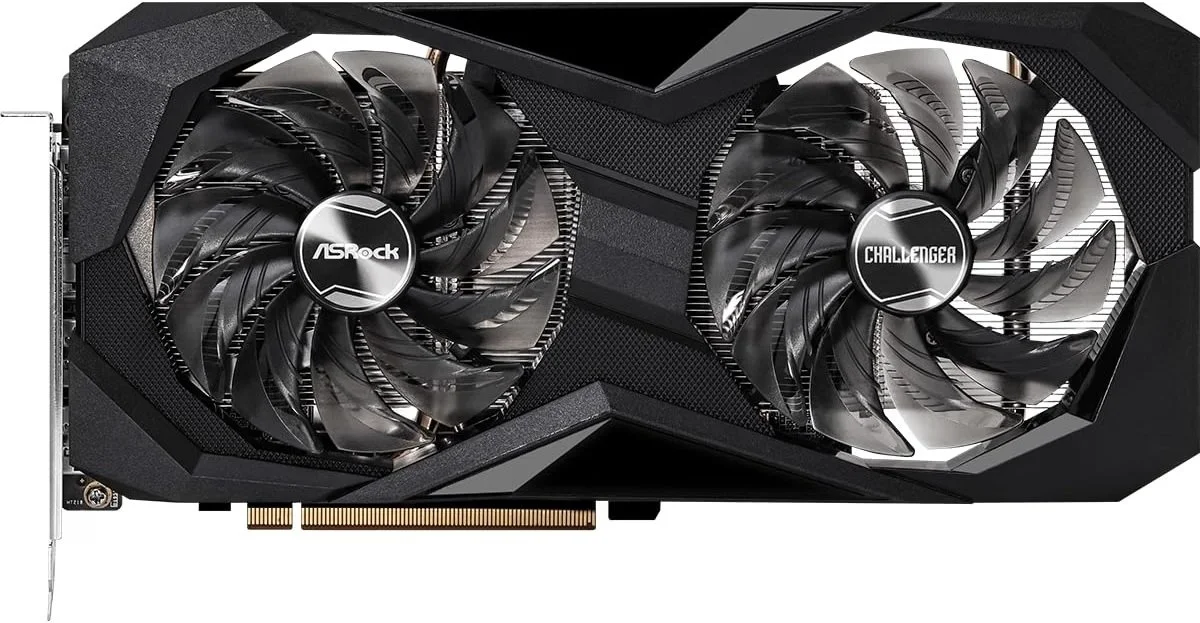
Amid high memory prices driven by AI data-center demand, affordable graphics cards are scarce. However, the ASRock Radeon RX 7600 Challenger 8GB OC remains a reasonably priced option for high-frame-rate 1080p gaming. Here are several reasons to include this graphics card in your new PC build.
Native 1080p Performance
The ASRock Radeon RX 7600 Challenger 8GB OC Graphics card is a strong choice for a new build. Beyond its approachable price point, AMD's RDNA 3 architecture (Nav33 XL die) can deliver native 1080p performance at 60+ FPS.
Out-of-the-Box Boost Clock
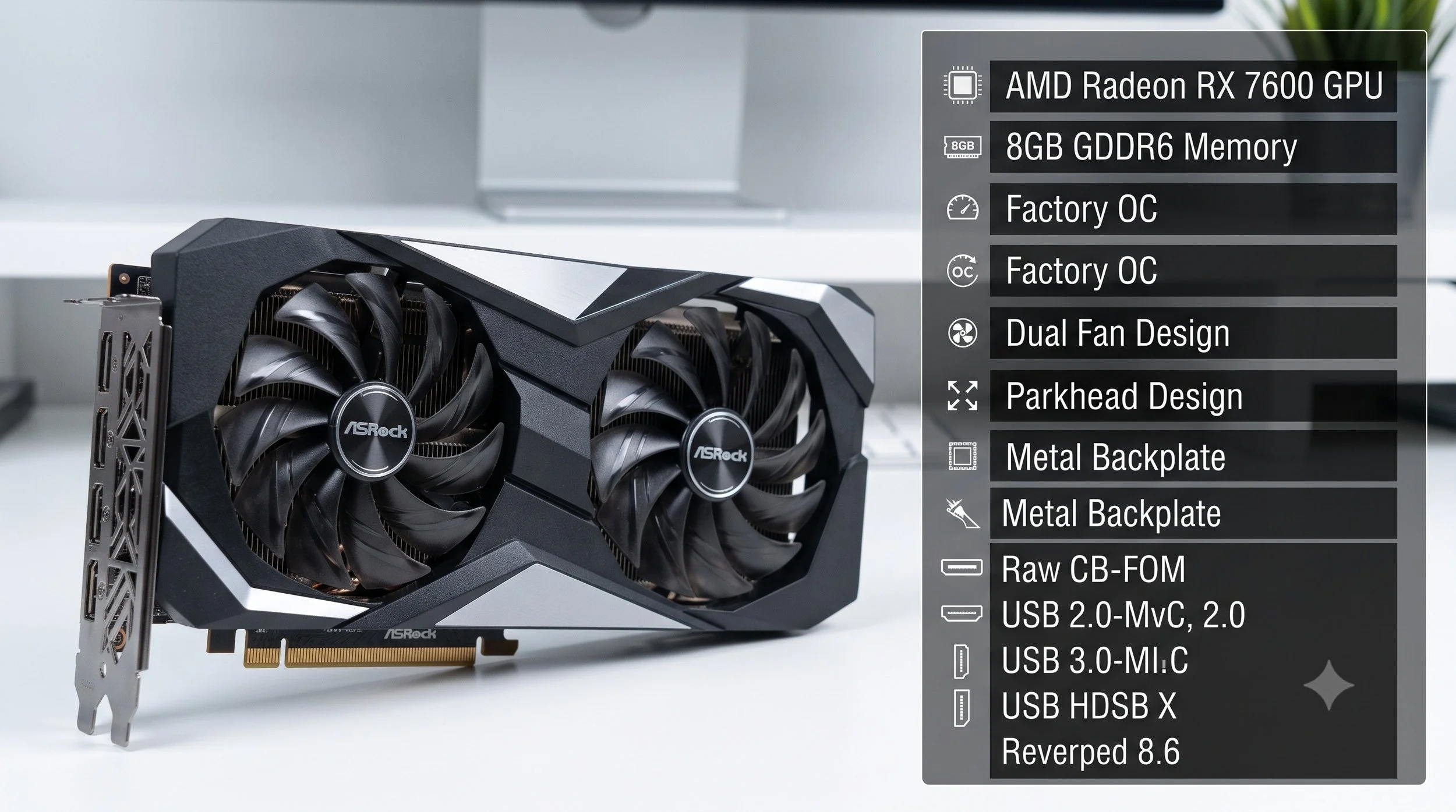
Out of the box, the Challenger OC variant comes with a boost clock up to 2695 MHz (up from AMD's 2655 MHz), delivering extra compute throughput without manual tuning.
The Architecture Supports Media Codec Streaming
The dedicated RDNA 3 architecture supports hardware AV1 encoding and decoding, making it suitable for live streaming platforms (Twitch and YouTube) with exceptional compression efficiency.
Low Power Requirements
The graphics card board needs only 165W of electrical power to operate, requiring a single 8-pin PCIe power connector and pairs well with entry-level 450W to 550W power supplies. But I highly recommend powering the RX Radeon 7600 OC using a 650W to 750W PSU.
Compact Dual Slot Form Factor
Measuring around 269mm (11 inches) in length with a standard graphics card thickness, it fits easily in micro-ATX and compact mid-tower enclosures without sacrificing space inside the chassis.
Perfect Thermal Design and Acoustics
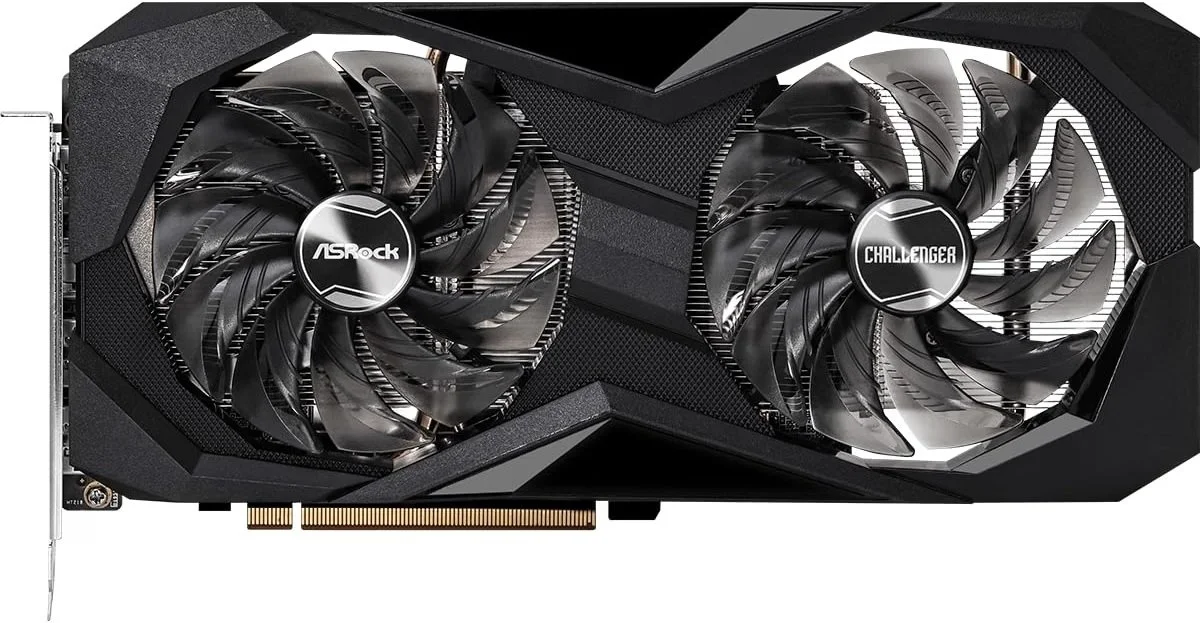
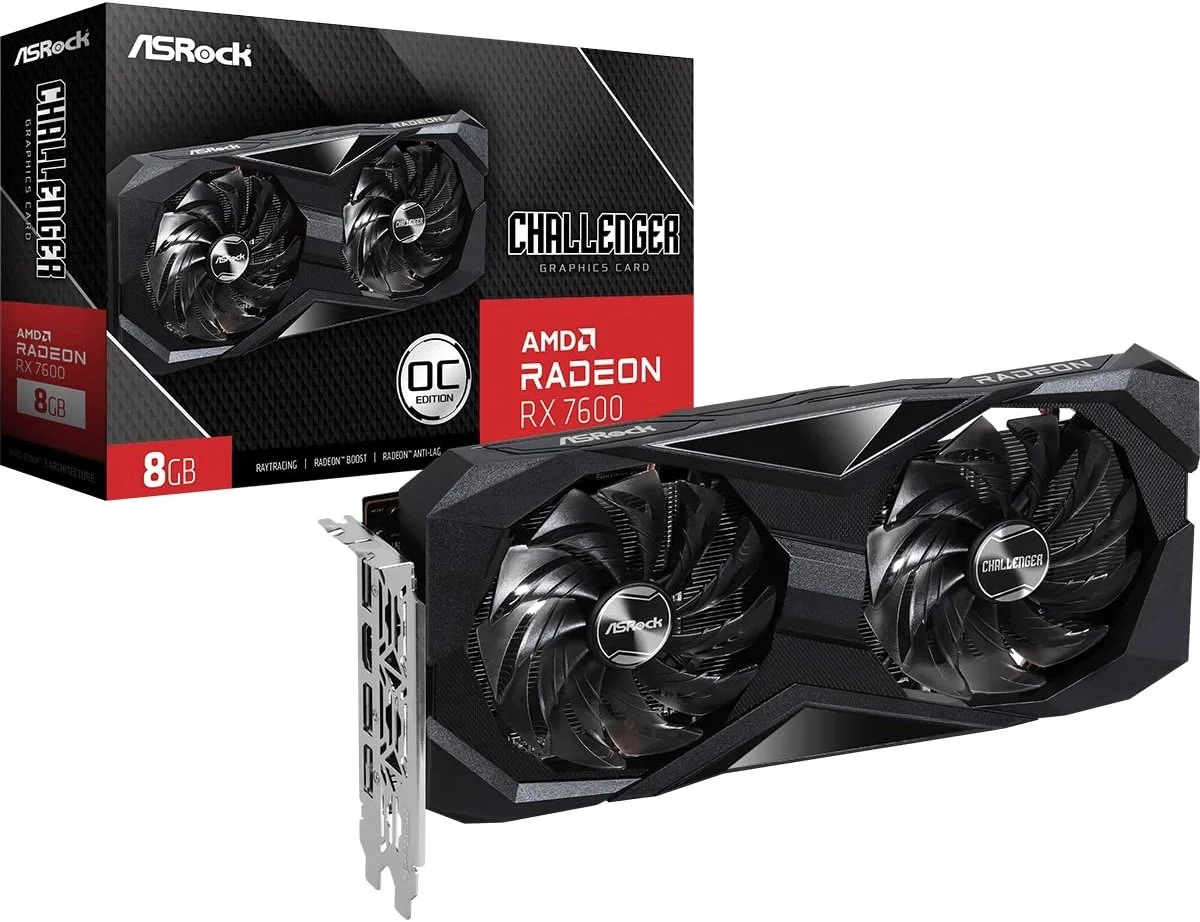
For cooling, the RX 7600 Challenger OC features ASRock's axial fans and a full metal blackplate for rigidity, plus a 0dB fan that keeps the GPU silent during lighter PC workloads.
Build Considerations Before Purchase
While the card works well for virtually all 1080p gaming, heavily modded games or demanding 1440p textures may require more VRAM. You should also consider the slot you plan on using. If you install it in an older PCIe 3.0 motherboard, you can expect bandwidth constraints to PCIe 3.0 x8. The graphics card performs at its full potential on motherboards that support PCIe 4.0 or newer.
To Buy or Not Buy, that is the Question
If this article convinced you to buy the ASRock Radeon RX 7600 Challenger 8GB OC, which by the way, retails for $349.99 on most online vendors, you're certainly getting an ideal graphics card that maximizes cost per frame at 1080p without inflating the rest of your hardware budget. As a reminder, out of the box, the graphics card already has high clock speeds and RDNA 3 features—like hardware encoding—with a modest 165W power profile that can run on a standard 500W-550W PSU (though I highly recommend a higher-wattage PSU). It also has a compact dual-slot footprint that fits in any micro-ATX or small tower case. If you do decide to purchase the graphics card, good luck with the installation process.