
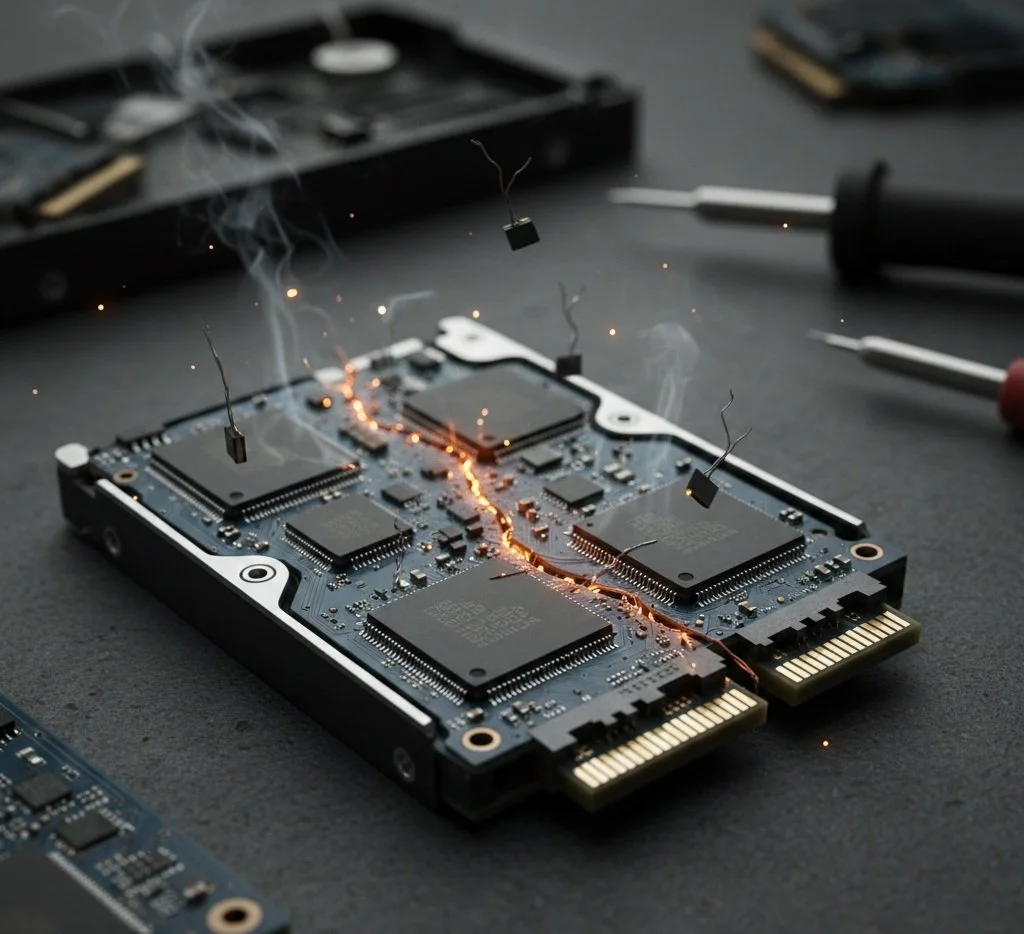
Can a failing SSD be Fixed? It Depends. Let Me Explain
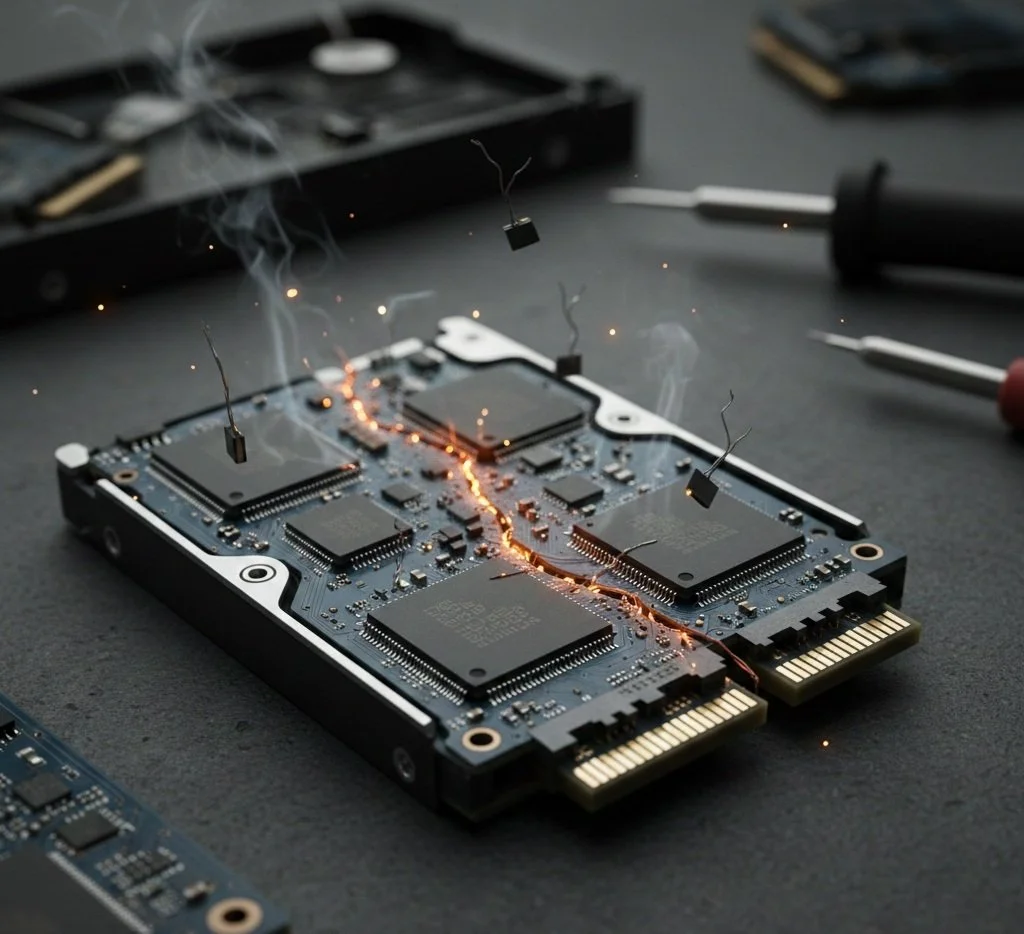
The computing industry, as you see fit, was revolutionized when it transitioned from Hard Drives (HDDs) to solid-state drives (SSDs), replacing mechanical components, including platters and physical read-heads, with silent, lightning-fast flash memory. However, the shift changed the very nature of hardware failure. When Hard drives fail, they often emit a series of audible clicks and whirs; on the other hand, SSDs fail silently, with no audible indicators. This is a perfect lead into the topic at hand: the question for both PC enthusiasts and casual computer users is, once SSDs begin to fail, can they actually be fixed? The answer to that question depends on software recovery, the controller firmware application, and whether the SSD's laws of physics can be altered. Read on.
The Anatomy of a Failing SSD
To understand SSD failures, you must distinguish between the two primary types of drive malfunction: logical and physical.
Logical failures often involve corrupted data, file system errors, or the dreaded "bit rot", where data actually becomes unreadable despite hardware remaining intact. In this case, the SSD is fixable. Tools such as Windows "chkdsk" command or specialized formatting utilities can remap the entire file structure and restore the drive to its original functioning state. A "locked" SSD—often caused by an interrupted power cycle—can sometimes be revived via a BIOS-level power cycle, or you can do a factory secure erase.
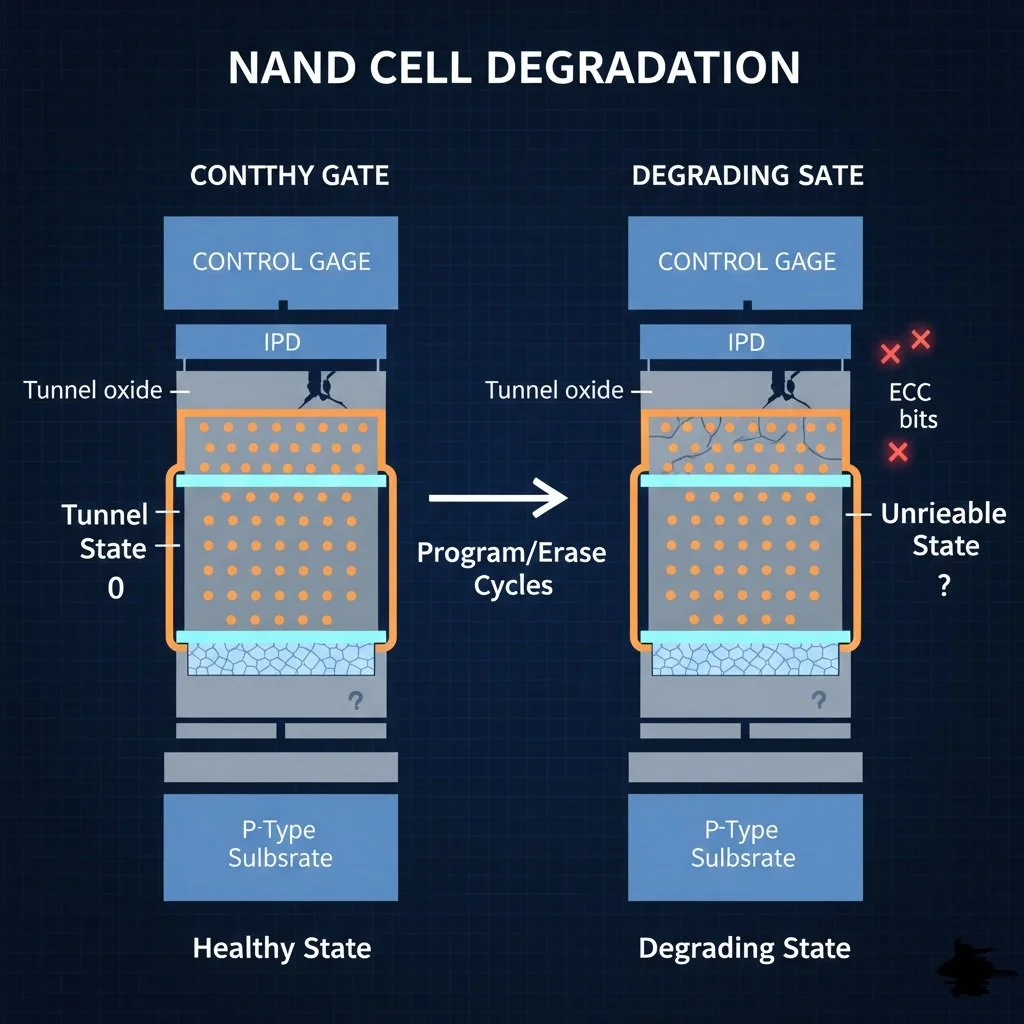
On the other hand, Physical failures are a different ballgame. Unlike HDDs (Hard drives), where the motor can be replaced, or a read-write head assembly might be unstuck, SSDs are tied directly to the health of the NAND flash cells. These particular cells have a limited number of Program-Erase (P-E) cycles. Each time data is written, the cell's insulating oxide layer degrades slightly. When the layer wears out, the cell can no longer hold a charge. Physically, this wears out, and no software update or DIY repair can reverse the damage caused by worn-out cells.
The Controller and Firmware Profile
What may appear to be a dying drive may actually be a bewildered one. The SSD controller is the pinnacle component of the hardware. It manages stored data that is leveled across cells. If the firmware— software running on the controller — has a bug, the result is a disappearing drive, or the system will report false errors.
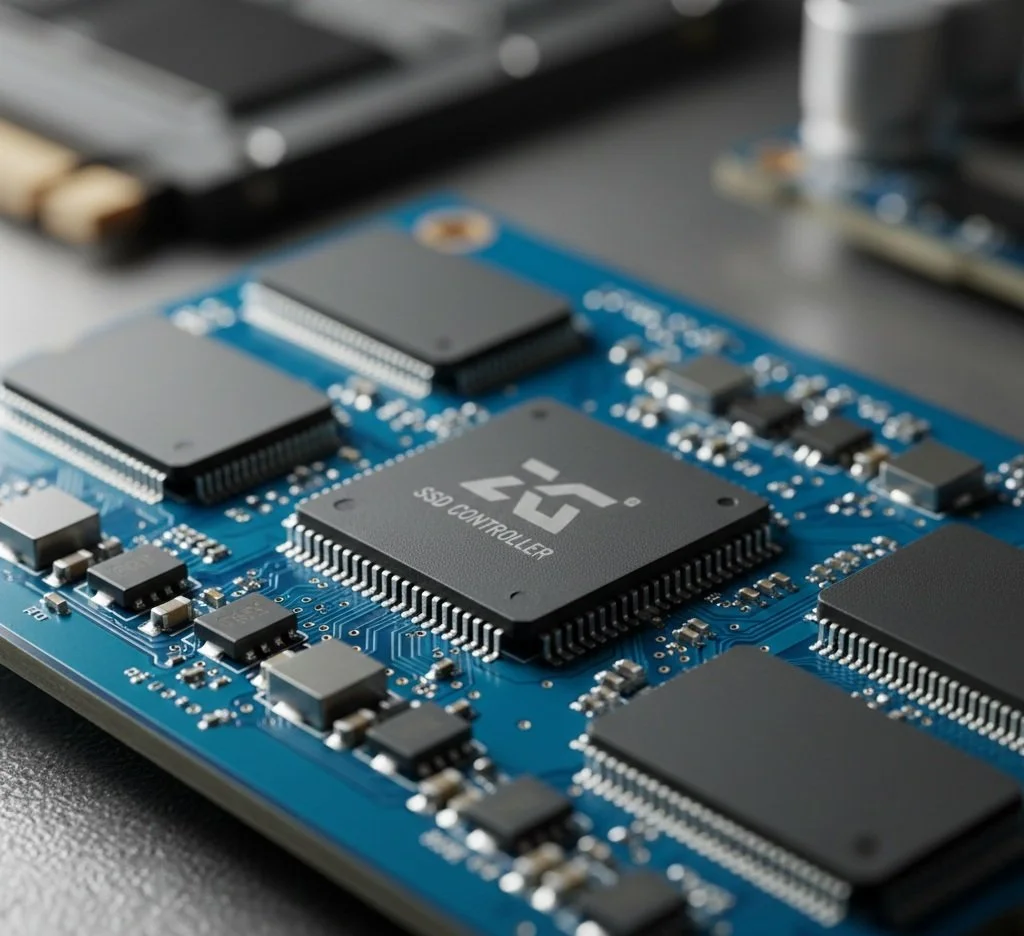
In this scenario, applying the manufacturer's firmware update can serve as a fix. This can recalibrate how the controller communicates with NAND or patch the dreaded bug that is causing the drive to enter a "read-only" state prematurely. However, if the controller itself is short-circuited or damaged by heat, it's time to replace the drive.

The Read-Only Fail-Safe
Most, if not all, SSDs today are designed with a fail-safe feature. Whenever the controller detects that the NAND flash has reached the end of its cycle (the TBW, or Total Bytes Written, limit), a failsafe mechanism kicks in, protecting user data and allowing one final chance to copy files to a backup drive before the NAND cells completely lose their charge. While this fix addresses the data loss issue, it will not fully repair the drive; the hardware will eventually need to be replaced.
The Conclusion
So, can an SSD be fixed? It depends on the origin of its failure. Software glitches, a corrupted partition, or an outdated firmware can be eradicated with a firmware patch. But if the issue is physical degradation of the Silicon or a disabled controller, the drive cannot be repaired in the traditional sense.
Remember, SSDs do not have moving parts, and worn-out cells are unrepairable. But for modern users, the best repair option for a failing SSD is a proactive approach: monitor S.M.A.R.T. data to predict when a drive will fail and ensure that a robust backup system is in place before the SSD inevitably reaches its demise.