The Tutorial: How To Properly Build a Small Form Factor PC
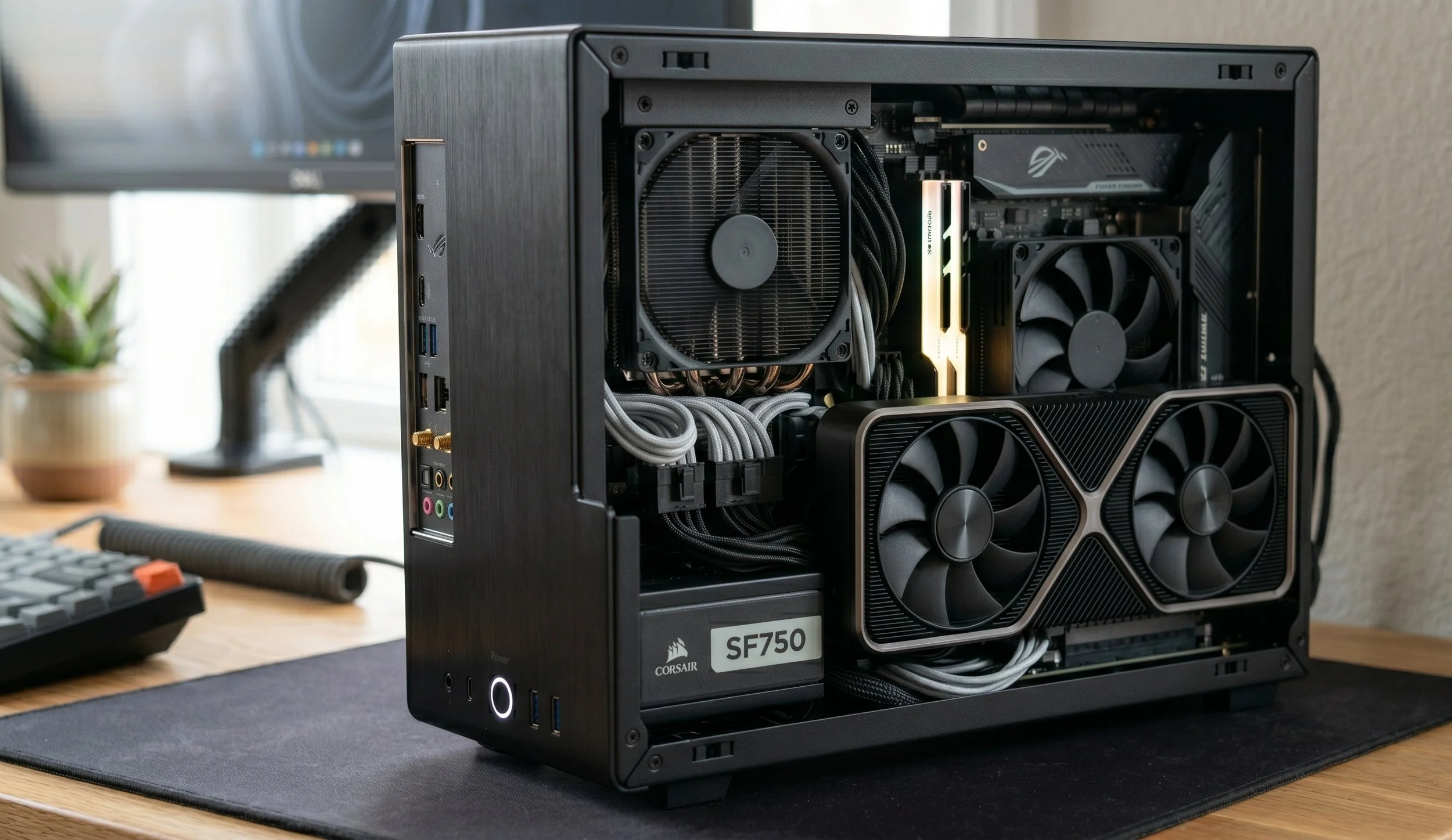
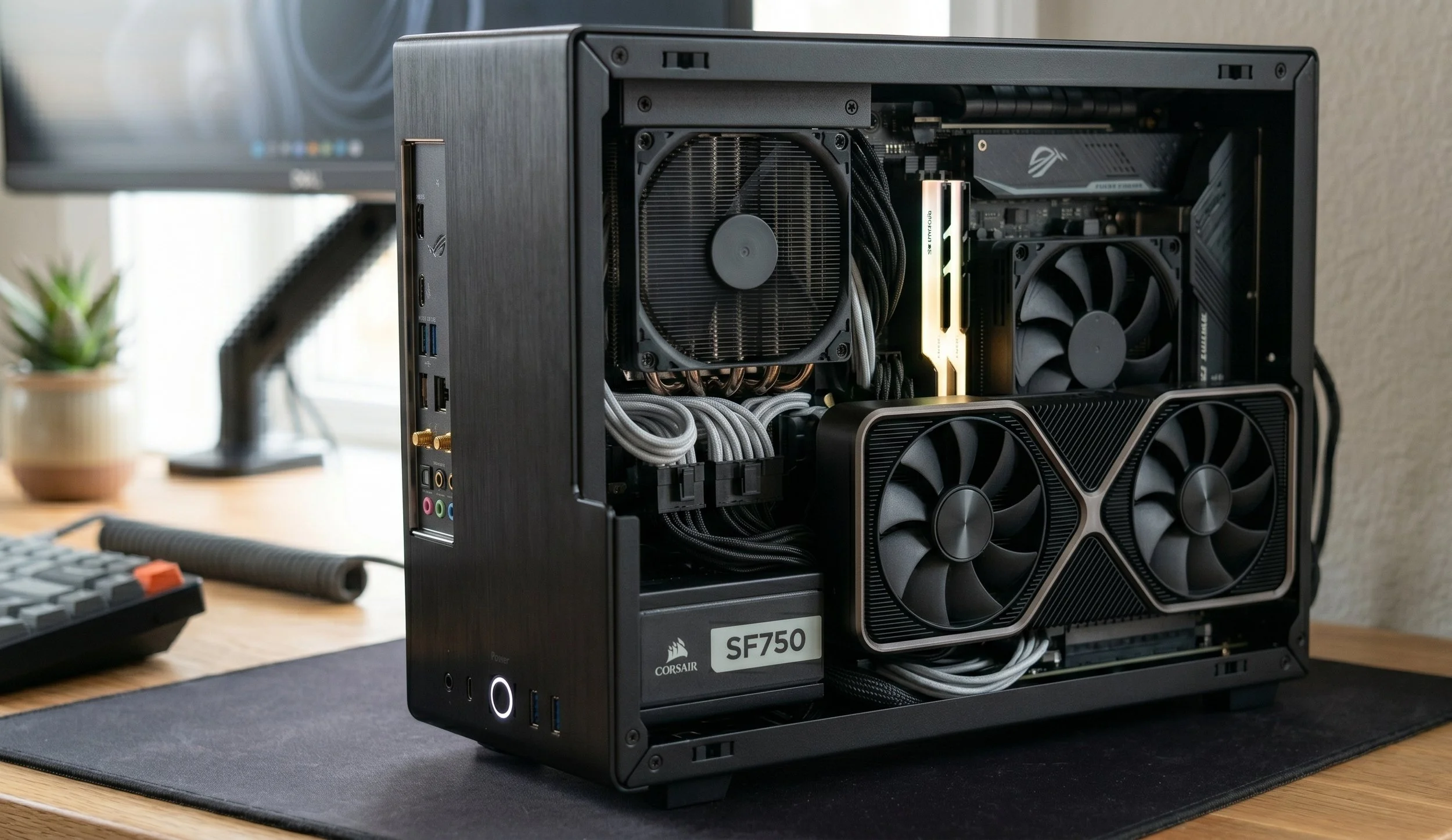
Trying to build a Small Form Factor PC can be very challenging yet very rewarding; it's like solving a complex tech puzzle. You are working with limited space, which typically measures under 20 liters. Selecting the right components for an SFF is more critical than selecting components for a mid-tower system. In my latest installment of the monthly tutorial, I'm going to guide you through the complexities of building a "mini PC".
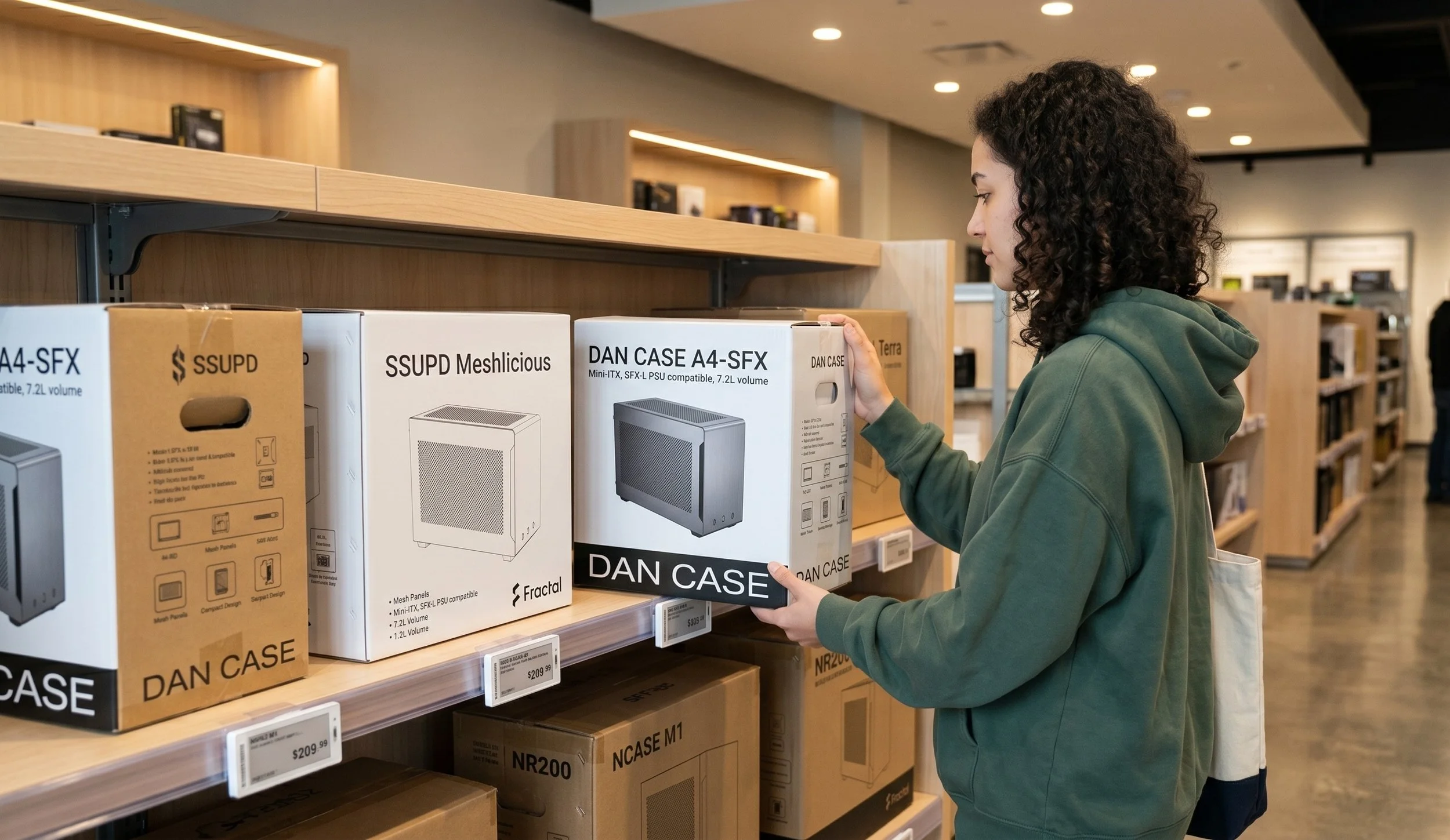
Choosing the Right Case
In most standard PC builds, the case is somewhat of an afterthought, as long as it provides proper airflow and enough space to house all the chosen components. In SFF, the case is the critical blueprint of the build. It determines every piece of hardware you plan on buying.
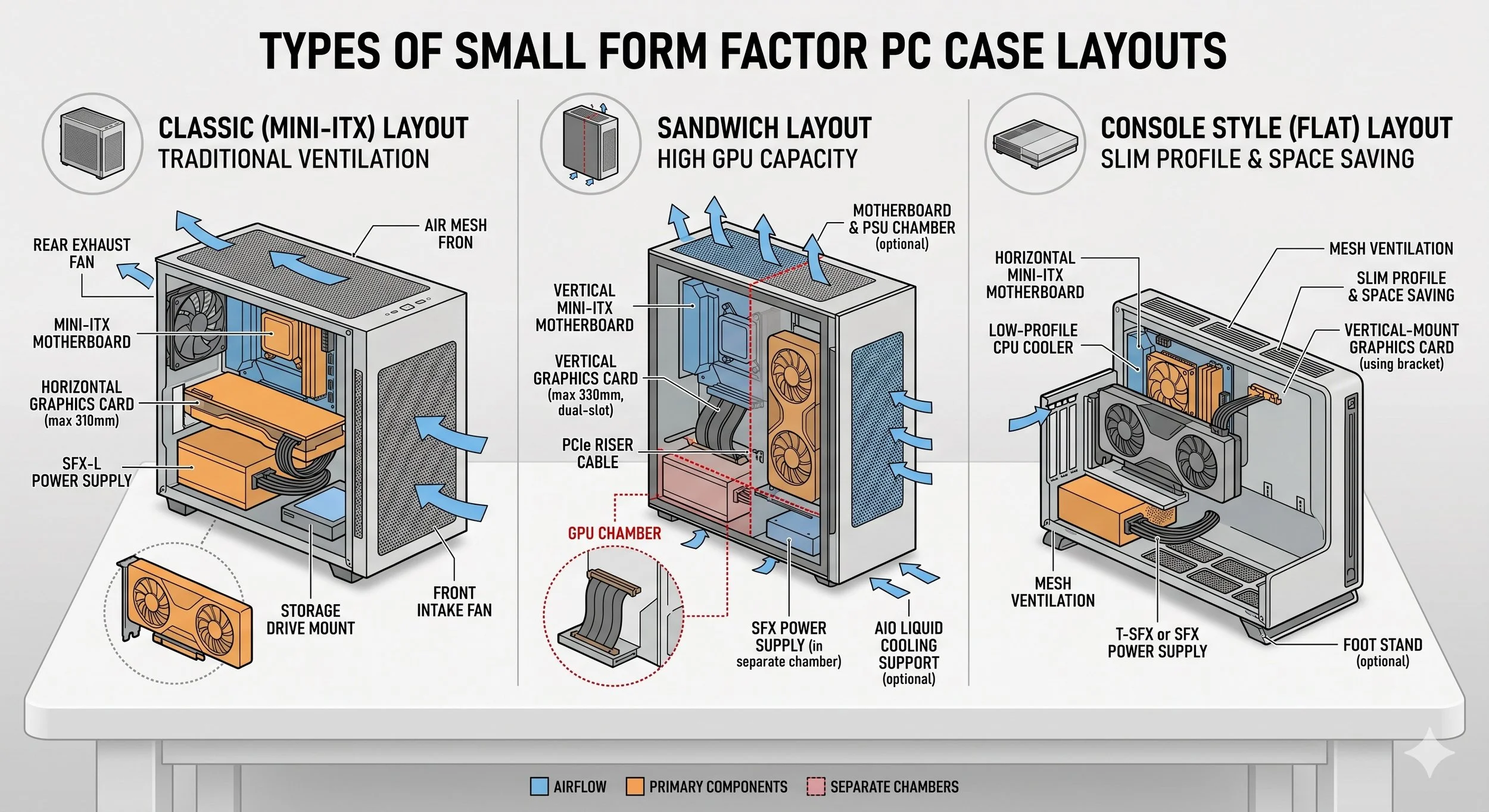
You have three types of case layouts: the Sandwich Layout, in which the GPU is located behind the motherboard using a PCIe riser cable. This layout is ideal for GPU cooling. Then there is the classic layout, which is a shrunken version of a normal PC, best for CPU air cooling compatibility. Finally, we have the console-style layout, which is long and flat, designed specifically for media centers or mobile gamers.
Selecting Components For The SFF
Now we have come to the critical part of our Small Form Factor building, choosing the specific components that fit the dimensions. I'm not going to sugarcoat this; prepare to spend a bit more for miniaturized versions of standard hardware.
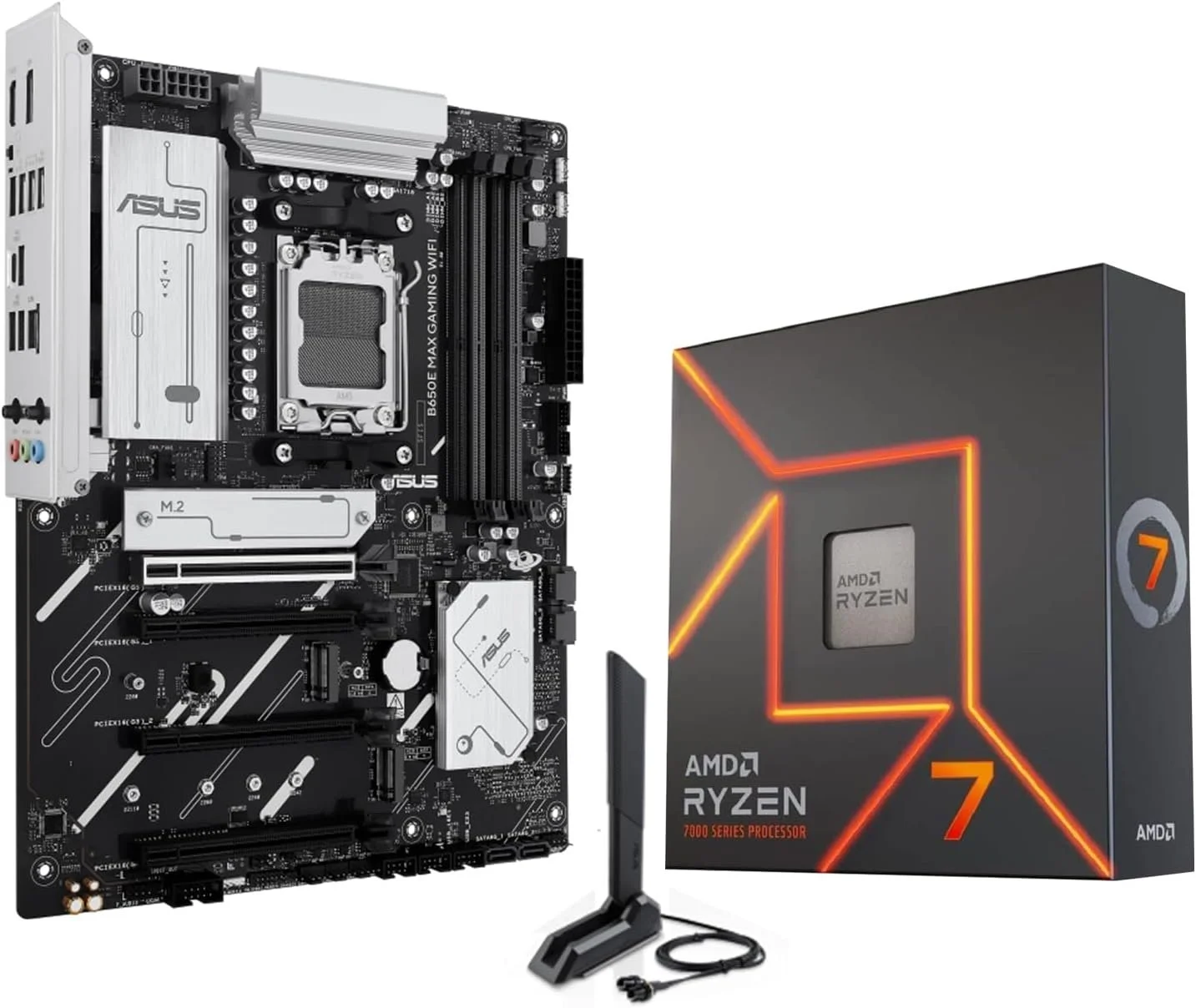
The motherboard specifically has to be a Mini-ITX, the standard for all SFF. However, there are only two RAM slots and one PCIe slot. So choose your component carefully. When it comes to powering your system, the Standard ATX power supply won't fit. You need to purchase an SFX unit, which is significantly smaller. Modular units are an absolute must to avoid the dreaded spaghetti cables, which can impede airflow.
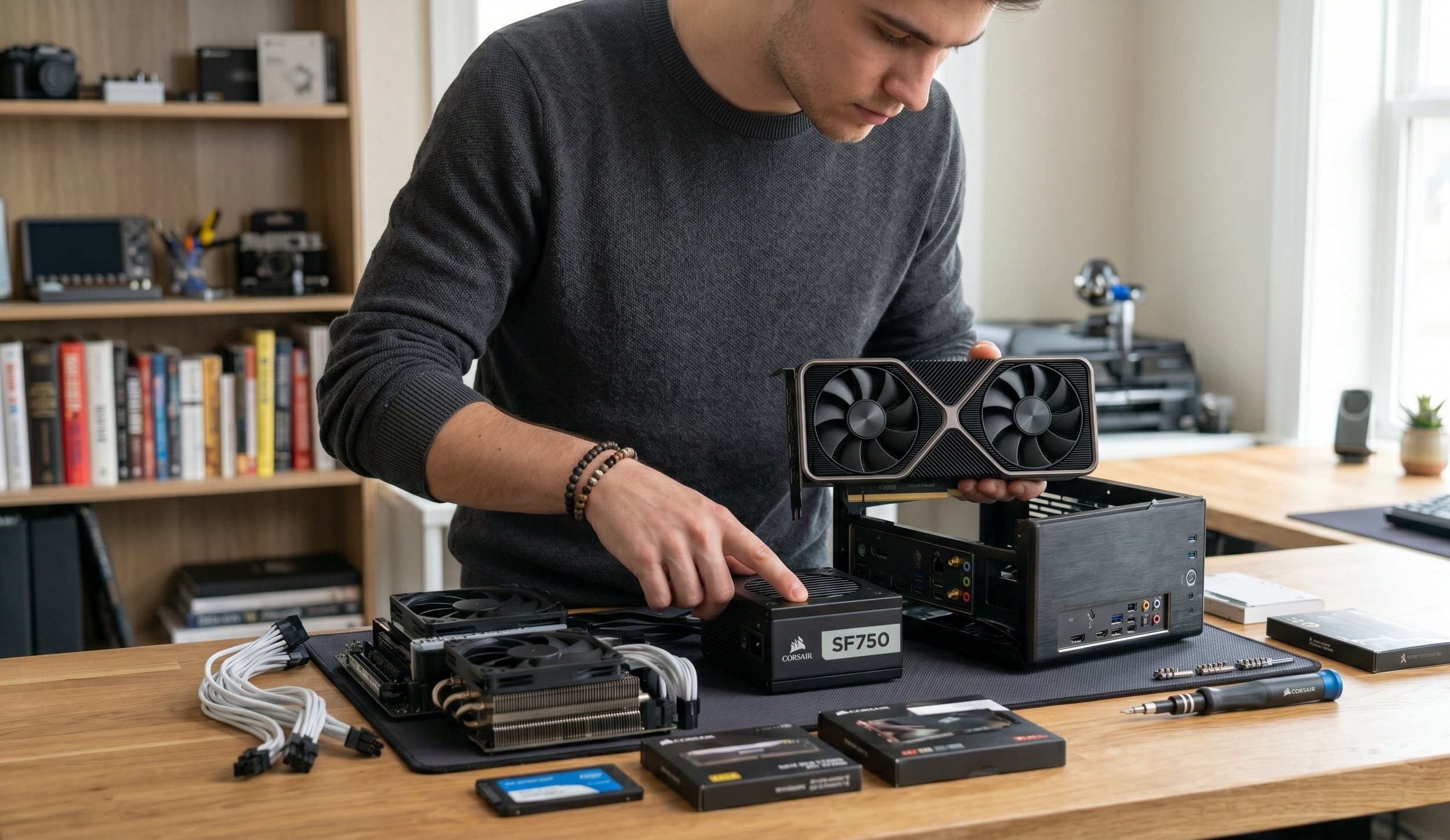
Before purchasing a GPU, check the slot thickness (2-slot vs. 3-slot) and the total length in inches. Always cross-reference the maximum GPU clearance. The cooler for your processor needs to be low-profile. My personal recommendation is the Noctua NH-L9i or a 240mm AIO liquid cooler; it all depends on what your case supports.
The Strategic Assembly
Building in a small space requires you to test the system twice and install once; that's the mentality you need when building an SFF computer.
Step one: Before putting everything in a small chassis, build your entire system in a portable test bench, or if you don't have access to one, build the PC right on top of the motherboard box. Plug in the CPU, RAM, and GPU to ensure it posts to the BIOS. Troubleshooting a malfunctioning component is troublesome once inside a small chassis.
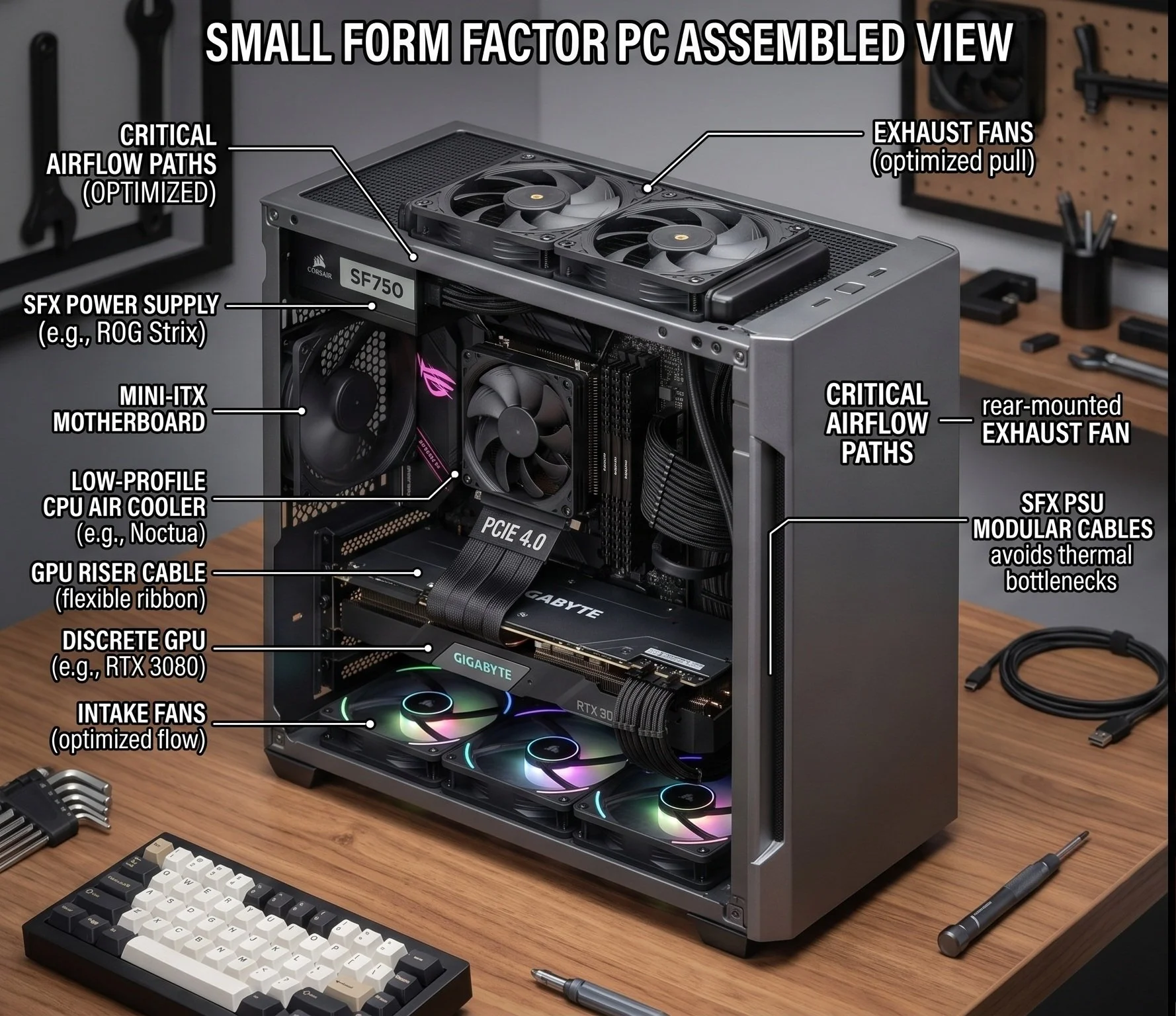
Step two: route your cables before installing the motherboard or CPU cooler. In some SFF cases, the motherboard obstructs access to cable routing holes once screwed in. As a recommended tip, use Velcro ties or custom-length cables, depending on your budget. Airflow critical in small cases, especially with any clustered cables that cause a thermal bottleneck.
Step three: If you're using a riser cable for the GPU, ensure it is folded correctly per the case manual. These types of cables can be stiff and fragile.
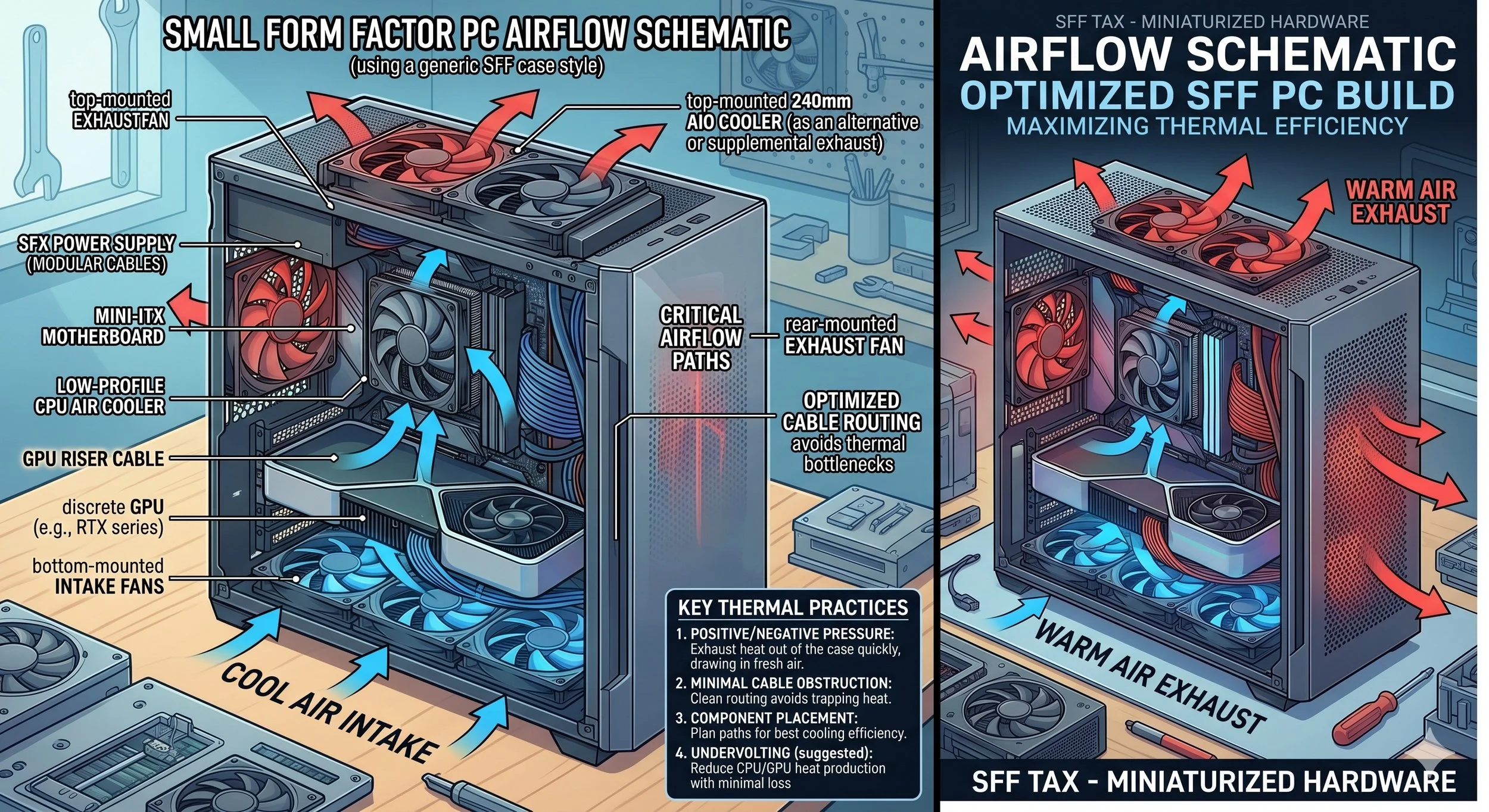
Fine-Tune Your System and Manage Thermals
The reality is, a small case will heat up fast. Because you have less thermal protection, the air inside can get hot quickly. That's why, in many SFF builds, you should set fans to exhaust to immediately pull hot air out of the case, allowing fresh air to be drawn through the side vents. Undervolting is very popular in SFF builds. By slightly lowering your system's CPU and GPU voltages via software, you can significantly reduce heat dissipation with minimal performance loss.
Here is a Summarized Checklist
Look for the right component
Check the volume of the SFF case, and is there GPU clearance
Make sure you purchase a Mini-ITX motherboard (170mm x 170mm)
The PSU has to be an SFX (preferably Gold and Platinum standard efficiency)
There needs to be proper CPU cooling clearance (check the Z-height)
Storage drives must be M.2 NVMe ( this diminishes the cumbersome SATA cables)
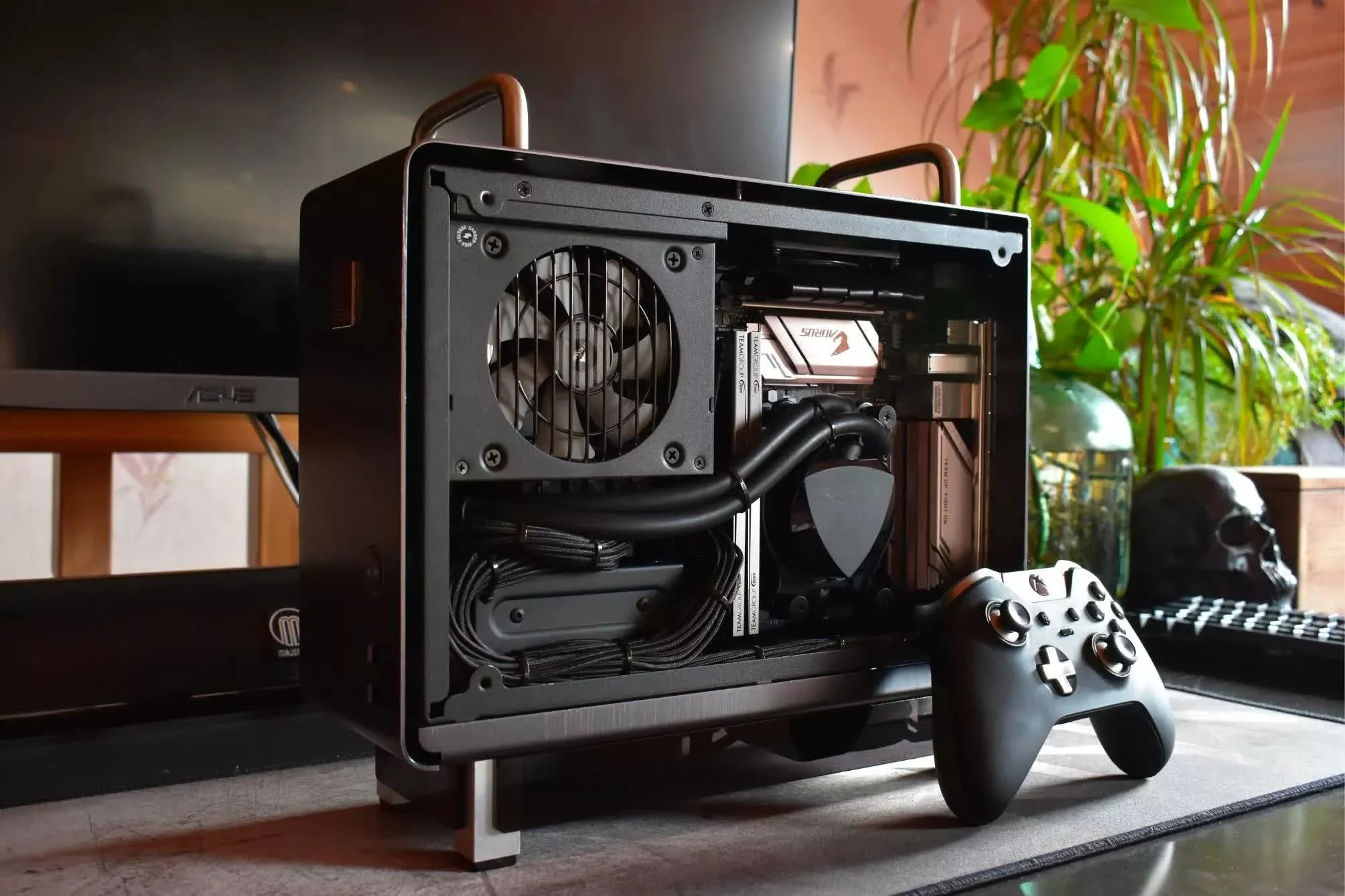
Building a small system comes with compromises and precision; however, the result is a desktop-clearing powerhouse PC that is portable and looks incredibly clean.