
Explanation Needed: How Does The RAM in Your Computer Work
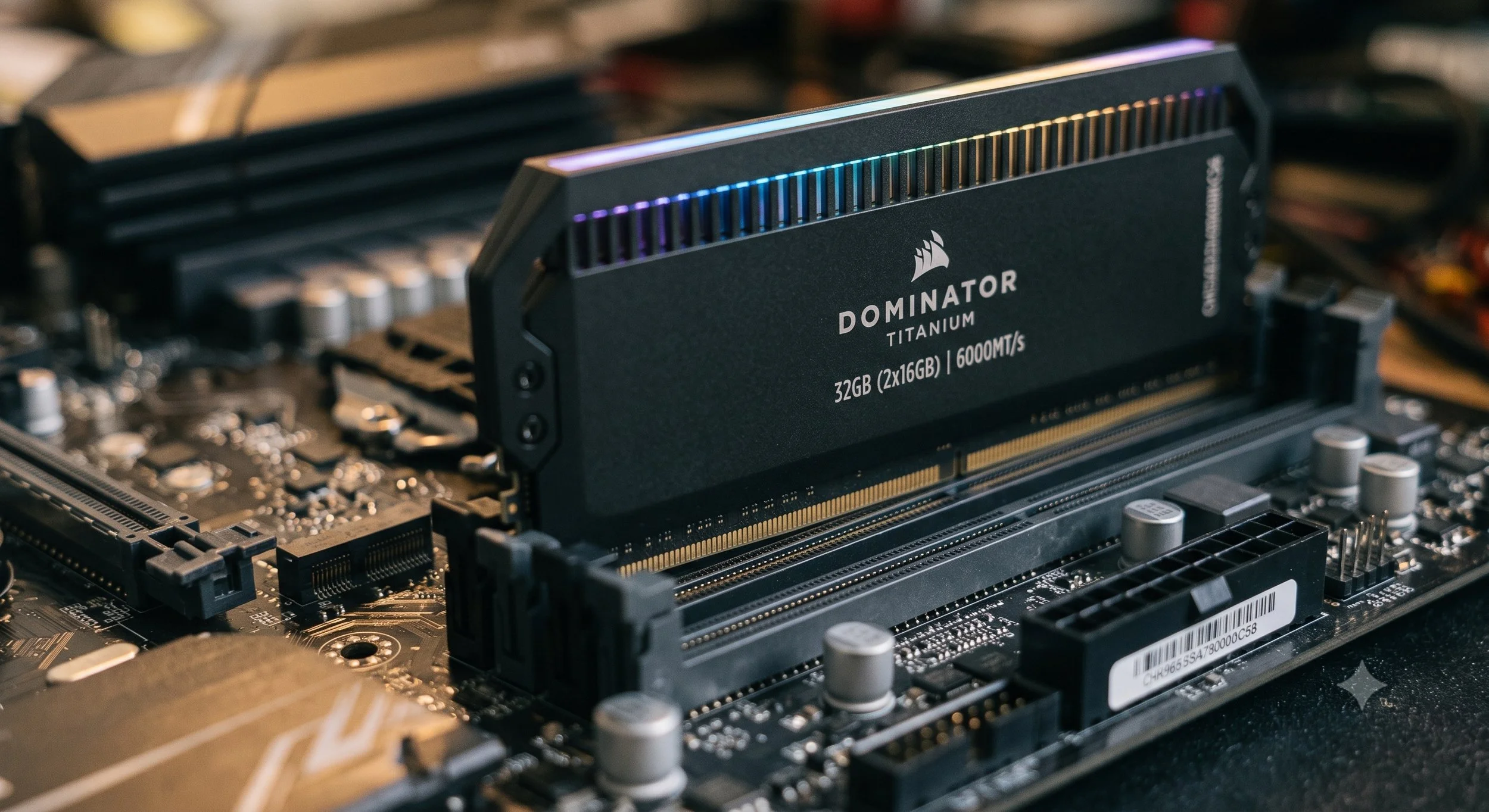
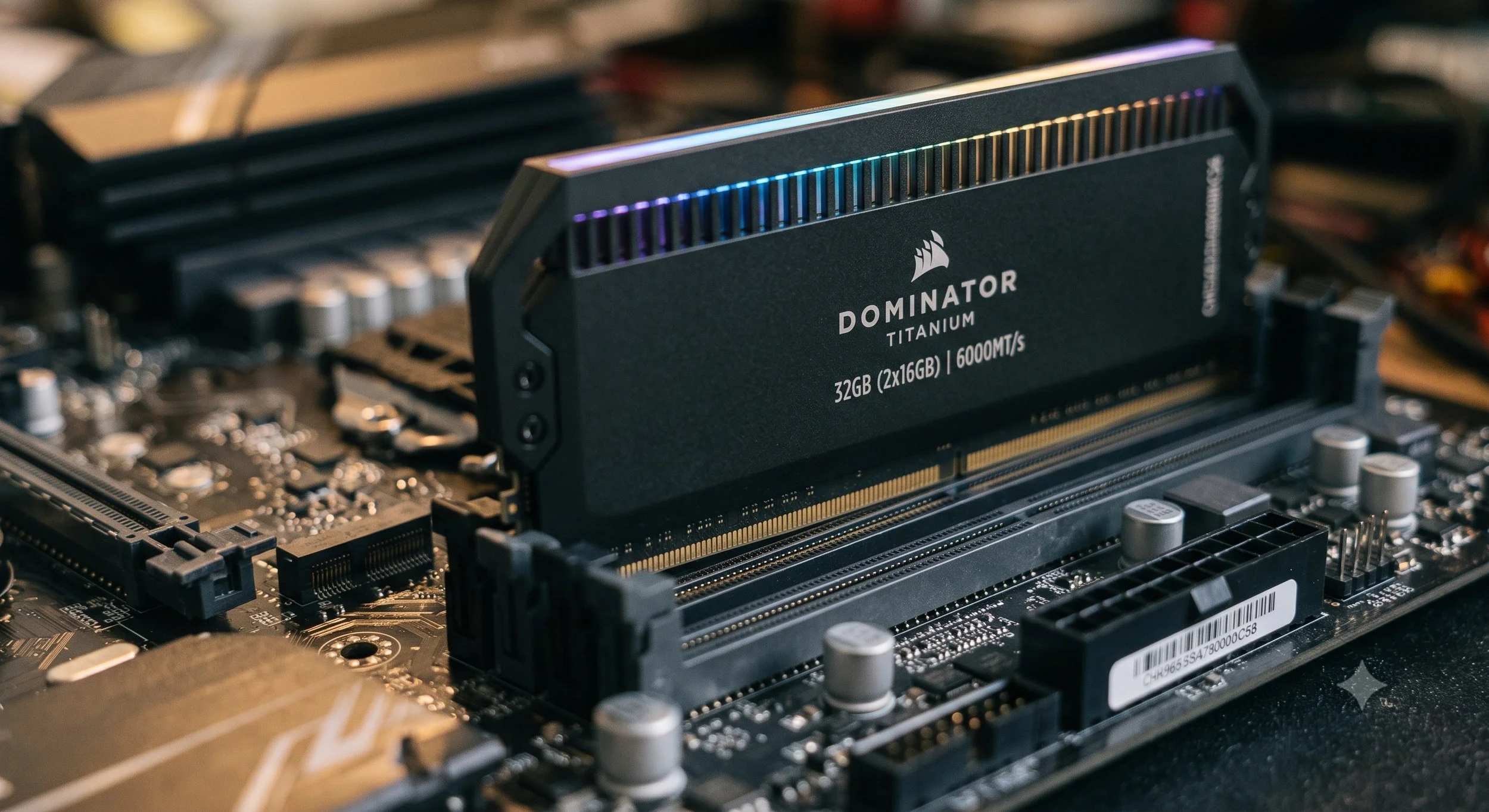
I'm here to explain the age-old question for the not-so-tech-savvy crowd. That question is how RAM (Random Access Memory) works. The component is in all of our devices, from PC's to smartphones. Think of RAM as your computer's short-term memory or a digital workspace. When your computer needs to execute a task, it reads data from an SSD or hard drive, which is slow, and transfers it to ultra-fast RAM so the processor can access it instantly.
Welcome to the monthly installment of Explanation Needed. Under the hood of RAM, I'm going to explain to you how it handles data.
The Actual Grid: Rows and Columns
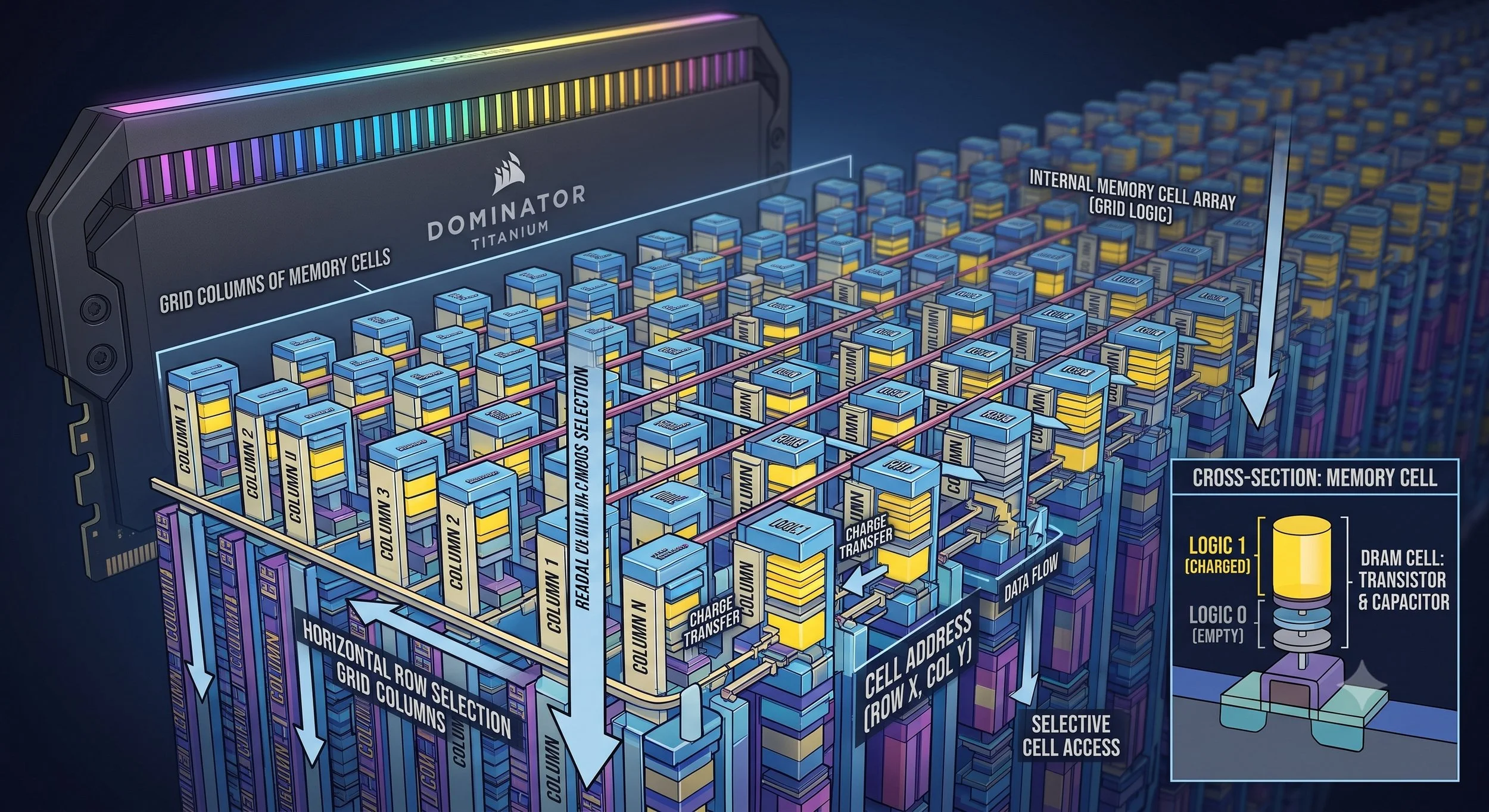
At the hardware level, RAM chips are massive grids composed of millions of tiny memory cells. The grid structure consists of cells arranged in rows and columns, much like an Excel spreadsheet. Each memory cell stores a single bit of data, either 1 or 0. Every single cell has a pretty unique address based on its row and column. Whenever your computer's processor (CPU) retrieves data, it dispatches a specific address to locate it instantly.
Let's Look Inside The Cell: Transistors and Capacitors
Every single cell is made up of two core electrical components that work in unison to store ones and zeros. First, we have the Capacitor, which we in the tech community call the Bucket. This particular component holds an electrical charge. If the capacitor is fully charged, this represents a "one."
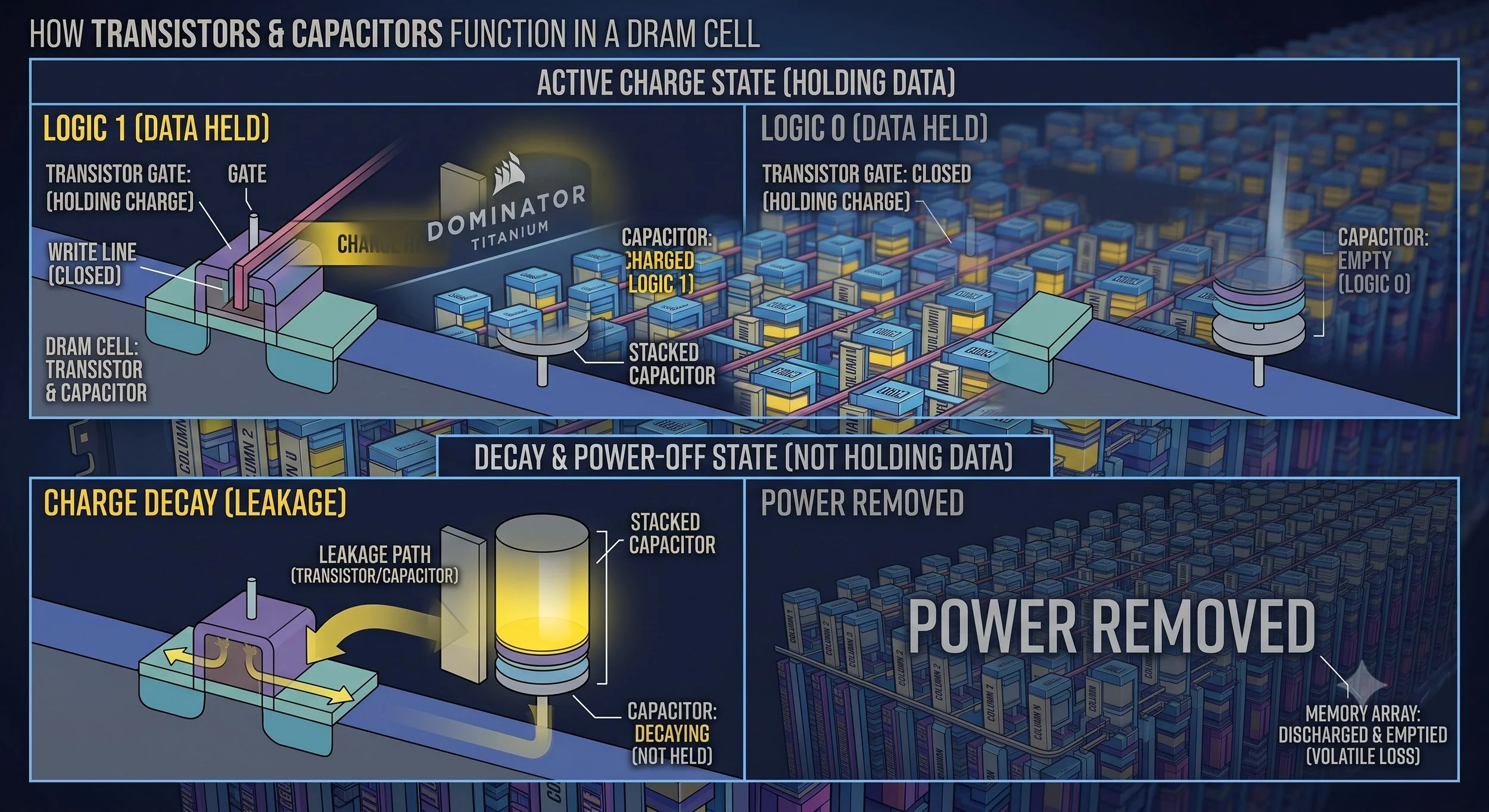
On the other hand, we have the Transistor, which is considered to be the data's "Gatekeeper." This particular component acts as a switch. Whenever the CPU wants to read or write to a cell, it applies a voltage to the Transistor, which opens and allows current to flow into or out of the capacitor.
What is The "Random" in Random Access Memory
So, let me explain what Random is to the memory. The reason it is called Random Access Memory is that the CPU does not need to start at the beginning and read through every piece of data sequentially, much like an old cassette tape or a spinning hard drive. Because of the grid structure, the CPU can directly access any random memory address in an instant, taking the same amount of time to read data regardless of where it's located physically on the chip.
The Repeated Refreshing ( Volatile Memory)
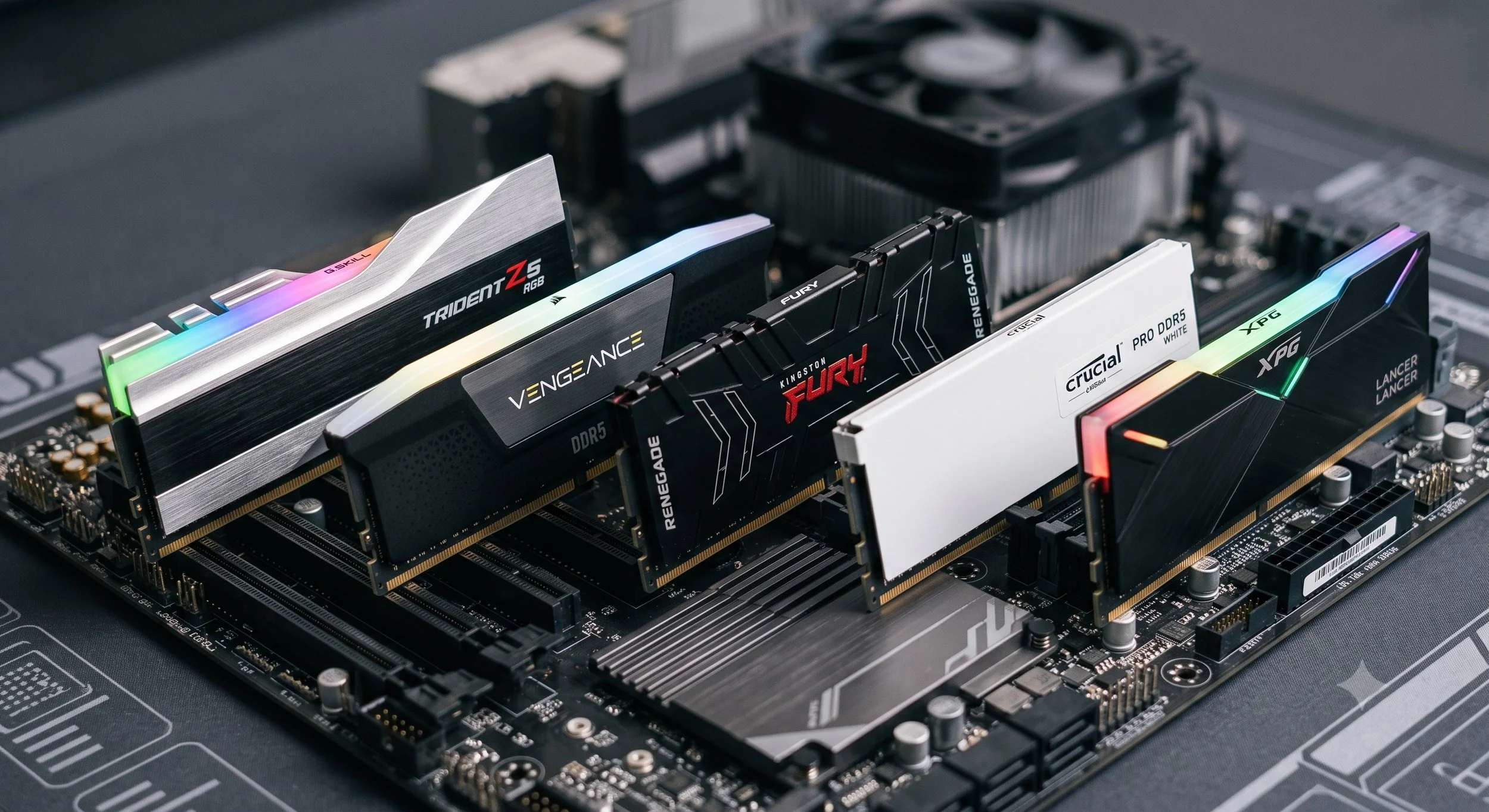
The RAM in modern computers is called DRAM (Dynamic RAM). The "Dynamic" part of RAM is a significant quirk, meaning the capacitors will naturally leak electricity. Let me explain even further. In a fraction of a second, a fully charged capacitor will release its energy and actually forget its one (1), turning into a zero (0). To prevent this from happening, RAM requires a memory controller to recharge (refresh) the capacitors that hold charge periodically. Amazingly, all of this takes place a thousand times per second.
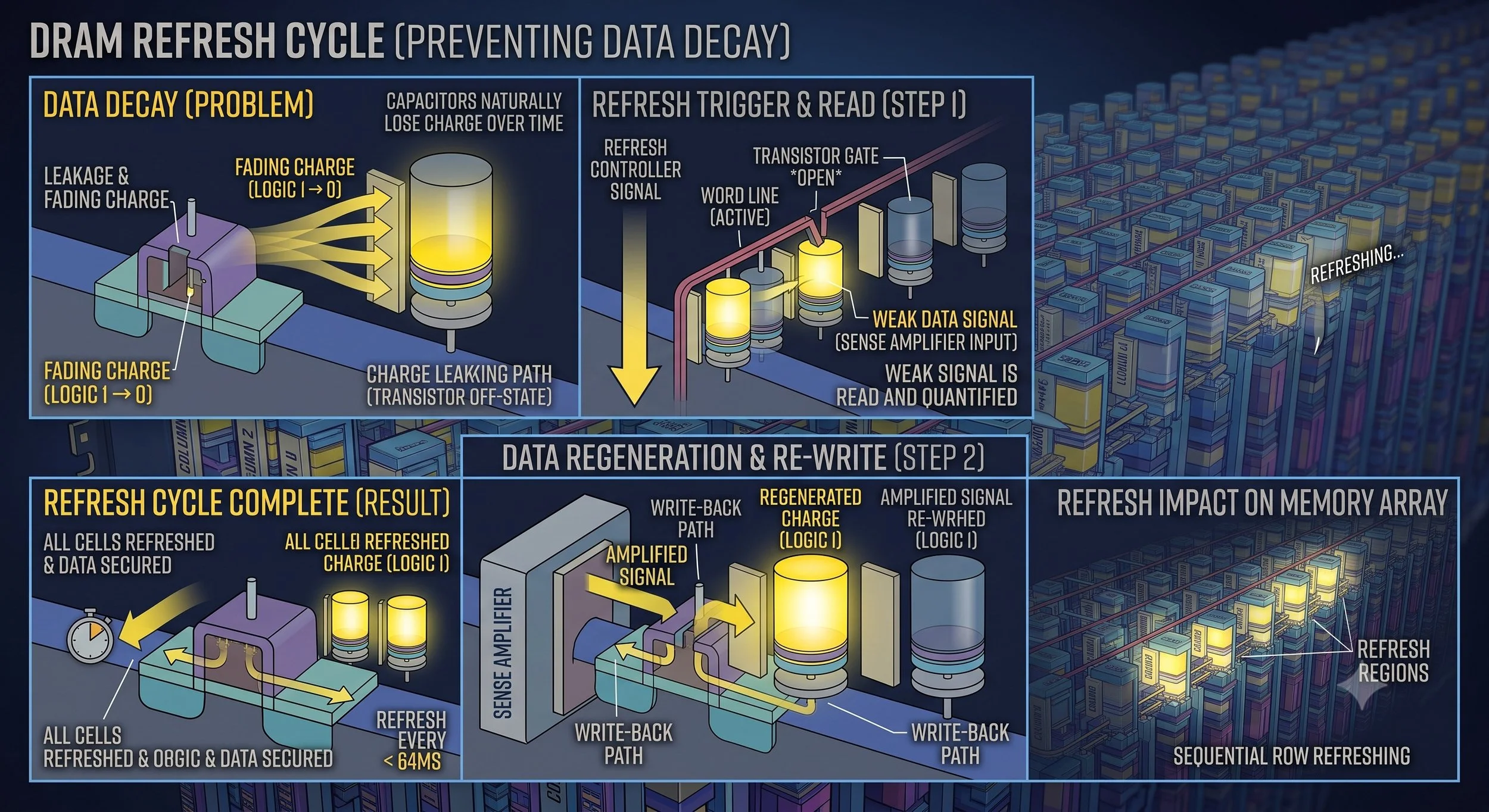
The common rule of volatile memory: For RAM to function properly, it requires constant electricity to keep refreshing within the memory cells. When the computer is powered down or loses power, all the capacitors are emptied in an instant. Your RAM loses its data and is wiped clean.
In Summary: The Workflow in a Nutshell
Before concluding this post, let me provide a simplified rundown of how memory, or RAM, functions. When you double-click on an app, the CPU pulls the app file from your storage drive (SSD). It then writes the data into the RAM grid by charging specific capacitors. As you use the app, the CPU reads and writes data to transistors and capacitors, taking place at lightning speed. When you close the app, the RAM addresses are immediately cleared out ( capacitors are discharged), waiting for the next task.
So there you have it. Now you know how the most important component in your computer, smartphone, and tablet works.