Let's Properly Set Up That New External SSD You Just Purchased

External Solid State Drives (SSDs) are a fast, reliable way to expand your computer's storage, back up your important files, or carry large projects while on the go. Unlike traditional hard drives, SSDs have no moving components, which means faster file access and greater durability. With that said, if you just purchased a new external SSD, I'll show you how to set it up properly.

Explanation Needed: What Are CPU Processor Cores

When you view a spec sheet regarding a processor or hear people talk about a computer's "cores", they're referring to an independent processing unit within the CPU (central processing unit) that acts as the proverbial brain of the system. Each Core is quite capable of executing instructions, performing complex calculations, and handling a single task independently. In this new monthly edition of Explanation Needed, I'll explain the functionality of the processor cores and why it matters.

How to Properly Set Up Your New PlayStation 5

Unboxing the new PlayStation 5 is an exciting moment in gaming. Whether you've picked up the standard edition with the disc drive or the Digital Edition, unboxing and setting up your new console is a straightforward process worth doing properly to avoid common mistakes. Here's a step-by-step guide to help users get gaming faster.

Here are Some Black Friday Deals You Should Take a Look at

Electronics will be the significant draw of early Black Friday sales in 2025. Retailers such as Amazon, Best Buy, Walmart, and Target have slashed prices on laptops, TVs, headphones, and smart home devices. According to several reports, prices on electronic devices have dropped to an annual low, with many retail outlets offering guarantees that prices won't fall further by Black Friday. Here's a list of can't-miss Black Friday tech Deals.

Top Three Wireless Mechanical Keyboards That you should consider connecting to your computer (2025)

In 2025, wireless mechanical keyboards have become the preferred choice for many computer users, mainly because they rival wired options in latency, reliability, and variable-customizable switches. With that said, suppose you're a gamer chasing low-lag inputs, or a coder valuing portability. In that case, you're going to appreciate my list of the Top Three Mechanical wireless keyboards that should be connected to your computer.

The Late Edition: Here's Everything you Need to Know About Valve's Steam Machine Gaming Console

The Steam Machine is a console-style gaming device designed to run SteamOS, combining the flexibility of a PC with the simplicity of console performance. Although it flopped significantly when launched in 2015, it is now making a comeback in 2026. The new version features a more refined vision aimed at enhancing its initial reception. I'm intrigued to see how this revival will be received by gamers this time around.

The Review: Here's my take on the Anker 4FT 2-in-1 USB C to USB C 140W Cable

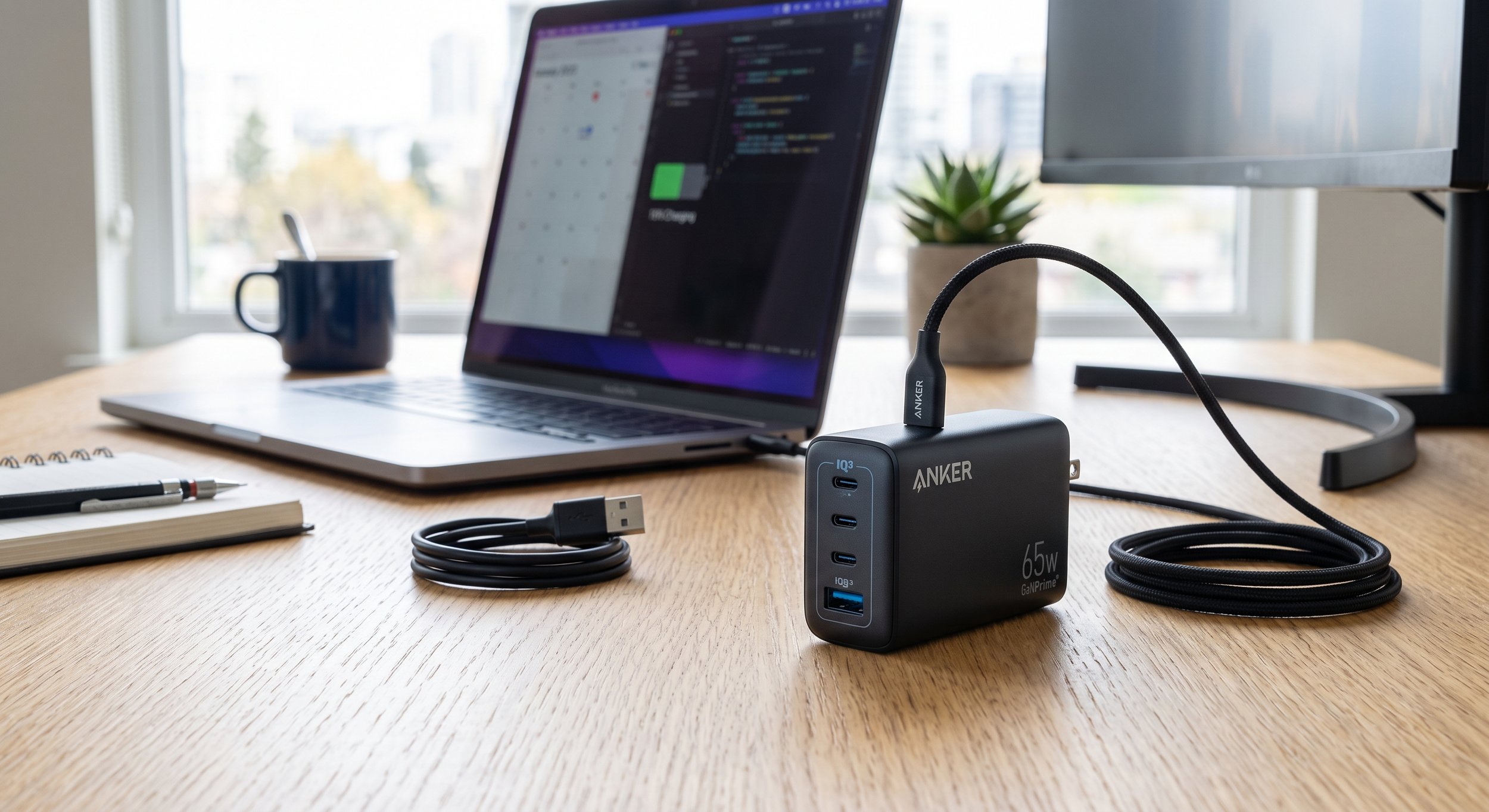
What do you have when you create a charging cable that multitasks without making a mess? You come up with a 4ft 2-in-1 USB-C to USB-C cable made by Anker, a clever solution for anyone who juggles multiple USB-C devices. This low-profile cable will morph a chaotic tech setup into a well-organized device charging setup. Let's take a closer look at this charging cable and share my impressions.

Budget Option Gadget: Acer USB Hub 4 Ports Multiple USB 3.0 USBA Splitter

I found a reasonably priced gadget that can be useful for the followers of this website, specifically the Acer USB 4-Port Hub. It's designed to address the common problem of having insufficient USB ports for everyday gadget users. This hub caters to students, gamers, and professionals alike. It provides a straightforward yet effective solution for connecting various devices, including smartphones, tablets, and laptops. Overall, it enhances connectivity and convenience for those who rely on multiple gadgets.

Explanation Needed: How do Mechanical Keyboards work?

The keyboard is the primary peripheral that connects your human hand to the computer. Its core function is to translate physical keystrokes into digital signals. There are two types of keyboards: membrane and mechanical, with the latter being more popular among enthusiasts. With that said, let's direct our attention to the Mechanical keyboard, because its function is unique.